WIRELESS
Version 2.0, February 2012. Copyright 2012 Hitron Technologies
86
Version 2.0, February 2012. Copyright 2012 Hitron Technologies
86
HITRON CGN USER’S GUIDE
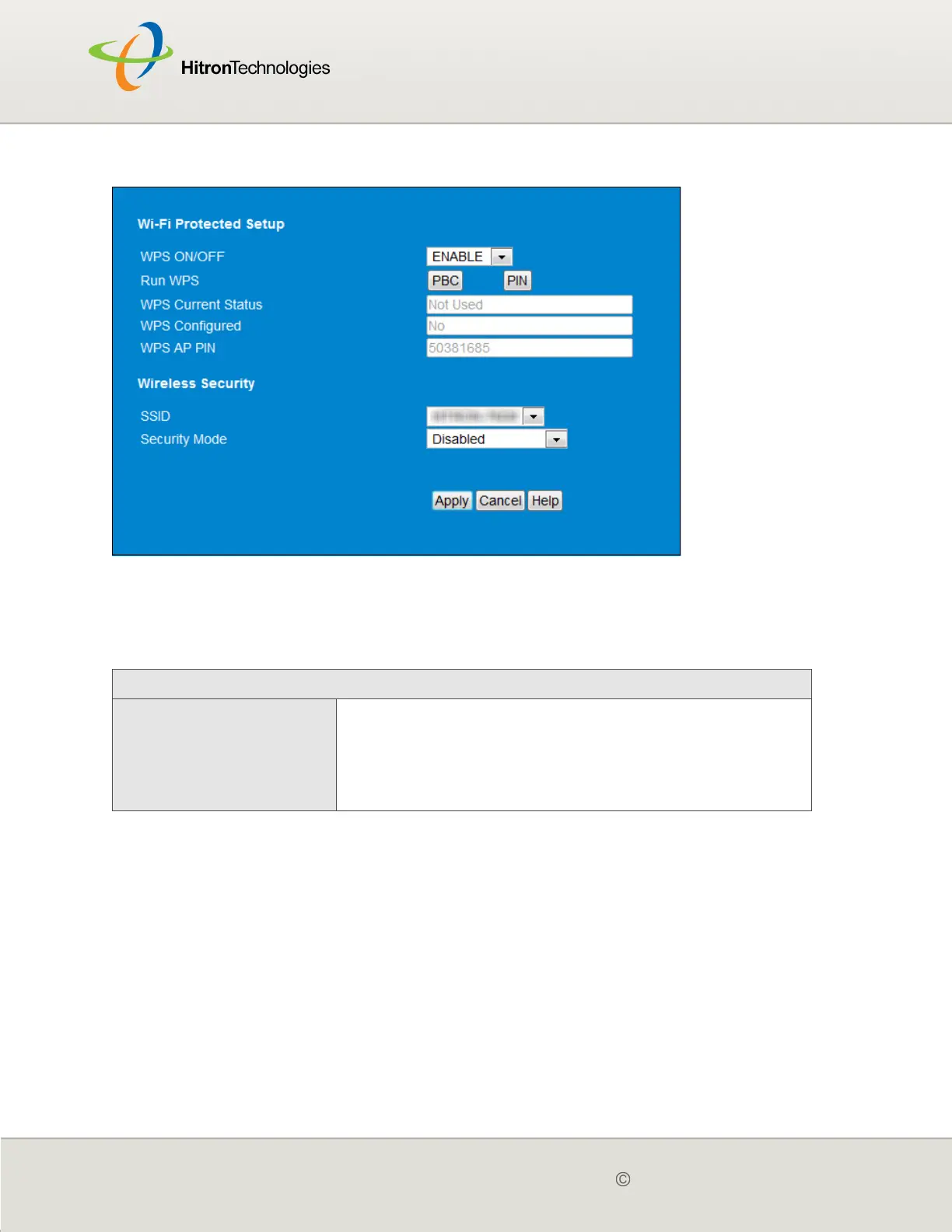
Figure 29: The Wireless > WPS & Security Screen
The following table describes the labels in this screen.
Table 27: The Wireless > WPS & Security Screen
Wi-Fi Protected Setup
WPS ON/OFF Use this field to turn Wifi Protected Setup (WPS) on or
off.
Select ENABLE to turn WPS on.
Deselect DISABLE to turn WPS off.



 To Next Page