STATUS
Version 2.0, February 2012. Copyright 2012 Hitron Technologies
38
Version 2.0, February 2012. Copyright 2012 Hitron Technologies
38
HITRON CGN USER’S GUIDE
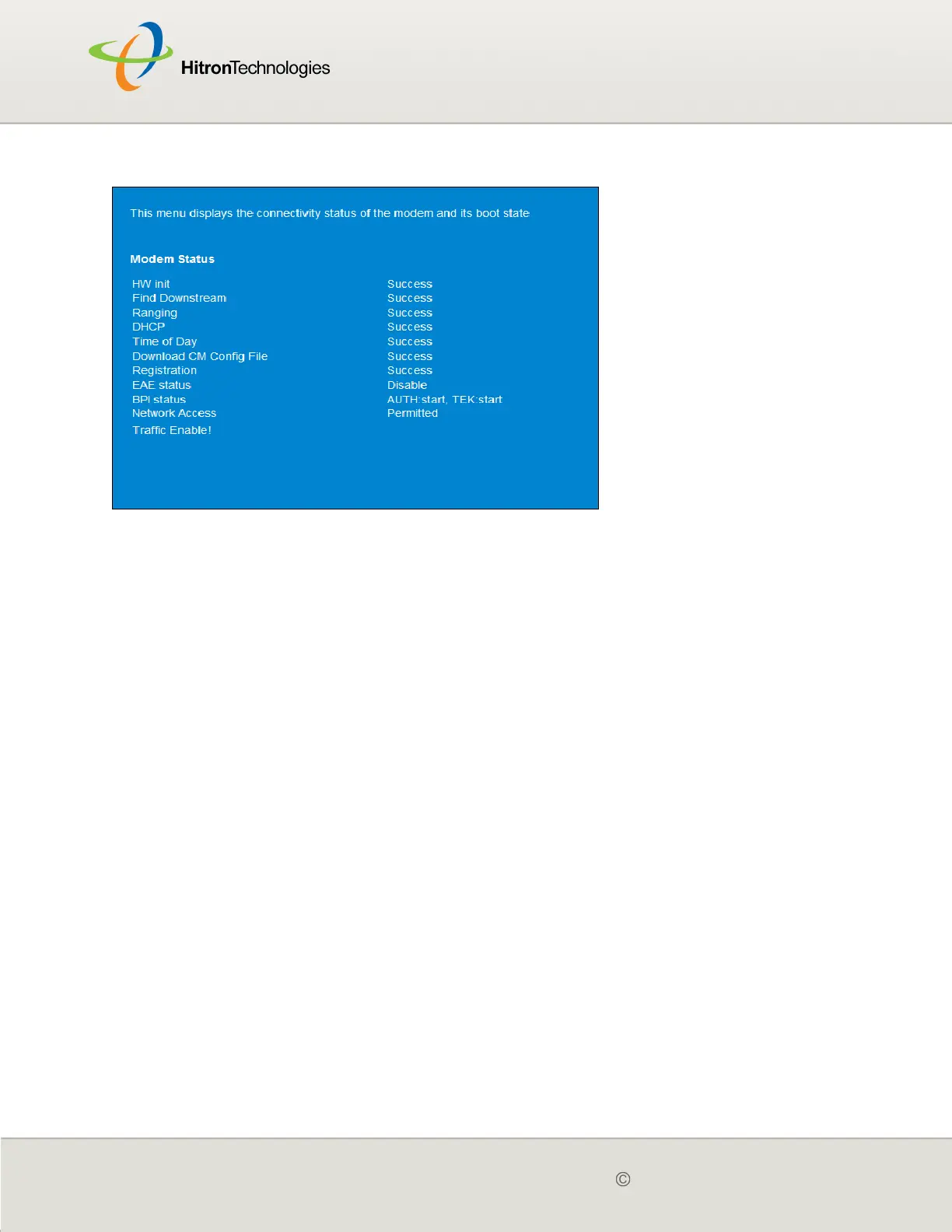
Figure 9: The Status > Initialization Screen
For each step:
Process displays when the CGN is attempting to complete a connection step.
Success displays when the CGN has completed a connection step.
3.4 THE CM STATUS SCREEN
Use this screen to discover information about:
The nature of the upstream and downstream connection between the CGN and
the device to which it is connected through the CABLE interface.
IP details of the CGN’s WAN connection.
You can also configure the CGN’s downstream center frequency.
Click Status > CM Status. The following screen displays.



 To Next Page