WAN/LAN
Version 2.0, February 2012. Copyright 2012 Hitron Technologies
49
Version 2.0, February 2012. Copyright 2012 Hitron Technologies
49
HITRON CGN USER’S GUIDE
4.3 THE SHARED MEDIA SCREEN
Use this screen to manage and share data stored on devices connected to the CGN’s
USB port. The CGN provides one USB 2.0 host port, allowing you to plug in a USB
flash disk for mounting and sharing through the LAN interfaces via the Samba
protocol (network neighborhood).
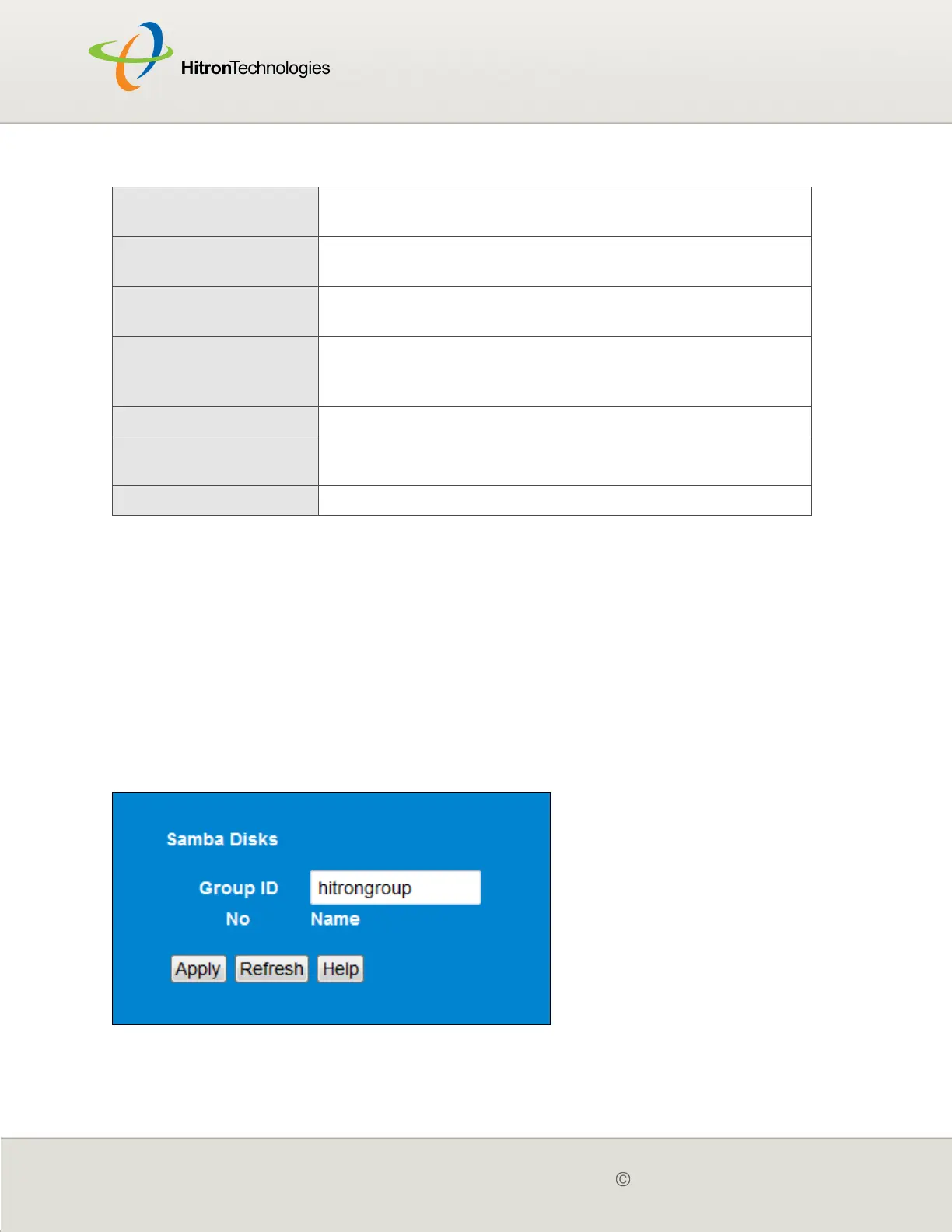
Click WAN/LAN > Shared Media. The following screen displays.
Figure 14: The WAN/LAN > Shared Media Screen
IP Address This displays the IP address of each network device
connected on the LAN.
MAC Address This displays the Media Access Control (MAC) address of
each network device connected on the LAN.
Type This displays whether the device’s IP address was
assigned by DHCP (DHCP-IP), or self-assigned.
Interface This displays whether the device is connected on the LAN
(Ethernet) or the WLAN (Wireless(x), where x denotes
the wireless mode; b, g or n).
Apply Click this to save your changes to the fields in this screen.
Cancel Click this to return the fields in this screen to their last-
saved values without saving your changes.
Help Click this to see information about the fields in this screen.
Table 11: The WAN/LAN > IP Screen (continued)



 To Next Page