SETUP WIZARD
Version 2.0, February 2012. Copyright 2012 Hitron Technologies
27
Version 2.0, February 2012. Copyright 2012 Hitron Technologies
27
HITRON CGN USER’S GUIDE
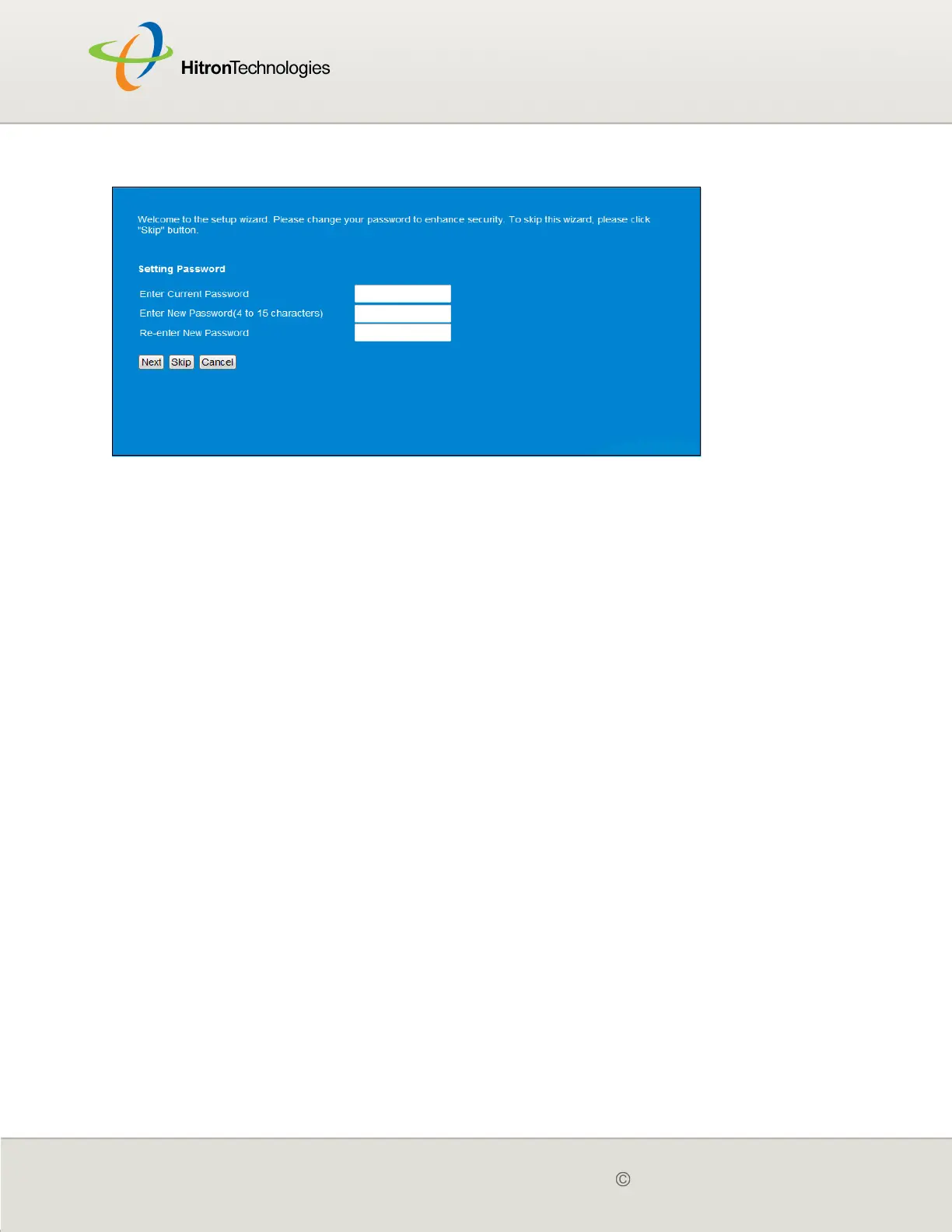
Figure 6: Setup Wizard > Password
2.2 WIRELESS
Wireless AP passphrase is another recommended change. The wireless screen
shows the primary SSID and the security mode. Please select the security mode of
your choice. For the security mode you select, please fill in the necessary info. You
may refer to the Wireless session for more details.Click the Next once you’ve done.
Click Setup Wizard > Wireless. The following screen displays.



 To Next Page