Version 1.1, 08/2013. Copyright 2012 Hitron Technologies
84
Version 1.1, 08/2013. Copyright 2013 Hitron Technologies
84
Hitron CGN3 User’s Guide
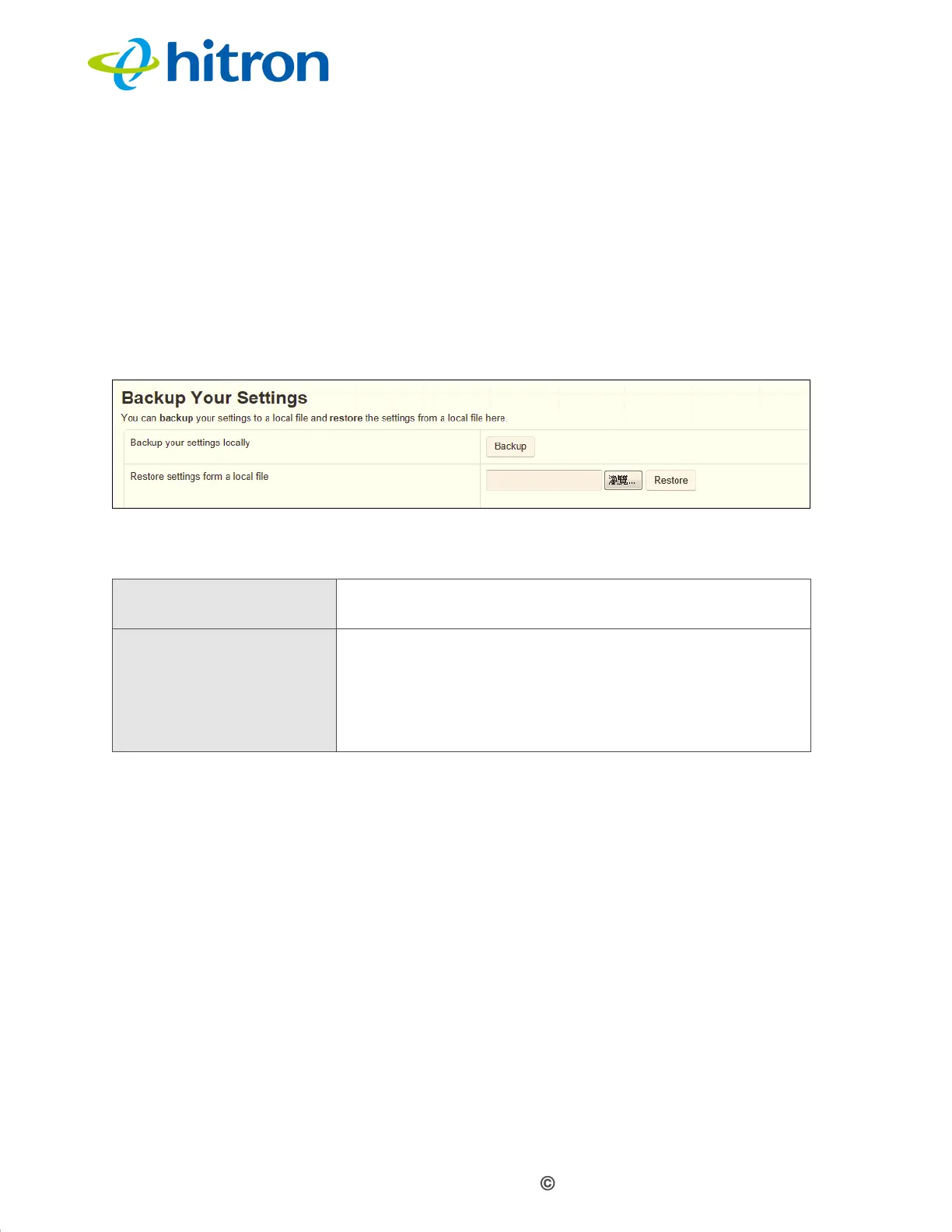
6.4 Backup Screen
Use this screen to back up your CGN3’s settings to your computer, to load settings
from a backup you created earlier, to reboot your CGN3, or to return it to its factory
default settings.
Click Admin > Backup. The following screen displays.
Figure 33: The Admin: Backup Screen
The following table describes the labels in this screen.
6.5 Time Setting Screen
Use this screen to back up your CGN3’s settings to your computer, to load settings
from a backup you created earlier, to reboot your CGN3, or to return it to its factory
default settings.
Click Admin > Time Setting Screen. The following screen displays.
Table 31: The Admin: Backup Screen
Back Up Your Settings
Locally
Click this to create a backup of all your CGN3’s settings
on your computer.
Restore Settings From a
Local File
Use these fields to return your CGN3’s settings to those
specified in a backup that you created earlier.
Click Browse to select a backup, then click Restore to
return your CGN3’s settings to those specified in the
backup.



 To Next Page