Appendix A: Access to the Ewon Cosy+ 28 (32)
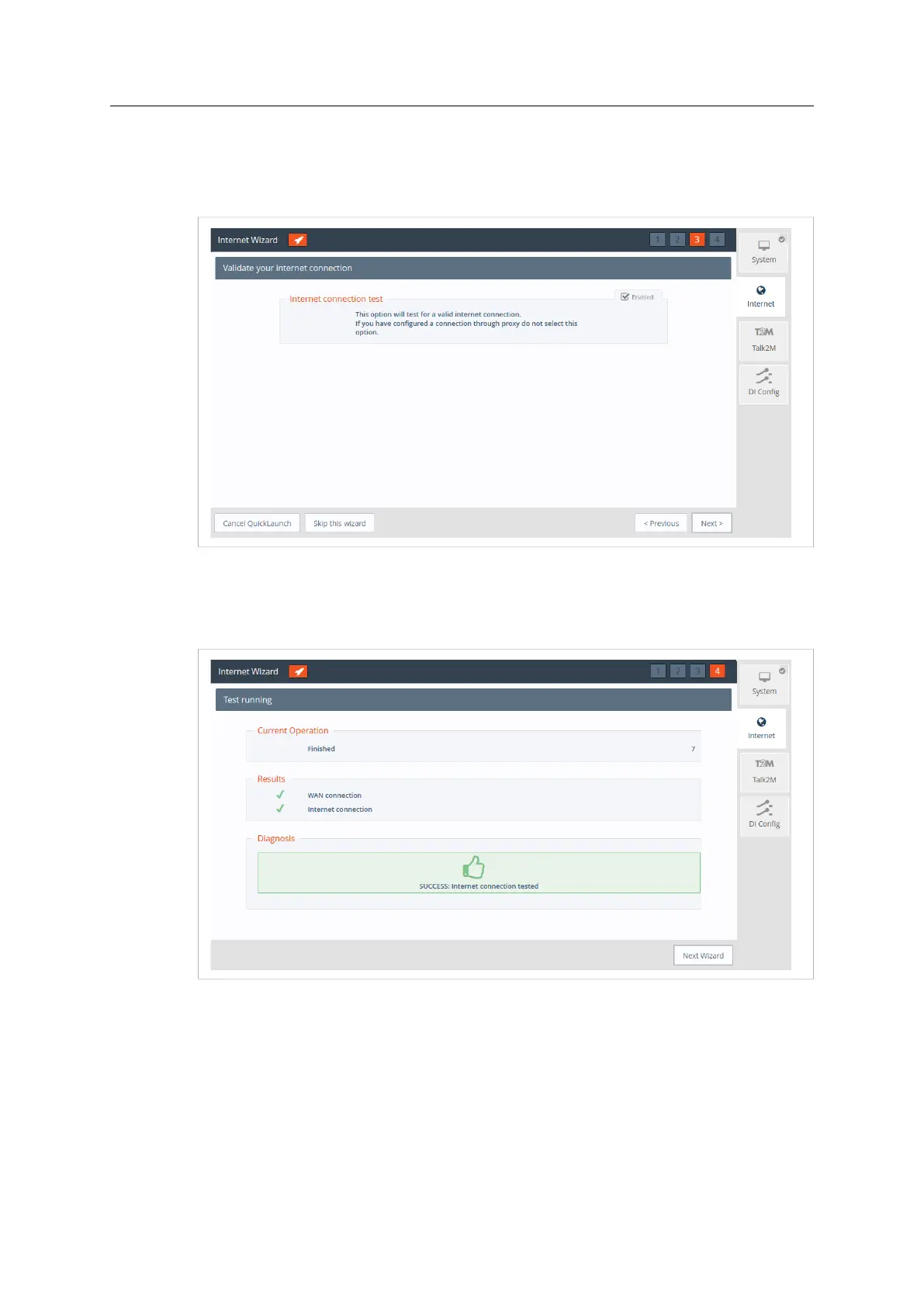
5. The Internet connection test is enabled by default, it allows the Ewon Cosy+ to verify the
Internet connection.
Uncheck this option if this network uses a proxy server or if port 80 is closed for outbound
connections.
Fig. 26 Internet Wizard Validation
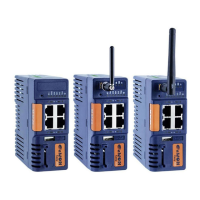
6. Click Next to apply the configuration changes.
→ Once the wizard completes successfully, the Ewon Cosy+ is connected to the primary
WAN network.
Fig. 27 Internet Wizard Test
Ewon Cosy+ User Manual
UM-0005-00 1.0 en-US













 To Next Page