Access to the Ewon Cosy+ 5 (32)
3 Access to the Ewon Cosy+
In this section, we will explain how to configure your Ewon Cosy+ using the eCatcher Easy Setup
going through these steps:
1. Step 1: Register your Ewon Cosy+ to a Talk2M account.
2. Step 2: Prepare the communication configuration file to be transferred to your Ewon Cosy+
3. Access the web interface of the Ewon Cosy+ to begin its configuration.
3.1 Step 1: Create your Ewon Cosy+ in Talk2M
The first step consists in listing your Ewon Cosy+ inside your Talk2M account using the eCatcher
software.
If you already created your Ewon Cosy+ in your Talk2M account, through eCatcher, you can skip this step
and go to the next step.
To create your Ewon Cosy+ in Talk2M, apply the following procedure:
1. Connect your computer to the Internet.
2. Verify that you have an Internet connection.
For example: open your web browser and browse to your favorite web page.
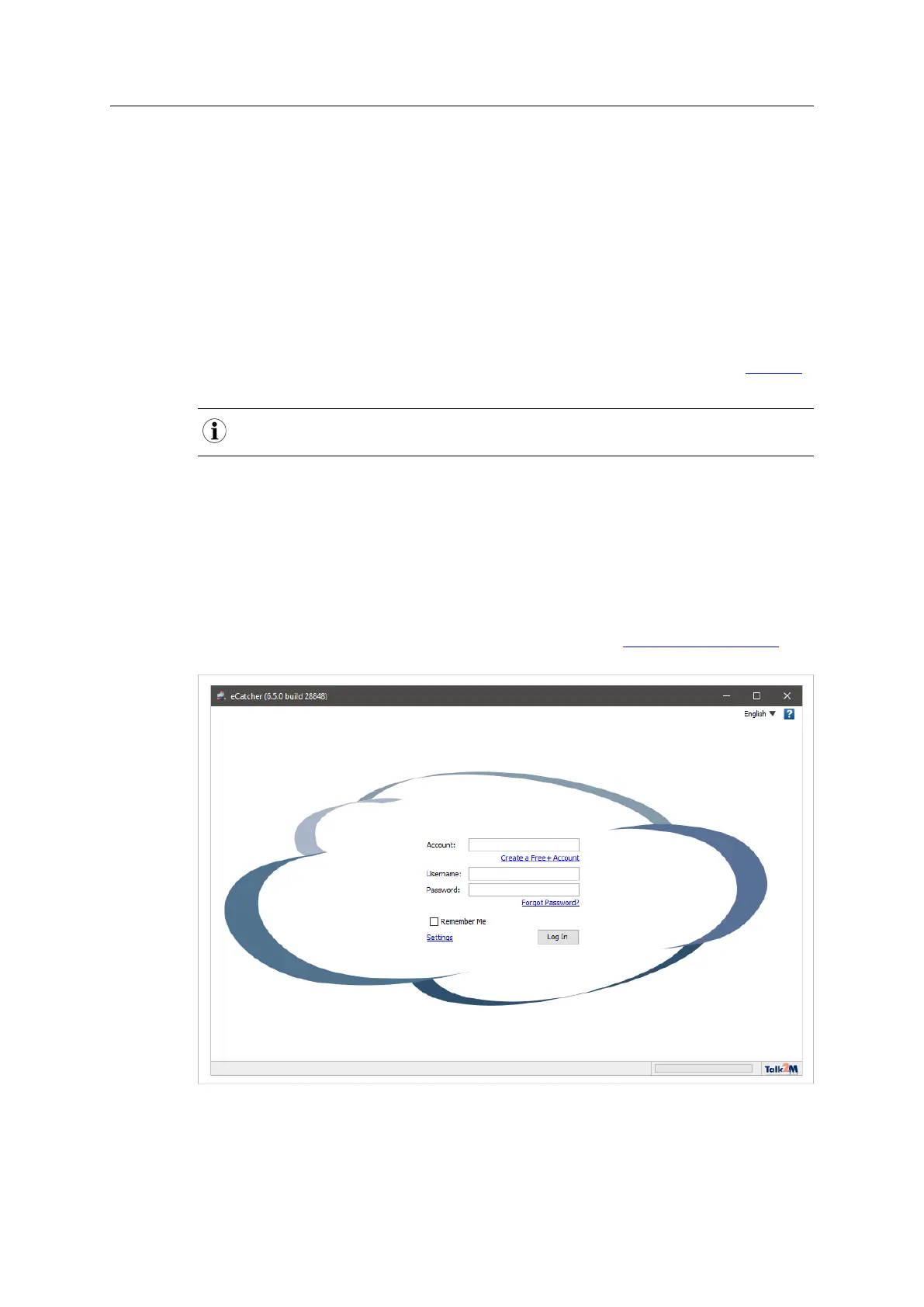
3. Open eCatcher and log in to your Talk2M account.
If you don’t have a Talk2M account, click on the Create a Free+ account link. You can watch
the video tutorial “Create a Talk2M Account” available on the Ewon elearning platform as a
step-by-step guide.
Fig. 1 Add an Ewon in eCatcher — 1
Ewon Cosy+ User Manual
UM-0005-00 1.0 en-US













 To Next Page