LED Test
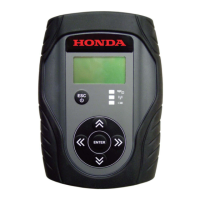
Select LED Test, then press ENTER. This test turns on the three LEDs for 3 seconds.
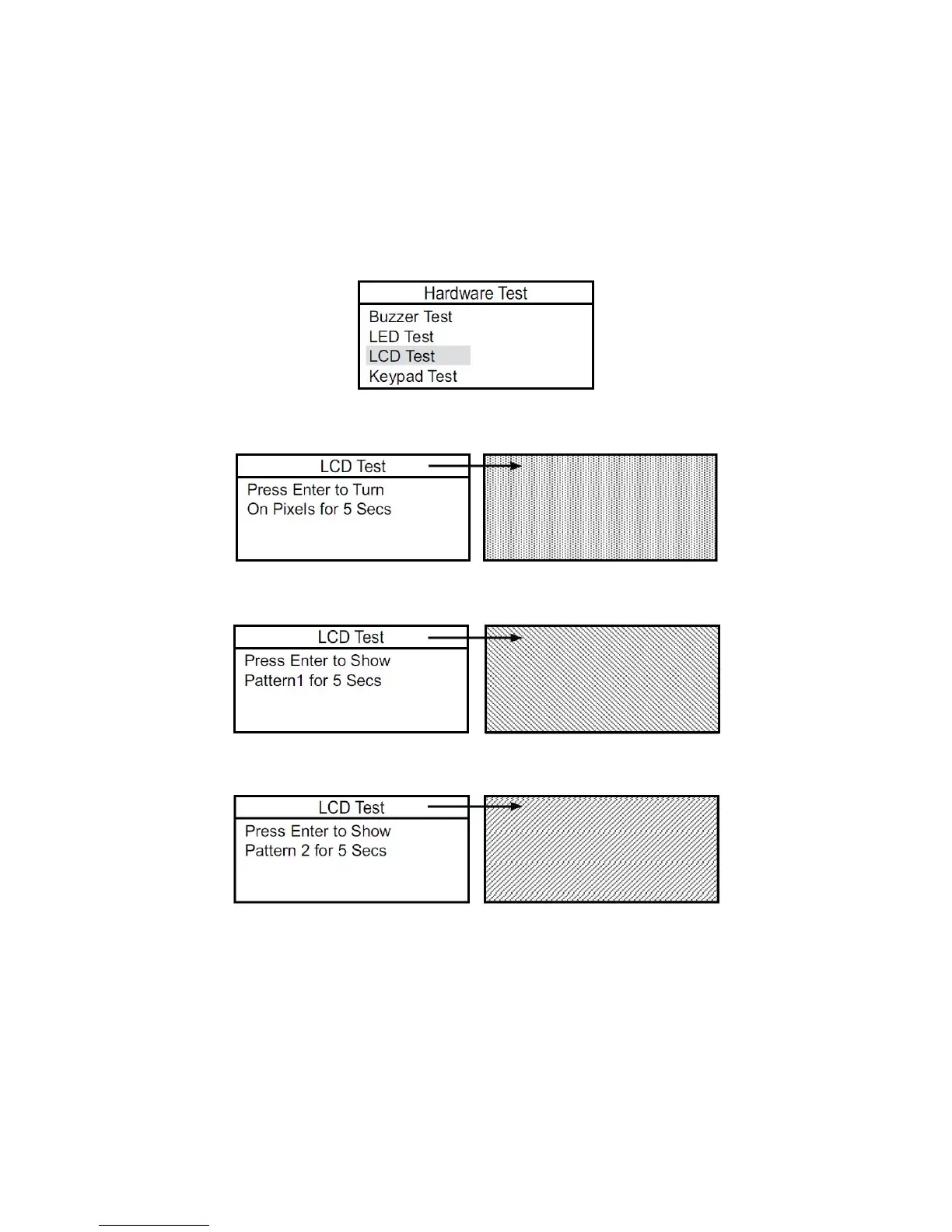
LCD Test
This test checks the LCD function by turning on all the pixels, showing two patterns, then turning off all the pixels.
You can exit the LCD Test by pressing ESC.
1. Select LCD Test, then press ENTER.
2. Press ENTER to turn on all the pixels.
3. After 5 seconds, press ENTER to see the first test pattern.
4. After 5 seconds, press ENTER to see the second test pattern.
5. After 5 seconds, press ENTER to turn off all the pixels.
37







 To Next Page