Honeywell 60 Series IP Camera Software Configuration Guide
4
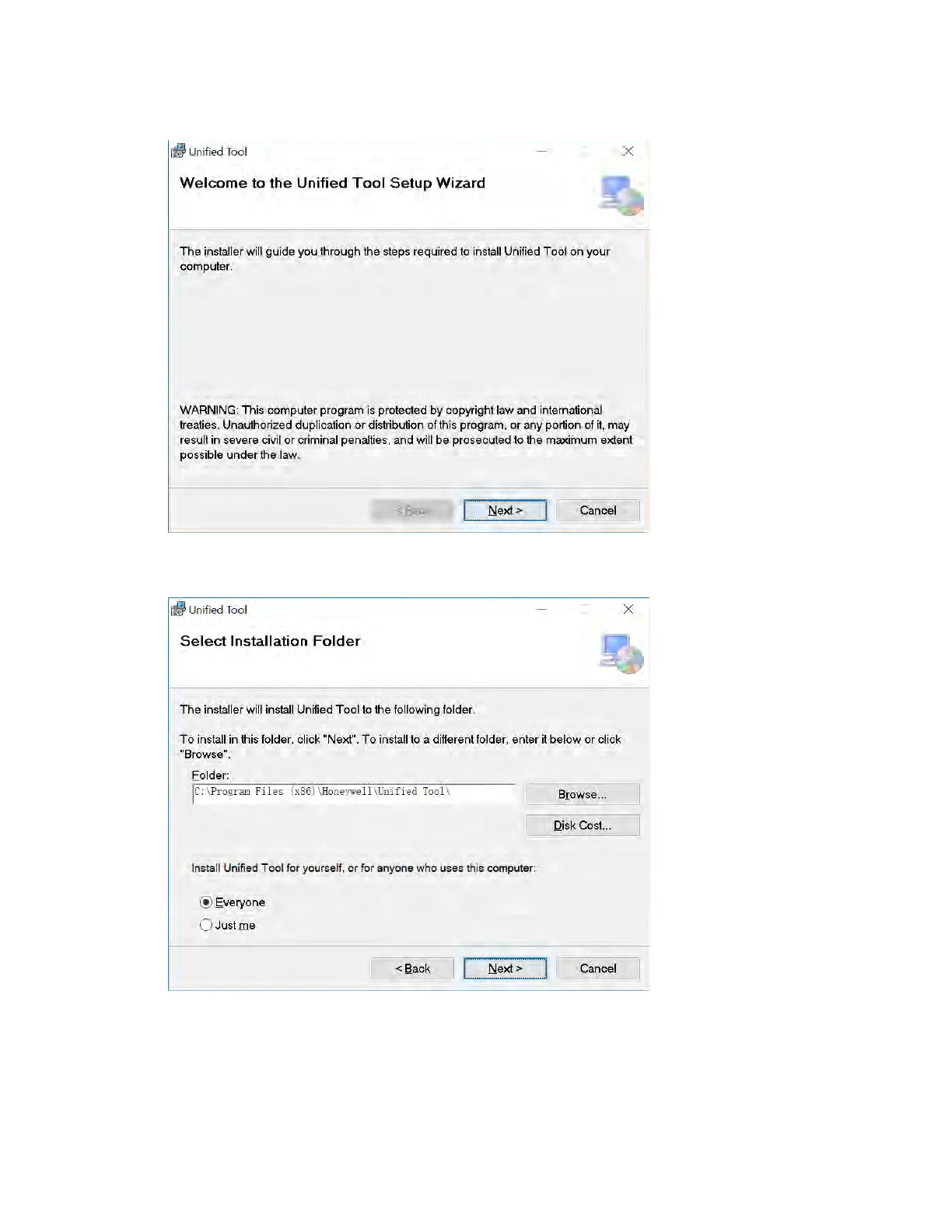
Figure 2-1 Install Unified Tool
2. Click Next and the following figure is displayed:
Figure 2-2 Select Installation Folder
3. Follow the on-screen instructions to configure your settings and click Next and the
following figure is displayed:



 To Next Page
 Loading...





