Configuring Network Settings
47
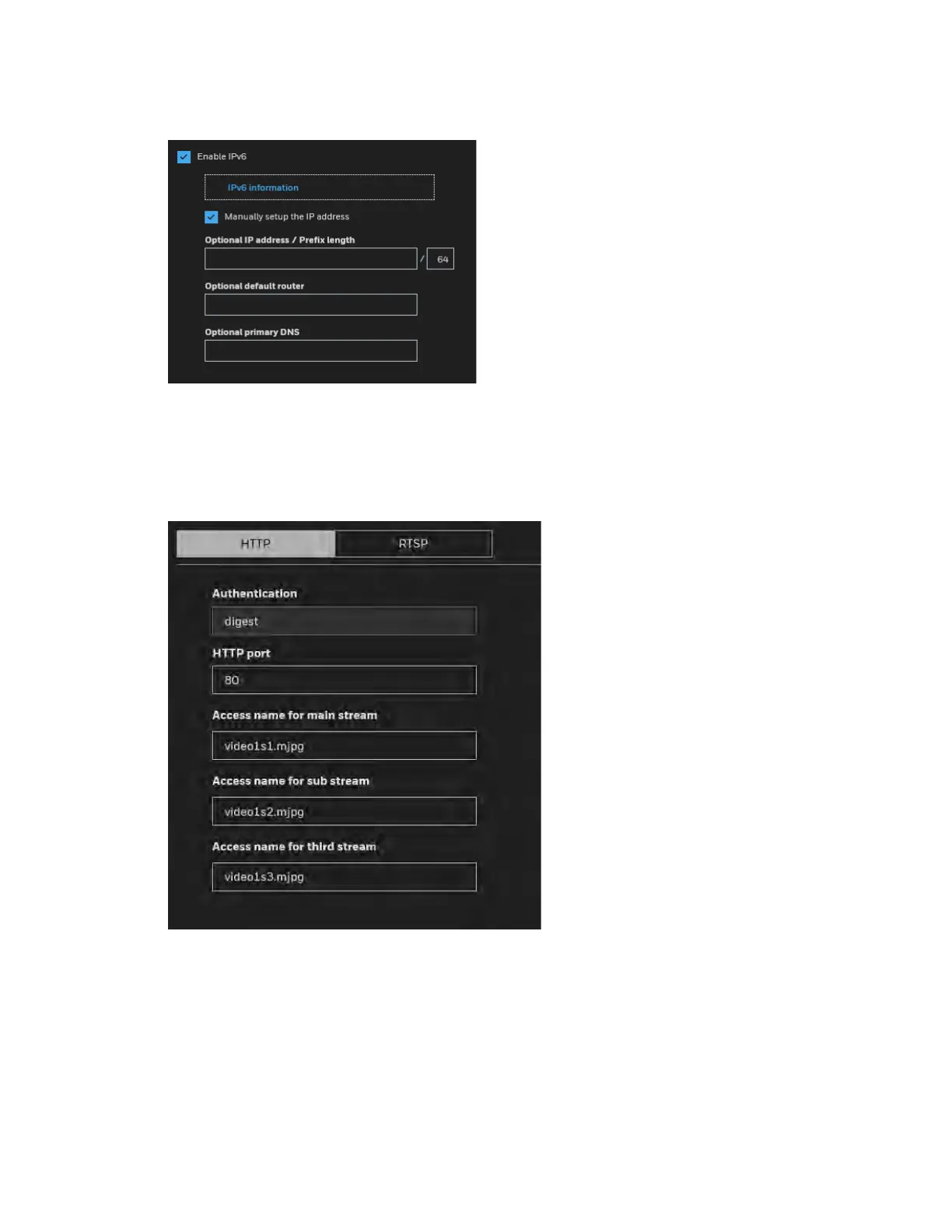
Figure 6-4 Manually setup IP Address
Configuring Streaming Protocols
Go to SetupNetwork SetupStreaming Protocols.
Figure 6-5 Streaming Protocols - HTTP
To utilize HTTP authentication, make sure that you have set a password for the camera first.
For more information, see Configuring User Accounts Settings on page 82.
Authentication (digest): User credentials are encrypted with MD5 algorithm which provide
better protection against unauthorized accesses.
HTTP port: By default, the HTTP port is set to 80. It can also be assigned to another port
number between 1025 and 65535.



 To Next Page
 Loading...





