Honeywell 60 Series IP Camera Software Configuration Guide
58
mode switch, turning lights on/off). A movement must persist longer than 0.3 second for
the motion to be detected.
4. Click SAVE to enable the settings.
5. Select Enable motion detection to enable this function.
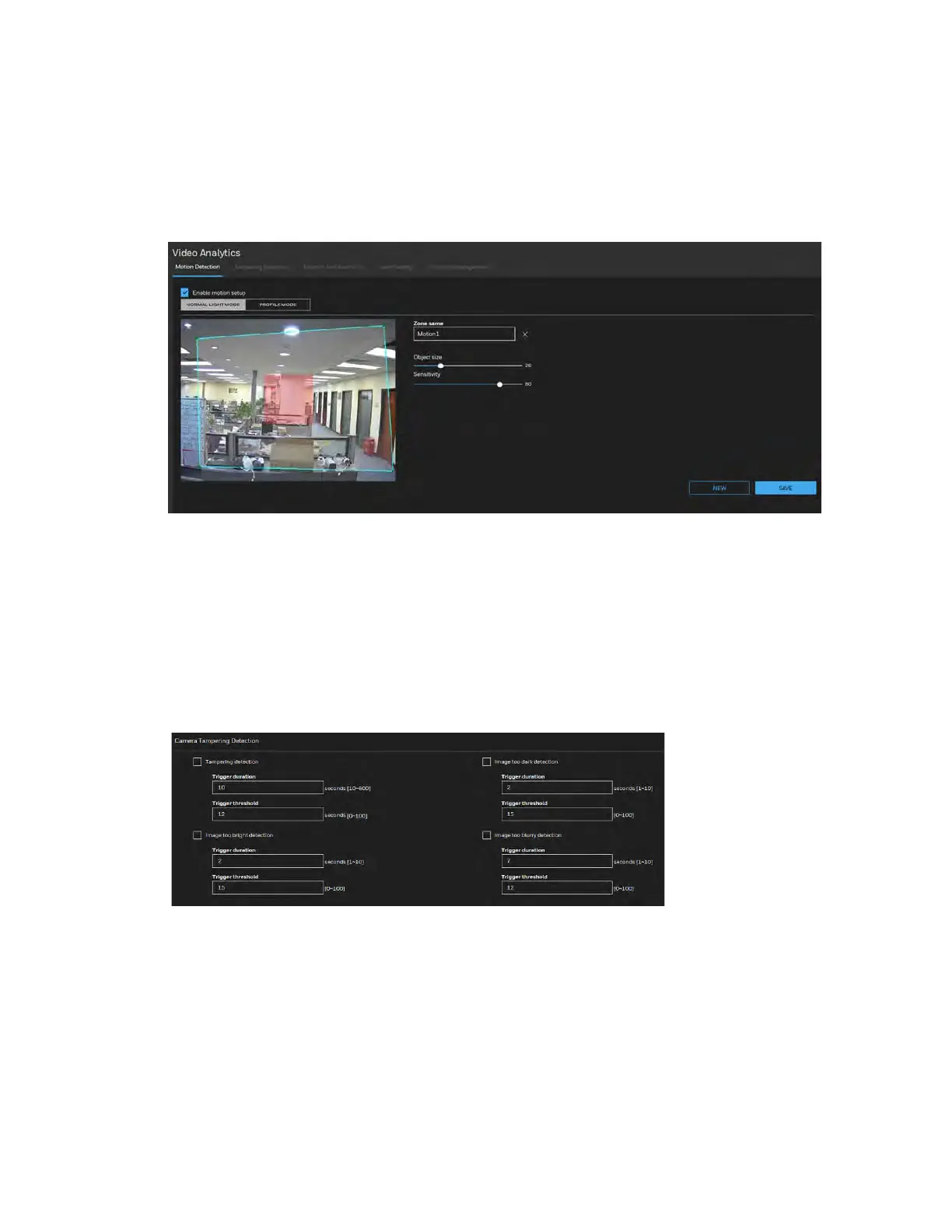
Figure 7-1 Configuring Motion Detection Settings
Configuring Tampering Detection Settings
Go to Setup Video Analytics Tampering Detection.
This section explains how to configure camera tamper detection settings. With tamper
detection, the camera is capable of detecting incidents such as redirection, blocking or
defocusing, or even spray paint.
Figure 7-2 Tampering Detection Configurations
Tampering detection: Check to enable tampering detection.
Image too dark detection: Check to enable image too dark detection. Too dark can be a cover
on the camera or a spraying paint on the camera.
Image too bright detection: Check to enable image too bright detection. Too bright can be a
flash light shining to the camera.
Image too blurry detection: Check to enable image too blurry detection. To blurry can be the
result of strong interference on the camera, such as EMI interference.



 To Next Page
 Loading...





