Performance Series DVR User Guide
______________________________________________________________________________________________
Document 800-02089 Rev E 61
10/08
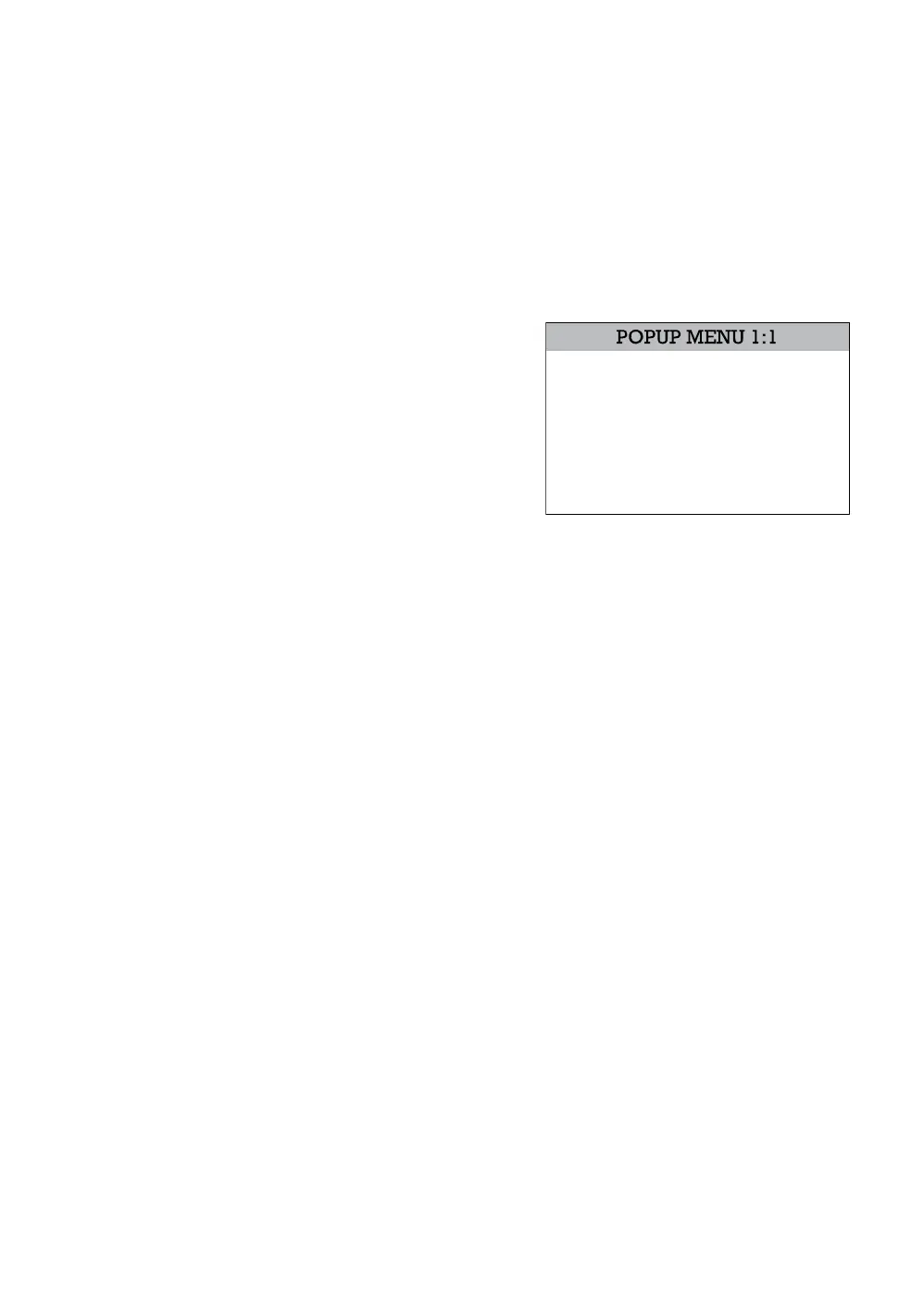
Live Popup Menu
Use to access display options in Live Mode.
1. Press ENTER to highlight a channel box.
2. Use the arrow keys to select the desired channel.
3. Press ENTER again to open the Popup Menu.
Hide Live View – On/Off [Hide live
display of the selected camera]
Record Change – Change the
record settings for that channel
including FPS, quality, and
resolution.
Sequence – Start/Cancel camera
sequence.
HIDE LIVE VIEW - ON
RECORD CHANGE
SEQUENCE
EXIT



 To Next Page
 Loading...






