Remote Software
______________________________________________________________________________________________
72
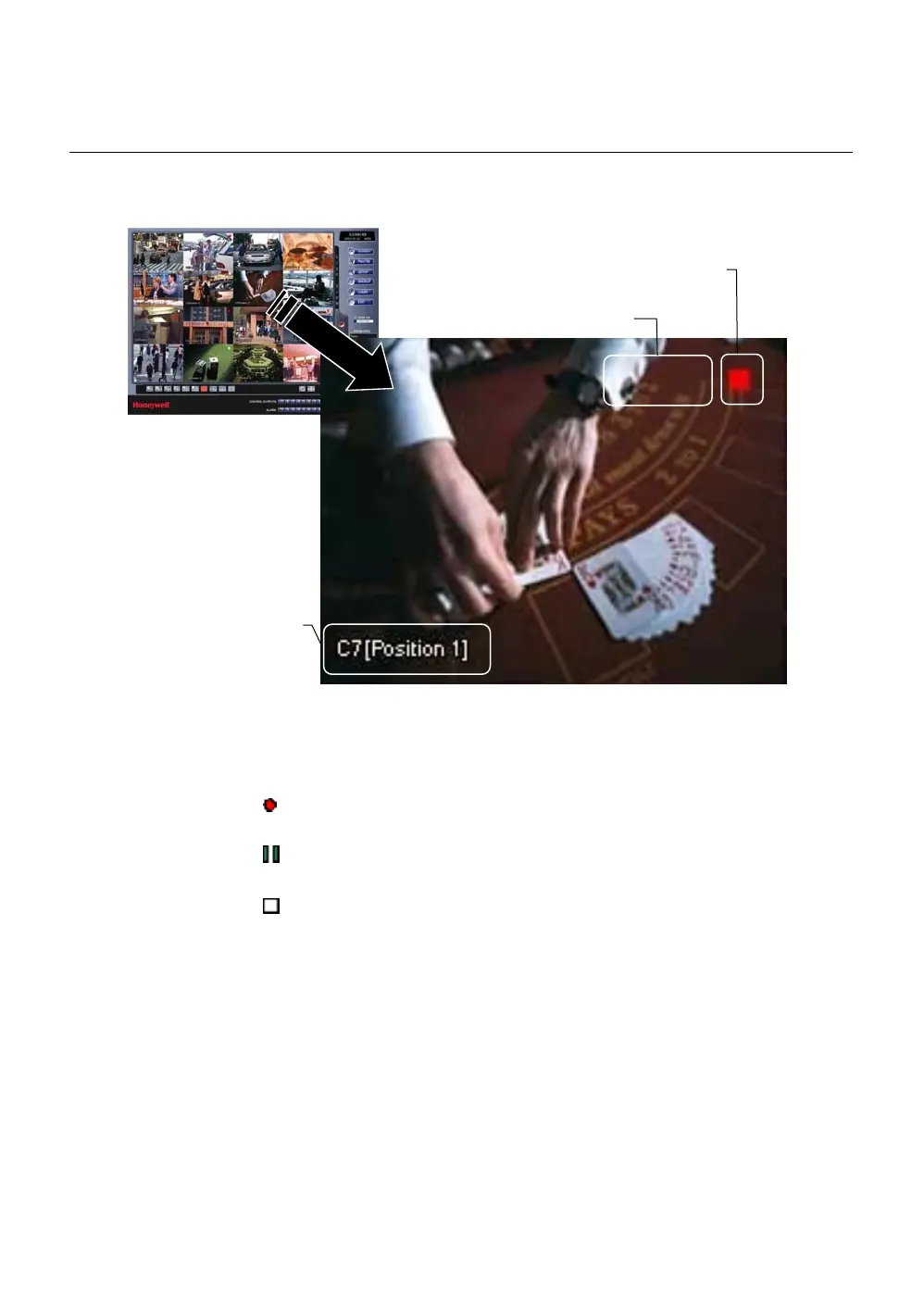
Camera View
The Camera status for each camera is displayed on the upper right corner of
the video display area.
Recording Status Indicator
The following are the different states for each camera:
Recording Displayed when the camera is currently being
recorded to the DVR.
Motion Detection Displayed when a camera (set up for motion
detection) detects motion.
Display Displayed when the video from the camera is
currently not being recorded to the DVR.
Camera No. and Name
Current Recordin
Status
Special Recording Status



 To Next Page
 Loading...






