Operation
______________________________________________________________________________________________
66
PTZ Camera Control
To control a PTZ camera:
1. Press the PTZ key to enter PTZ Mode.
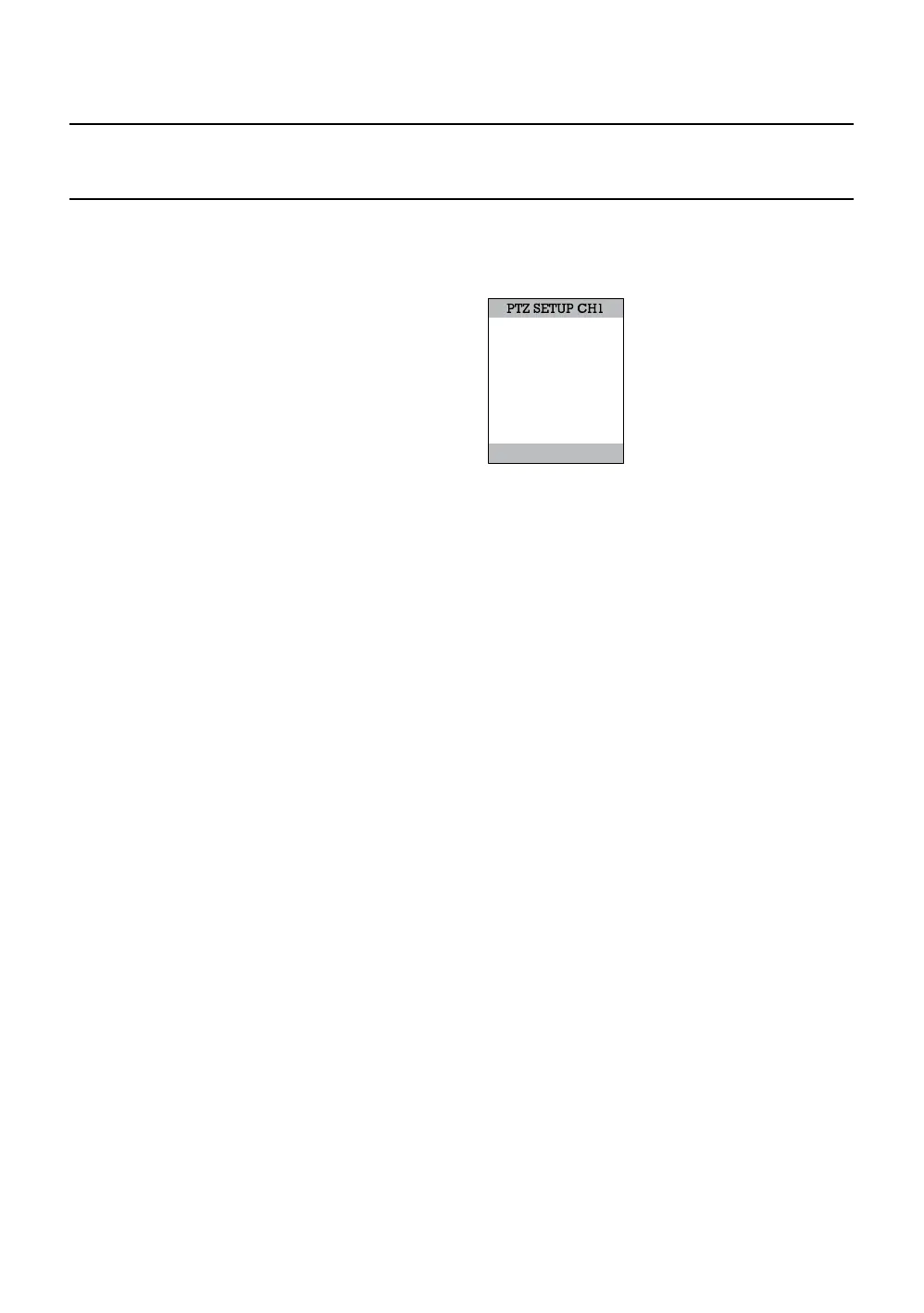
2. Press SETUP to open the PTZ SETUP screen.
Speed Setup – 1-8 [Set the speed that PTZ cameras move.]
Preset Setup – Move/Set [Create preset PTZ camera positions.]
Preset Tour – [Create a tour of preset PTZ camera positions.]
Pattern Setup - [Create a custom PTZ Pattern]
Pattern Tour - [Create a Pattern (mimic) tour]
Auto Focus – [Modify Auto Focus settings]
Power – ON/OFF
Light – ON/OFF
Create PTZ Preset Position
1. Set up a PTZ camera in Camera > PTZ Configuration.
2. Press the Exit key to exit Setup.
3. Press the PTZ key to enter PTZ Mode.
4. Select a PTZ enabled camera.
5. Press the Setup button to display the PTZ setup menu.
6. Select Preset Setup.
7. Select MOVE to move the camera to the preset position.
8. Select a PTZ Preset ID number and select OK to save.
SPEED SETUP
PRESET SETUP
PRESET TOUR
PATTERN SETUP
PATTERN TOUR
AUTO FOCUS
POWER
LIGHT
EXIT SETUP



 To Next Page
 Loading...






