Setup
______________________________________________________________________________________________
40
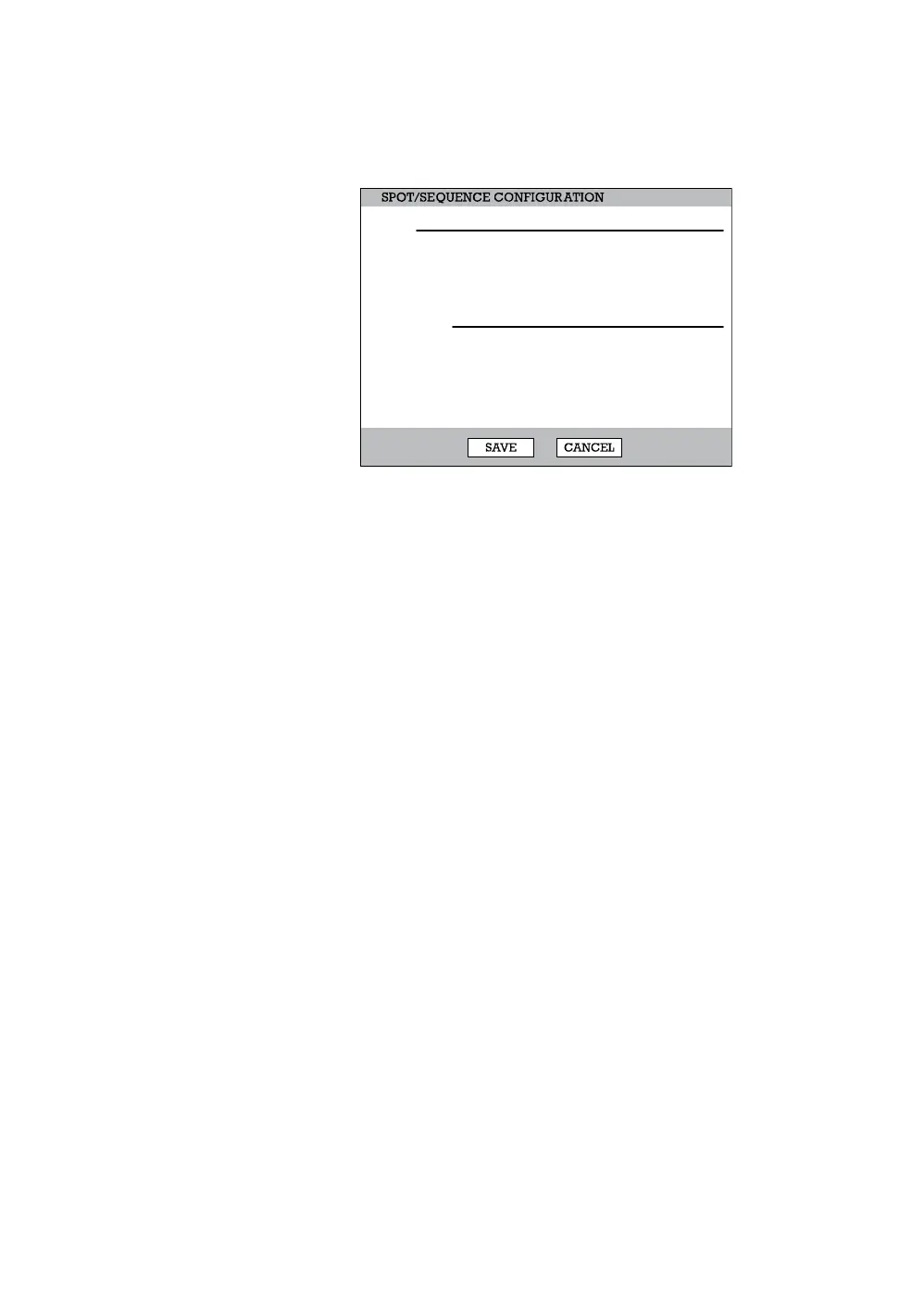
Spot / Sequence Configuration
Spot
Sequence - On/Off [Sequence through selected cameras].
Camera - Select cameras to include in sequence.
Interval – 1 ~ 60 seconds [Set the sequence interval time].
Current – Camera 1 ~ Camera 16 [Set current camera].
Sequence
Page Dwell Time - 0 ~ 100 seconds [Set the sequence interval time for full
page].
Camera Dwell Time - 0 ~ 100 seconds [Set the sequence interval time for
individual cameras].
Custom Select - 1 ~ 16 / All [Select cameras to display in on Spot Monitor].
NO.
1
2
3
SEQUENCE
OFF
OFF
OFF
CAMERA
ALL
ALL
ALL
INTERVAL
2 SEC
2 SEC
2 SEC
SPOT
SEQUENCE
CURRENT
CAM 1
CAM 1
CAM 1
PAGE DWELL TIME 2 SEC
CAMERA DWELL TIME
CUSTOM SELECT
2 SEC
ALL



 To Next Page
 Loading...






