Performance Series DVR User Guide
______________________________________________________________________________________________
Document 800-02089 Rev E 83
10/08
Status Search
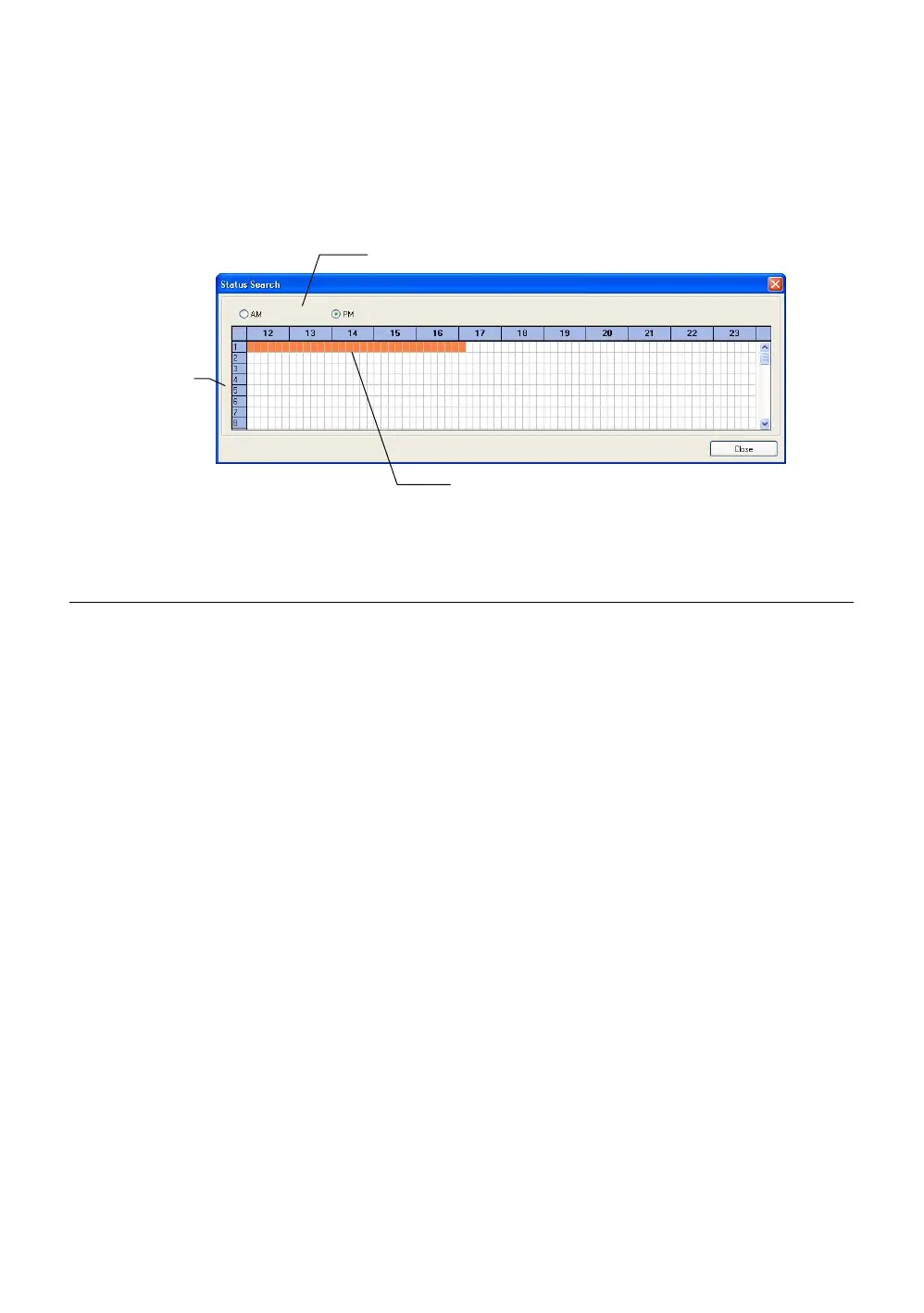
The Status Search option displays a timeline in graph format. Scroll through
multiple cameras and easily locate hours with recorded video.
Performing a Status Search
1. In Search mode, click Status.
2. Click the Date button to open the calendar and select a date.
3. Click along the orange recorded video block to select a desired camera or
time frame.
4. After locating the desired video, close the Status Search window and use
the playback controls to play forward, reverse or frame-by-frame.
Cameras
24 Hours (0-23) AM & PM
Recorded video displayed in Orange



 To Next Page
 Loading...






