Setup
______________________________________________________________________________________________
52
E-mail Configuration
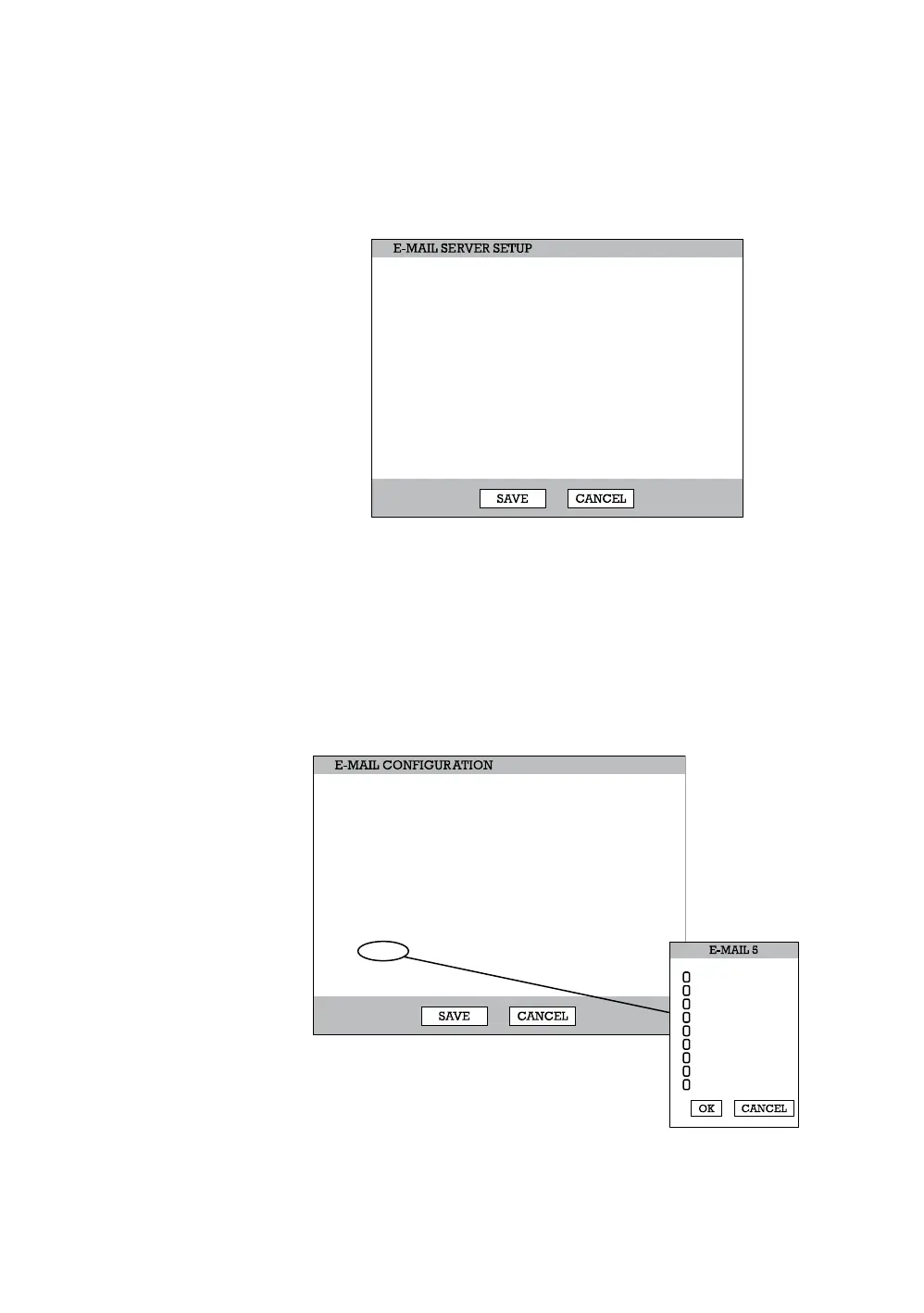
The DVR can send an email notification to up to six defined e-mail addresses
when an event happens.
E-mail Server – DVR/SMTP [Configure the DVR to use selected e-mail server.]
Schedule – On/Off [Enable to send e-mail notifications only for events that
occur within a specified range of time.]
Time – Define the time of day to send e-mail notification of events (example:
19:00-6:00 – after business hours).
Option –Define the type of event that will trigger an e-mail notification.
Pic – Enable to send a picture of the event.
E-mail Address – Enter the e-mail address.
SMTP SERVER
USERNAME
email@ddnsdvr.com
ddnsdvr.com
25
USERID
****
MAIL SERVER
USER NAME
USER E-MAIL
SERVER
PORT
ID
PASSWORD
ON
19:00:00 ~ 08:00:00
SCHEDULE
TIME
E-MAIL SERVER
OPTION
SET
SET
SET
SET
SET
SET
NO.
1
2
3
4
5
6
PIC.
OFF
OFF
OFF
OFF
OFF
OFF
E-MAIL ADDRESS
email@ddnsdvr.com
email@ddnsdvr.com
email@ddnsdvr.com
email@ddnsdvr.com
email@ddnsdvr.com
email@ddnsdvr.com
MOTION
SENSOR
VIDEO LOSS
TEXT-IN
POWER
SETUP
LOGIN FAIL
DISK FULL
SMART



 To Next Page
 Loading...






