Appendix
______________________________________________________________________________________________
94
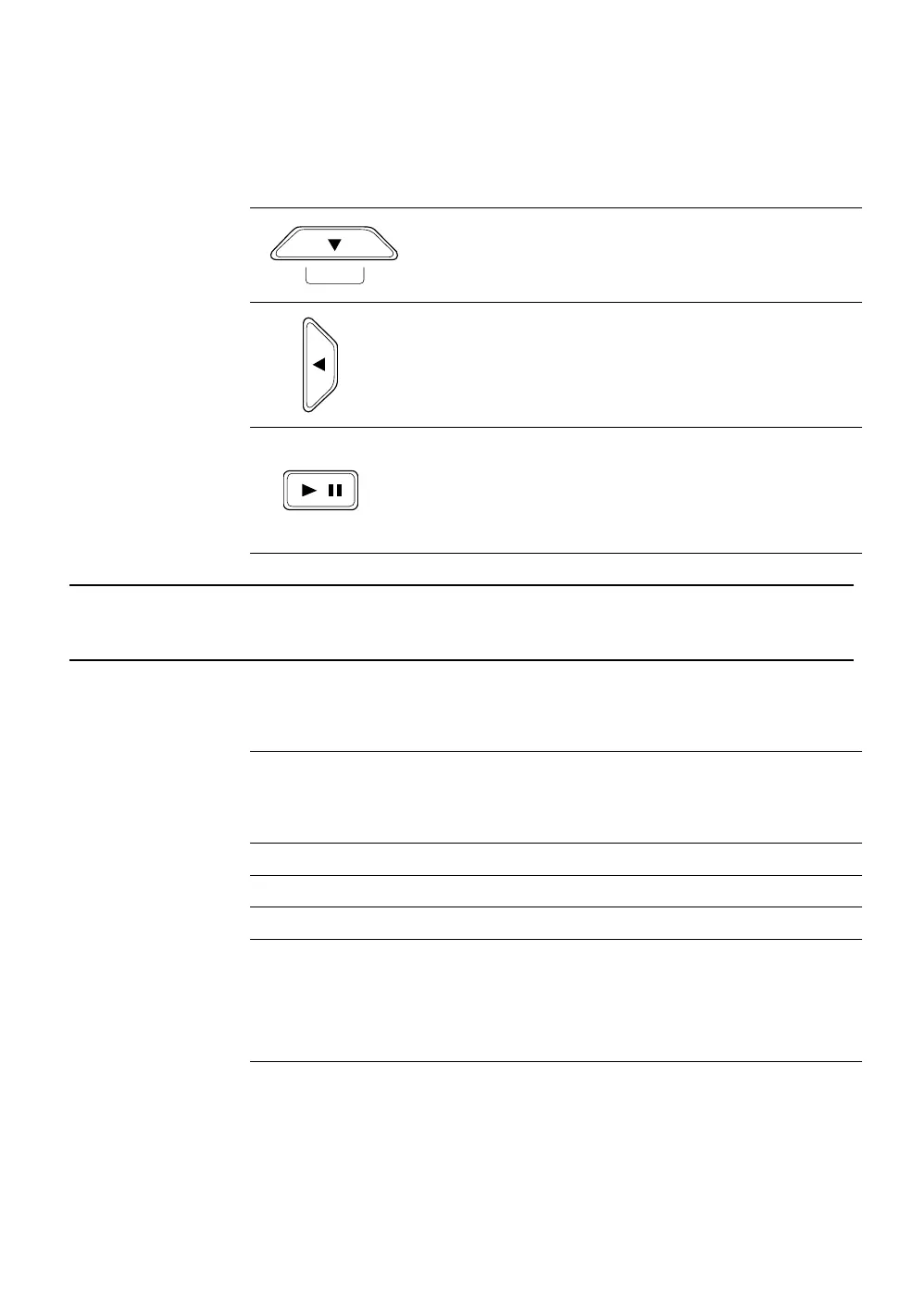
Directional and Playback Control Buttons continued
Navigation Move down.
PTZ Move the camera view point down.
Search Start Smart Search.
Navigation Move to the left.
PTZ Move camera’s view point to the left.
Search Play recorded videos in reverse.
Search-Pause Step back one frame.
Live Freeze live channels.
Live Freeze Resume live view.
Search Pause playback channels.
Search-Pause Resume playback.
DVR FAQ
General
Q. What does Embedded Linux mean?
A. Embedded Linux means that the operating system of the DVR has been
imprinted into the CPU (Central Processing Unit). This means that the
system response time is faster, more stable, and that the core of the DVR
is protected against external factors, such as virus.
Q. Is the DVR upgradeable by CD or network?
A. Yes.
Q. How can I reset the DVR to the factory default settings?
A. Load the factory default settings from the System Configuration Menu.
Live Monitoring
Q. Is it possible to monitor the live video of specific cameras?
A. You can set the camera sequence through Spot/Sequence Configuration
or by connecting to one of the 3 spot monitor outputs on the rear of the
DVR unit.
SMART



 To Next Page
 Loading...






