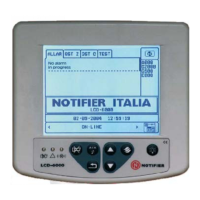
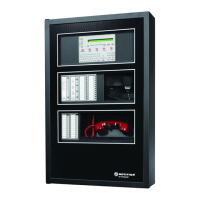
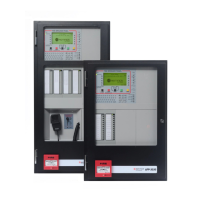
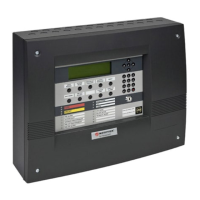
ID3000/ID2000 Fire Panel Configuration Tool Manual
Introduction
1 - 5 997-291, Version 3.05
November 2010
1.5 Tool Overview and Menus
The Tool allows you to configure panel settings,
loop devices, Control Matrix rules, time-of-day
programs and network parameters.
1.5.1 Tool Language Setting
To change the language (if more than one is
available), click on the Language Setting icon
or shortcut (or select ‘Start/Programs/Notifier/
National Language Setting’) and select the
required language from those listed. Press
<ENTER> on your PC to exit the language
selection window. The Tool’s windows will now
use the selected language - this does NOT set
the panel language (see Section 2.1).
1.5.2 Tool Window
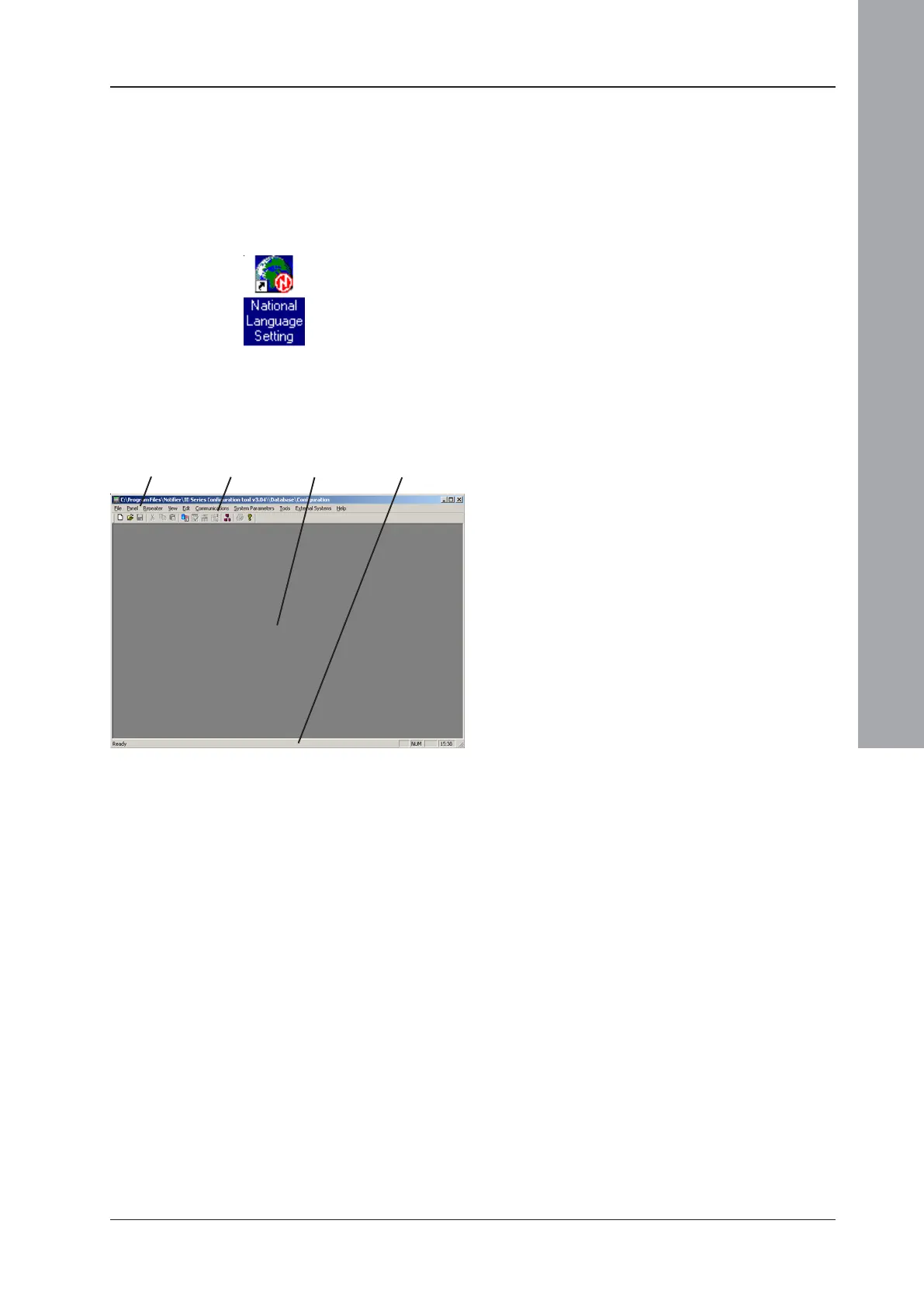
This window consists initially of a menu bar, a
tool bar, a status bar and a blank area.
Menu Bar Tool Bar Blank area Status Bar


 To Next Page
 Loading...