74 RP-2001 Series Manual — P/N 52985:D5 1/26/2017
Programming Maintenance Programming Level
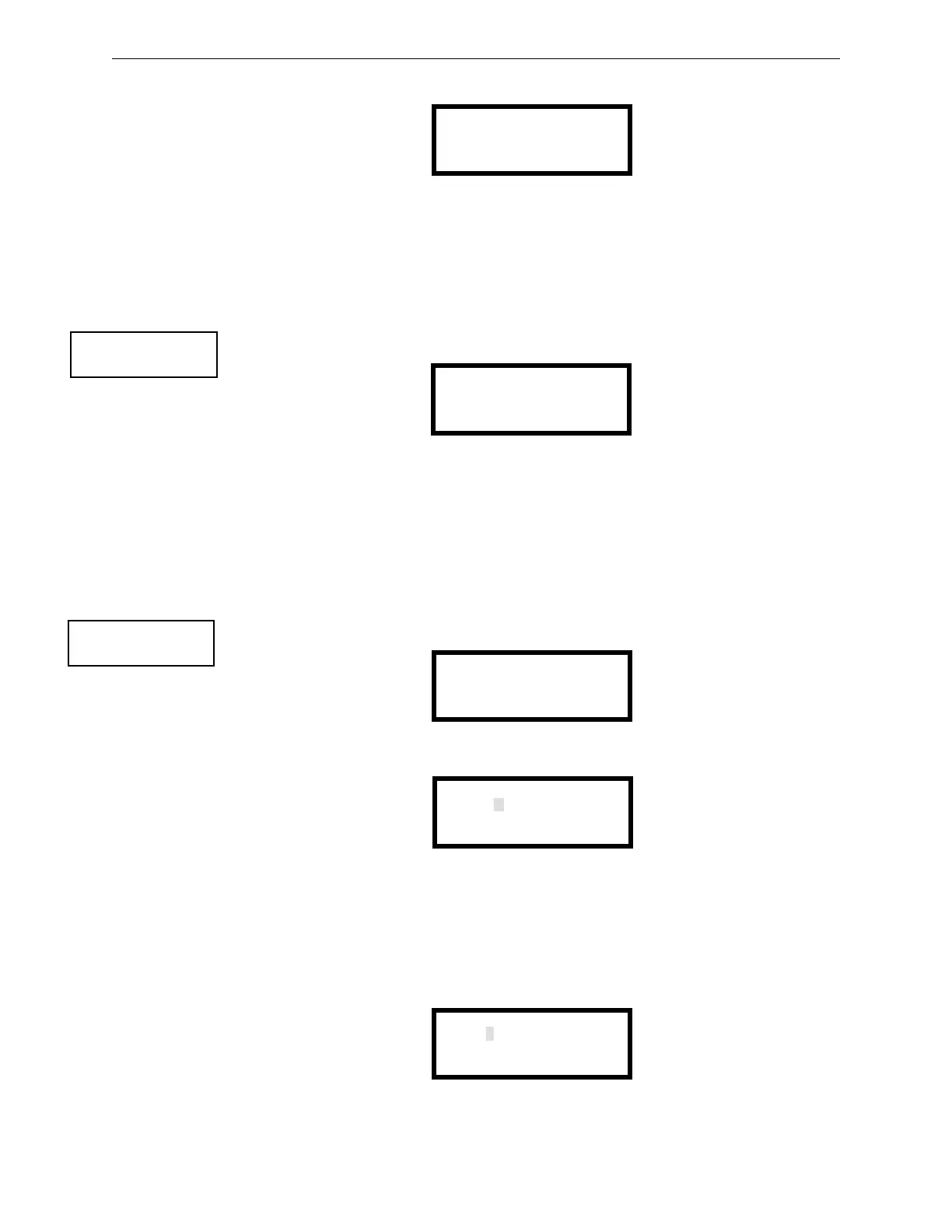
Pressing 2 while viewing the History Screen will cause the following screen to be displayed:
Pressing 1 while viewing the Erase History Screen will erase all events from the History file. The
display will then return to the History Screen. Pressing 2 will cause the display to return to the
History Screen without erasing the History file.
3.6.3 Walktest
To perform a walktest, press 3 while viewing Maintenance Screen #1. The following screen will be
displayed:
The operator can press 1 to perform a silent walktest or 2 to perform an audible walktest. The
display will read UNIT IN WALKTEST. To end the Walktest, press the Esc (Escape) key.
Pressing 3 after the walktest has been completed, will allow the operator to view the results of the
walktest.
3.6.4 Time-Date
To program the time and date into the control panel, press 1 while viewing Maintenance Screen #2.
The following display will appear:
To change the time, press 1 to display the following screen:
A flashing cursor will appear on the left side of the display. Enter the four digit number
corresponding to the time (0000 - 1259). When the fourth digit is entered, the cursor will move one
position to the right. Press 1 for AM or 2 for PM to complete entering the time. The display will
return to the Time and Date Screen displaying the new time.
To change the date, press 2 while viewing the Time and Date Screen. The following screen will be
displayed:
ERASE HISTORY
PROCEED?
1=YES 2=NO
Erase History Screen
PROGRAMMING
1=INPUT ZONES
2=HISTORY
3=WALKTEST
Maintenance Screen #1
WALKTEST
1=SILENT
2=AUDIBLE
3=VIEW EVENTS
Walktest Screen
PROGRAMMING
1=TIME-DATE
Maintenance Screen #2
TIME AND DATE
1=TIME 01:00A
2=DATE 01012009
3=CLOCK FORMAT 12HRS
Time and Date Screen
ENTER TIME AS 12HRS
:
01:00
1=AM 2=PM
Time Screen
ENTER DATE
--
MONTH DAY YEAR
09-19-2014
Date Screen


 To Next Page
 Loading...