5–6 Maintenance and Service Guide
Removal and Replacement Procedures
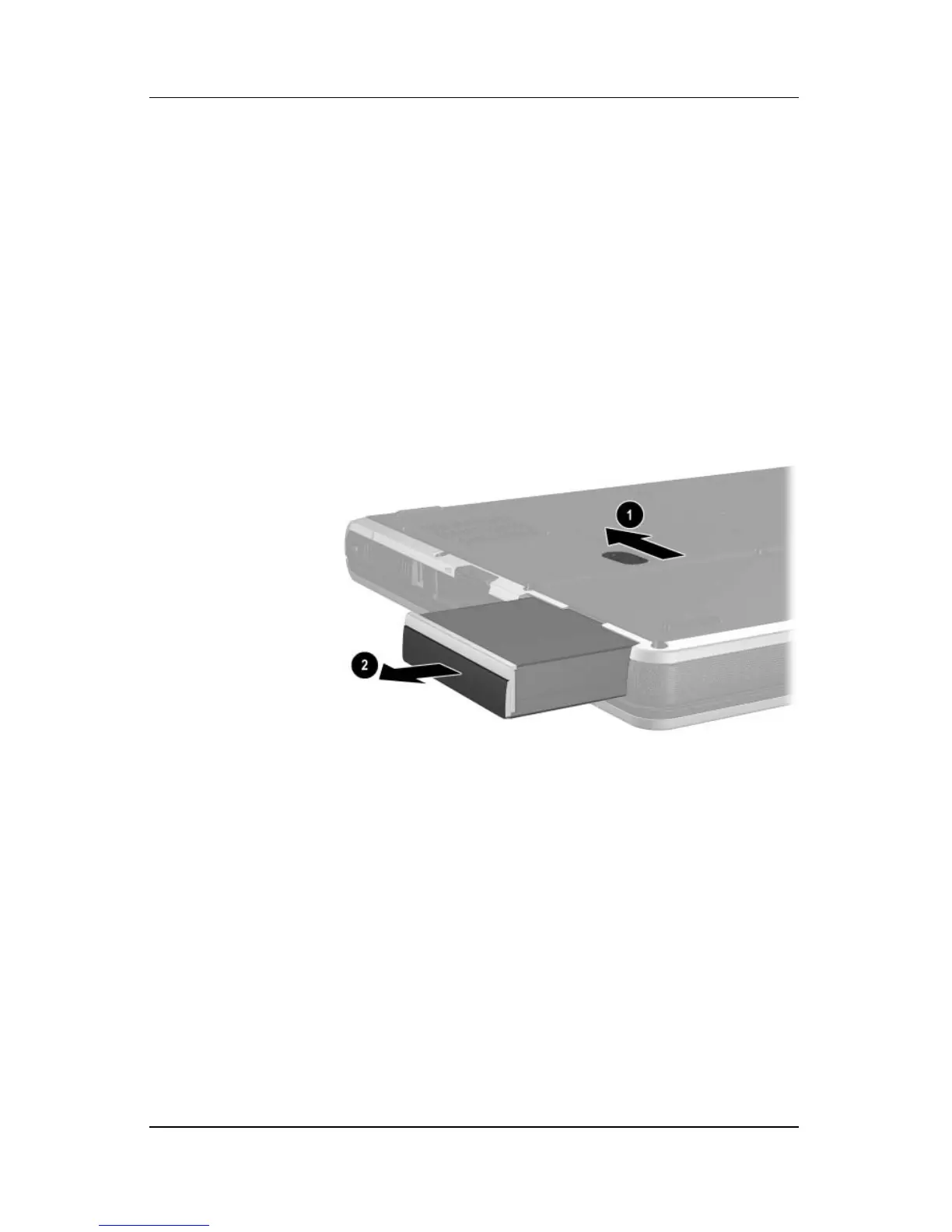
a. Turn the notebook upside down, with the front panel
facing you.
b. Slide and hold the battery release latch 1 toward the
back of the notebook.
c. Use the notch in the battery pack to slide the battery pack
to the left 2.
d. Remove the battery pack.
Removing the Battery Pack



 To Next Page