9-24
Using Passwords and TACACS+ To Protect Against Unauthorized Access
TACACS+ Authentication for Central Control of Switch Access Security
Using Passwords and
TACACS+
Configuring the Timeout Period. The timeout period specifies how long
the switch waits for a response to an authentication request from a TACACS+
server before either sending a new authentication request to the next server
in the switch’s Server IP Address list or using the local authentication option.
For example, to change the timeout period from 5 seconds (the default) to 3
seconds:
HP4108(config)# tacacs-server timeout 3
How Authentication Operates
General Authentication Process Using a TACACS+ Server
Authentication through a TACACS+ server operates generally as described
below. For specific operating details, refer to the documentation you received
with your TACACS+ server application.
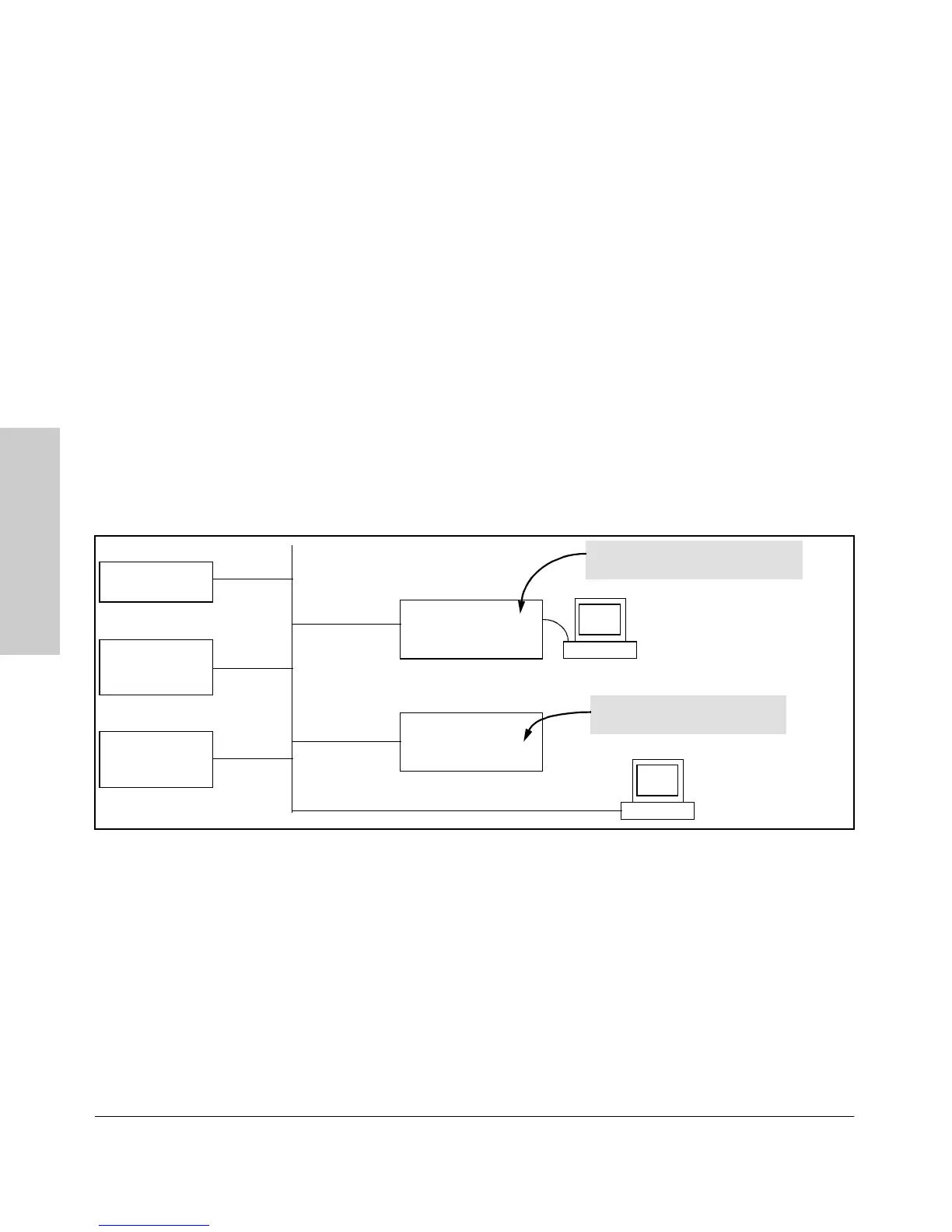
Figure 9-6. Using a TACACS+ Server for Authentication
Using figure 9-6, above, after either switch detects an operator’s logon request
from a remote or directly connected terminal, the following events occur:
1. The switch queries the first-choice TACACS+ server for authentication
of the request.
• If the switch does not receive a response from the first-choice
TACACS+ server, it attempts to query a secondary server. If the
switch does not receive a response from any TACACS+ server,
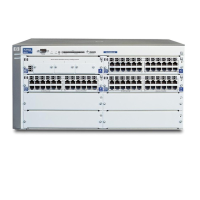
Switch 4108GL
Configured for
TACACS+ Operation
First-Choice
TACACS+ Server
B
Switch 4108GL
Configured for
TACACS+ Operation
Terminal "A" Directly Accessing This
Switch Via Switch’s Console Port
Terminal "B" Remotely Accessing
This Switch Via Telnet
A
Second-Choice
TACACS+ Server
(Optional)
Third-Choice
TACACS+ Server
(Optional)


 To Next Page