9-2
Using Passwords and TACACS+ To Protect Against Unauthorized Access
Overview
Using Passwords and
TACACS+
Overview
This chapter describes:.
■ Manager and Operator passwords
Control access and privileges for the command line and menu inter-
faces (through either the console port or Telnet) and the web browser
interface through the network.
■ Tacacs+ Authentication
Uses an authentication application on a central server to allow or
deny access to a Switch 4108GL.
You can use local passwords and TACACS+ together with Authorized IP
Managers (chapter 10) to provide a more comprehensive security fabric than
if you use only one or two of these options. Table 9-1 lists these features with
the security coverage they provide.
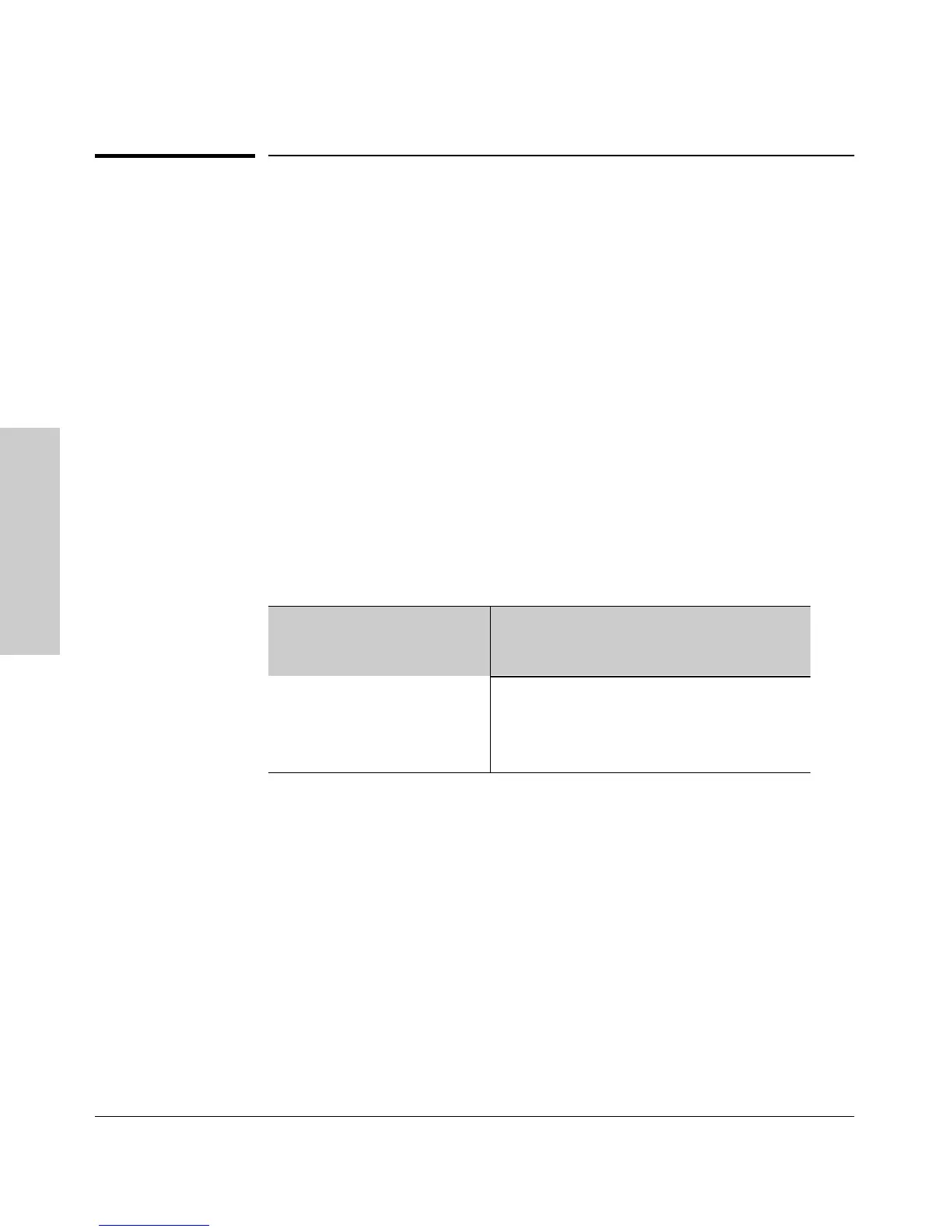
Table 9-1. Management Access Security Features
Table 9-1 shows the protection each security feature offers for a given type of
access, and the hierarchy the switch applies when using security features to
process access attempts. For example, the switch provides Telnet manage-
ment access security as follows:
1. If local user-name/password protection is configured, the correct user-
name and password must be entered.
• If incorrect passwords are entered, the switch denies access.
• If a manager password is not configured, the switch allows manager-
level (read/write) access.
2. If TACACS+ is configured and a TACACS+ server issues a prompt, the
correct passwords must be entered from the management station and
verified by the TACACS+ server.
Security Features in Order
of Implementation
Supported Management Access Protection
Serial
Port
Telnet SNMP
(Net Mgmt)
TFTP Web
Browser
Local Manager and Operator
User-Names and Passwords
Yes Yes No No Yes
TACACS+ Yes Yes No ??? No ??? No
Authorized IP Mgrs. No Yes Yes Yes Yes


 To Next Page