25
Chapter 3
Playback
This chapter describes the main
operations of your BD player, such as:
Playing a Disc•
Playing USB drive content•
Using BD-Live™•
Other Playback Functions•
The procedures described are remote
control based. Similar buttons can also
be pressed on the front panel of your
BD player.
Playing a Disc
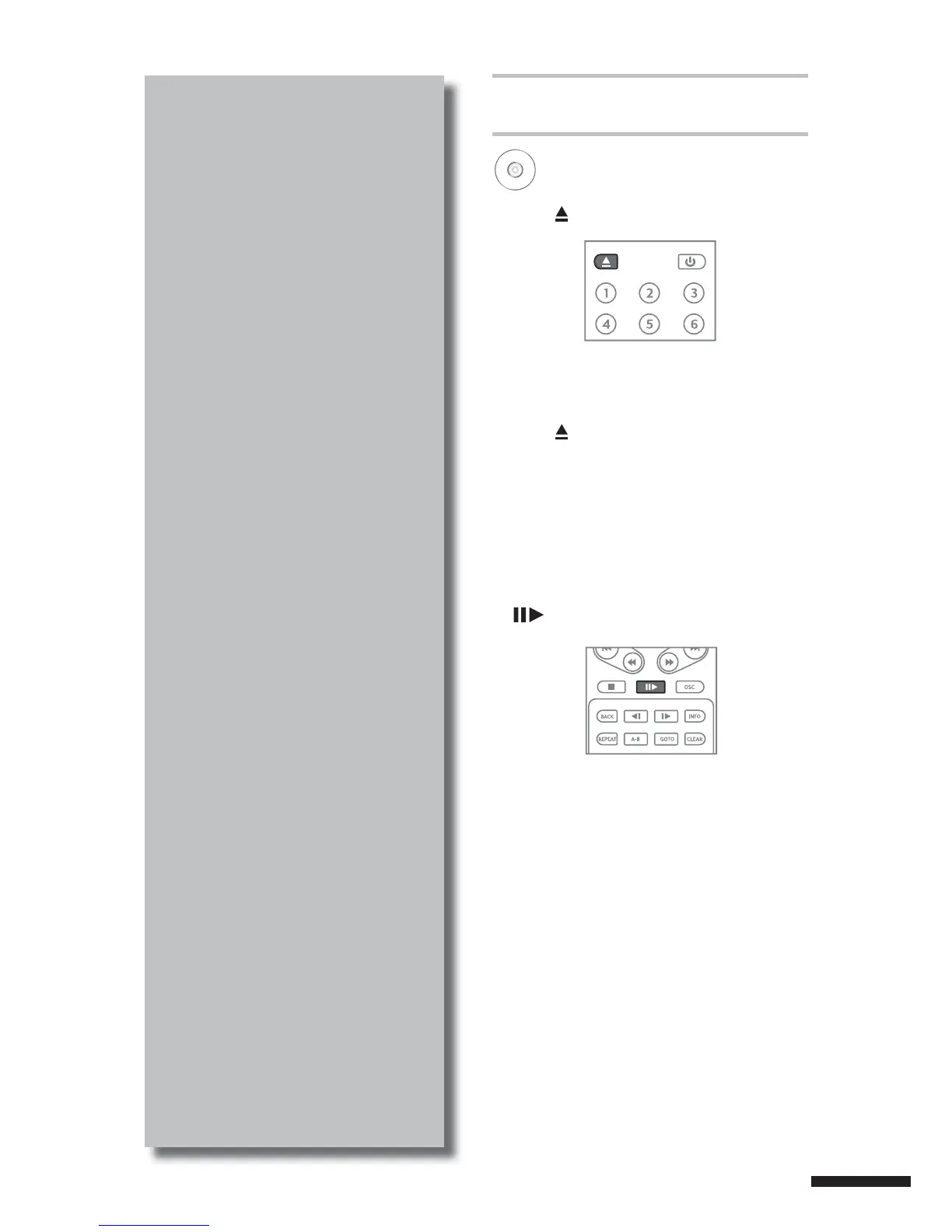
1 Press to open the disc tray.
2 Place the disc on the disc tray with the
playback side facing down.
3 Press to close the disc tray.
The BD player will determine the type of
disc inserted. It may take a short while to
load the disc. The disc type is displayed
on the TV screen.
4 Some discs start playing automatically,
and others do not. In this case, press
to start playback.
BD
DVD
AVCHD
VCD
CD



 To Next Page