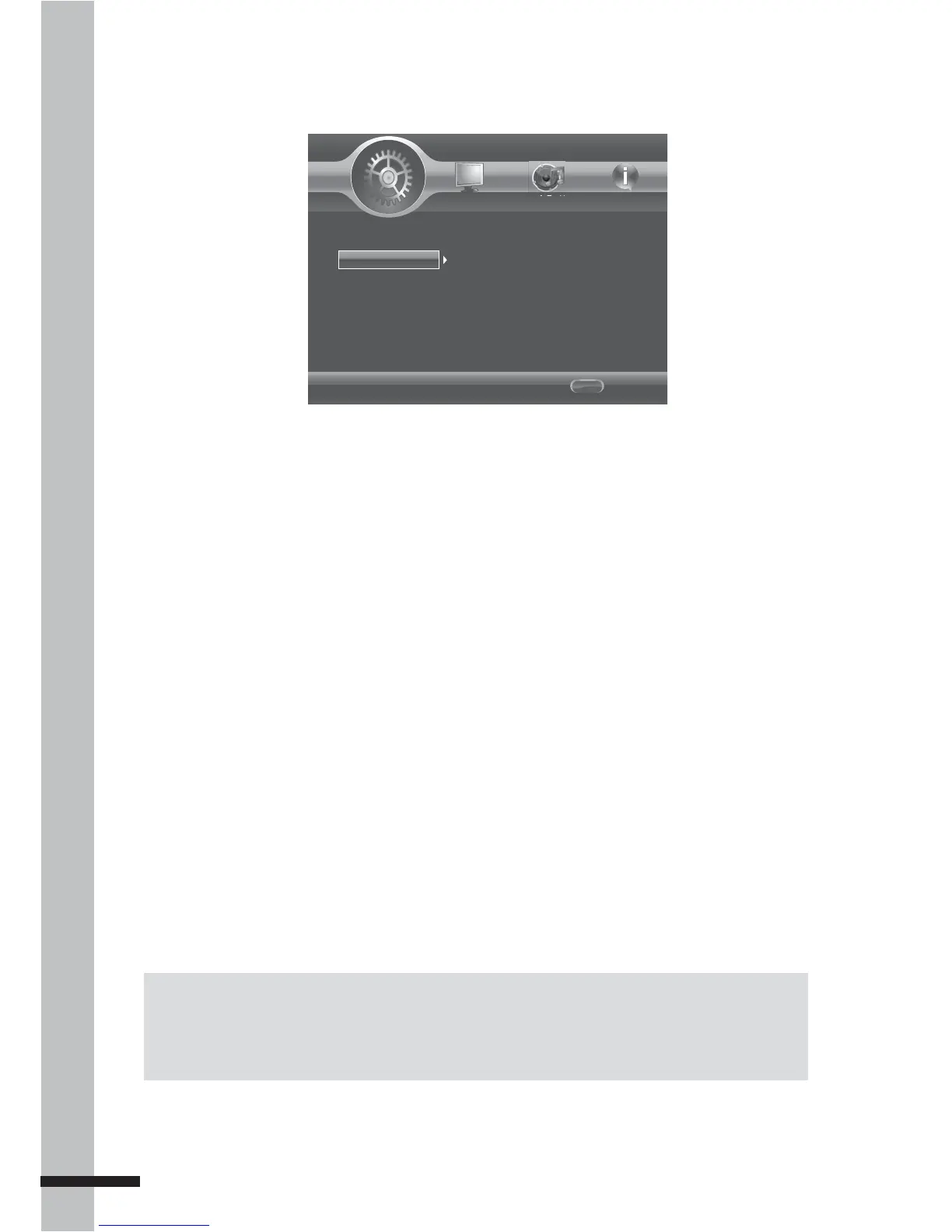
The Language menu allows you to configure
the language that is displayed for the
following:
OSD
Set the on-screen display (OSD) language.
Available options are English, German,
French, Italian, Spanish, Dutch, Portuguese,
Traditional Chinese, Russian, Turkish, and
Japanese.
Menu
Set the menu language. Available options
are English, French, Chinese, Spanish,
German, Italian, Dutch, Portuguese, Danish,
Swedish, Finnish, Norwegian, Russian,
Korean, and Japanese.
Notes:
Not all the supported languages of the BD player are also available on most discs. •
Some discs may not allow the audio language to be set on the settings menu of the BD player. In •
this case, select the audio language from the menu of the disc.
Audio
Set the audio language. Available options
are English, French, Chinese, Spanish,
German, Italian, Dutch, Portuguese, Danish,
Swedish, Finnish, Norwegian, Russian,
Korean, and Japanese.
Subtitle
Set the subtitle language. Available options
are English, French, Chinese, Spanish,
German, Italian, Dutch, Portuguese, Danish,
Swedish, Finnish, Norwegian, Russian,
Korean, and Japanese.
To disable subtitle, select ‘Off’.



 To Next Page