27
Playback
Slow Rewind or Slow
Forward Playback
BD
DVD
AVCHD
VCD
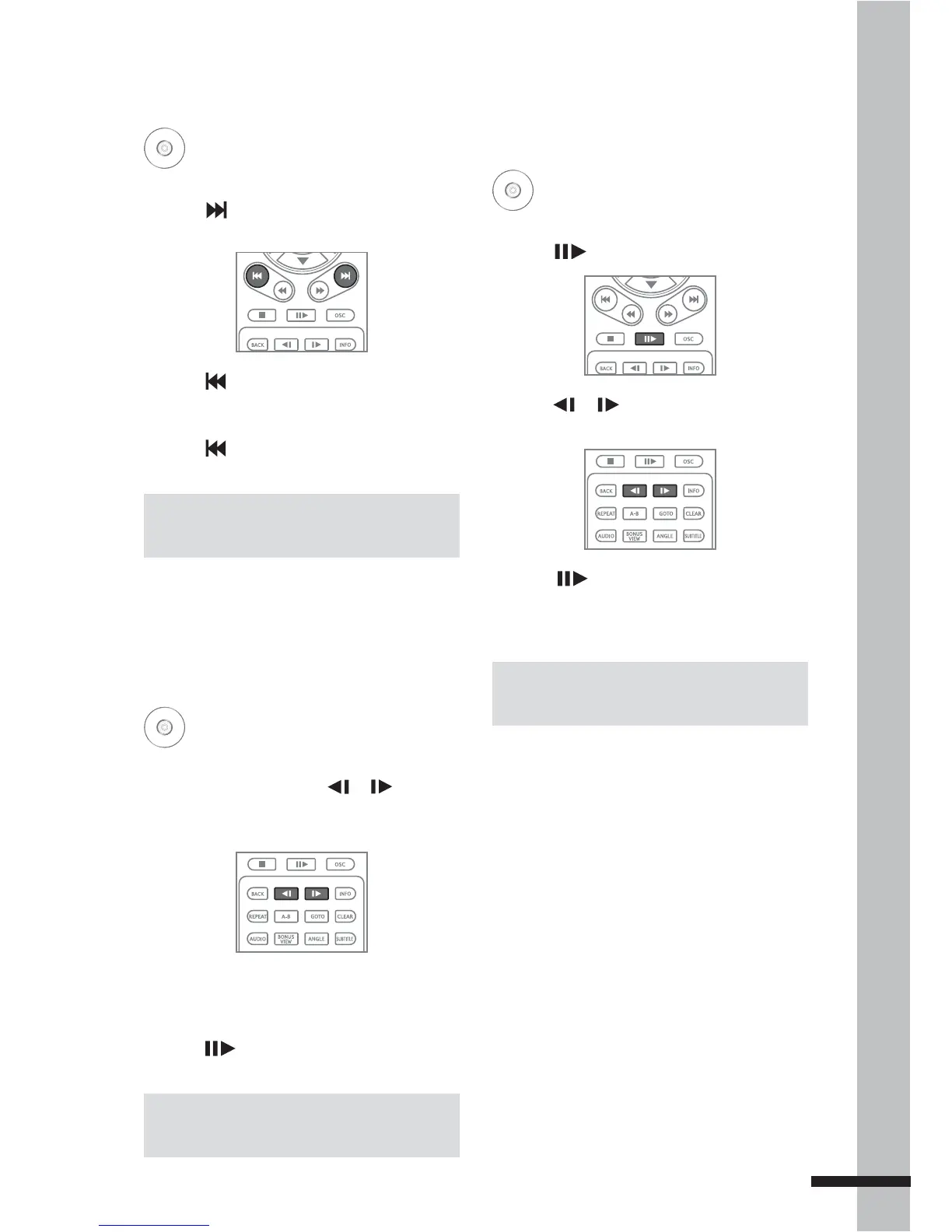
1 During playback, press
or
to
rewind or forward playback in slow
motion.
2 Press the button repeatedly to switch
slow motion speed (1/16, 1/8, 1/4, 1/2).
3 Press to resume playback at normal
speed.
Step Rewind or Step
Forward
BD
DVD
AVCHD
VCD
1 Press to pause playback.
2 Press
or
to rewind or forward the
playback one step or frame at a time.
3 Press to resume playback at normal
speed.
Skipping Content
BD
DVD
AVCHD
CD
1 Press to skip to the beginning of the
next chapter/title/track.
2 Press to skip to the beginning of the
current chapter/title/track.
3 Press twice to skip to the beginning of
the previous chapter/title/track.
Note:
Some discs may not support this function.
Note:
Some discs may not support this function.
Note:
Some discs may not support this function.



 To Next Page