28
Playback
Playing a Specific
Section Repeatedly
(A-B)
BD
DVD
AVCHD
VCD
CD
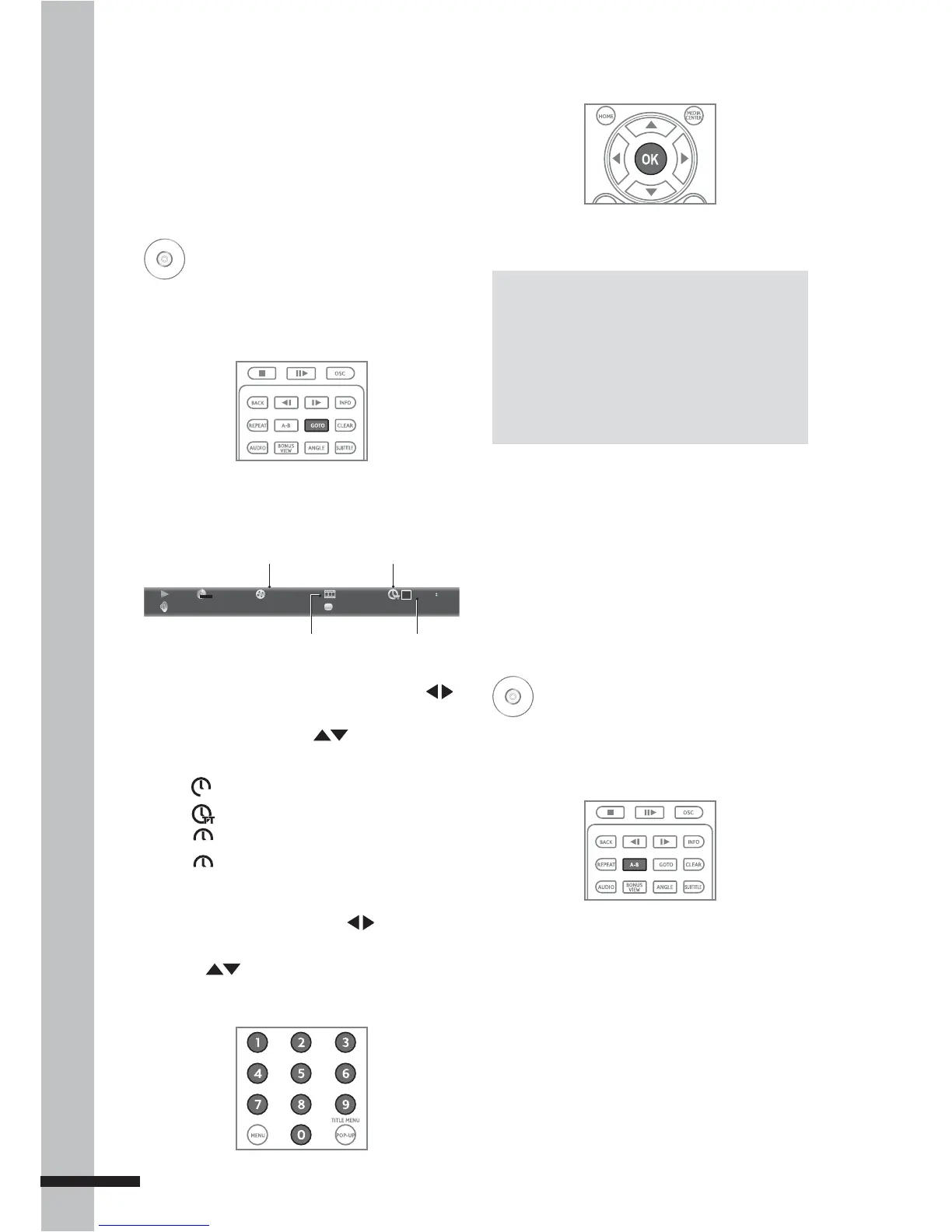
1 During playback, press A-B to select the
starting point (A).
2 Press A-B again to select the end point
(B).
3 Press A-B again to cancel A-B Repeat.
Playing Specific
Titles, Chapters, or
Tracks
BD
DVD
AVCHD
CD
1 Press GOTO to jump to a specific title/
chapter/track/time.
The Info bar appears on the TV screen.
MPEG
1/1 English 1/1 ChinesePCM Stereo
2 / 8 3 / 3
00 :02 :40
DVD+VIDEO
Current chapter number/
Total number of chapters
Time Icon
Time
Current title or track number / Total
number of titles or tracks
2 To select title or chapter/track, press
then OK.
To select time, press
. The time icon
changes as follows:
CH
Chapter time is selected.
Title time is selected.
TRACK
Track time is selected.
DISC
Disc time is selected.
To select type of time, press OK. To move
between time field, press .
3 Press or the number buttons of the
title/chapter/track/time you wish to jump
to.
Notes:
Press • CLEAR to delete the numbers you
have entered.
Displayed items vary depending on the •
inserted disc.
Some discs may not support this function.•
4 Press OK.
5 Press INFO to close the Info bar.



 To Next Page