39
Playback
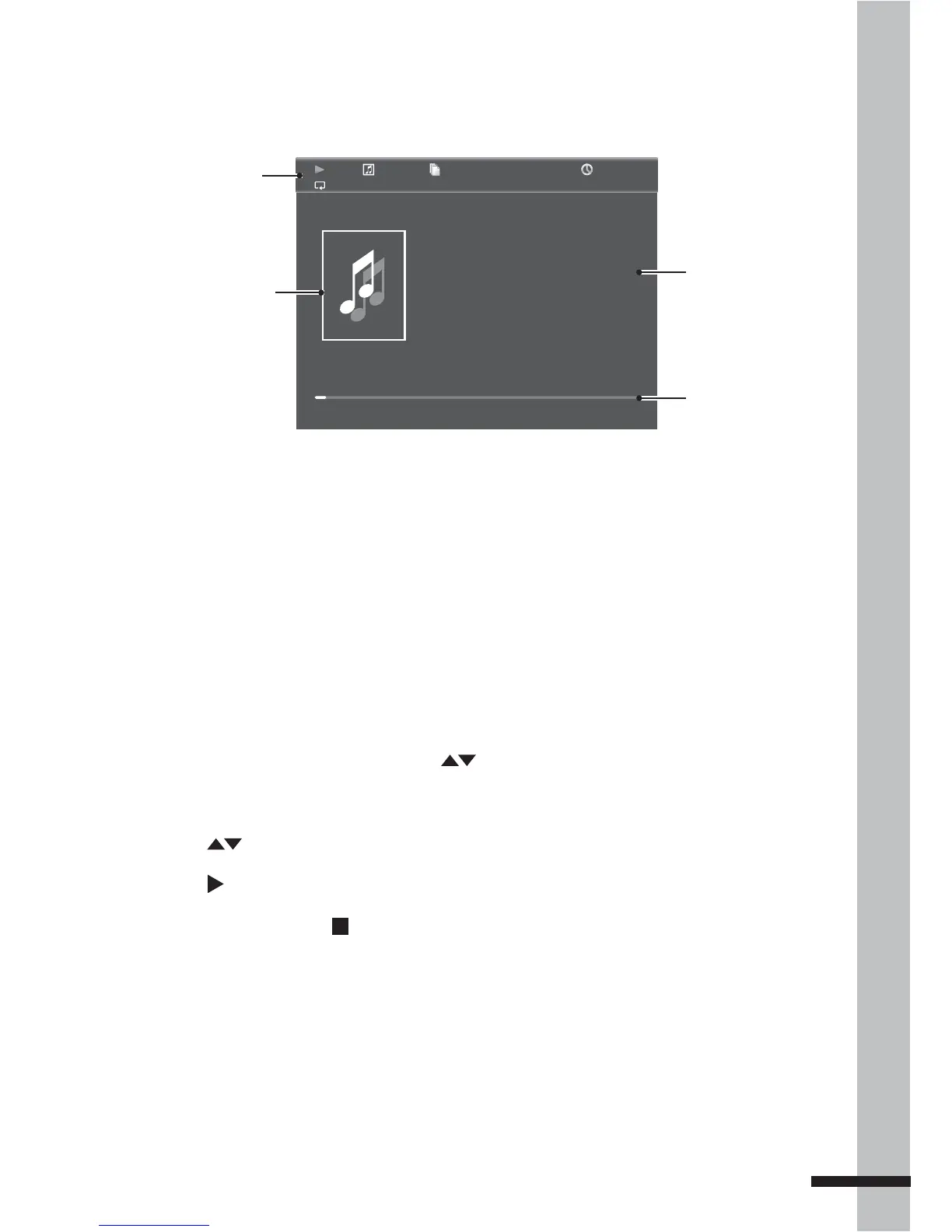
Press • INFO to view or hide the Music Playback Status screen.
During music playback, you can continue to browse for other music files or view photos. •
Press MEDIA CENTER.
Press • OSC to display music on-screen control menu. See ‘Using On-Screen Controls (OSC)’
(p. 30) for details.
1 / 8
00 :02 :40
Type:
Total Time:
Title:
Artist:
Album:
Genre:
MP3
03:41
Get Back
Britney Spears
Blackout
Pop
A-B
Album art
Song Title, Artist
and Album
Progress bar
Playback mode
indicators
Music Playback Status Screen
Once music starts playing, the Music Playback Status screen appears.
Playing Videos
1 From the Media Browser screen, press to highlight Video.
2 Press OK. The File Selection screen is displayed.
3 Press to choose a subfolder or file.
4 Press to start playing the video file.
5 To stop playback, press .



 To Next Page