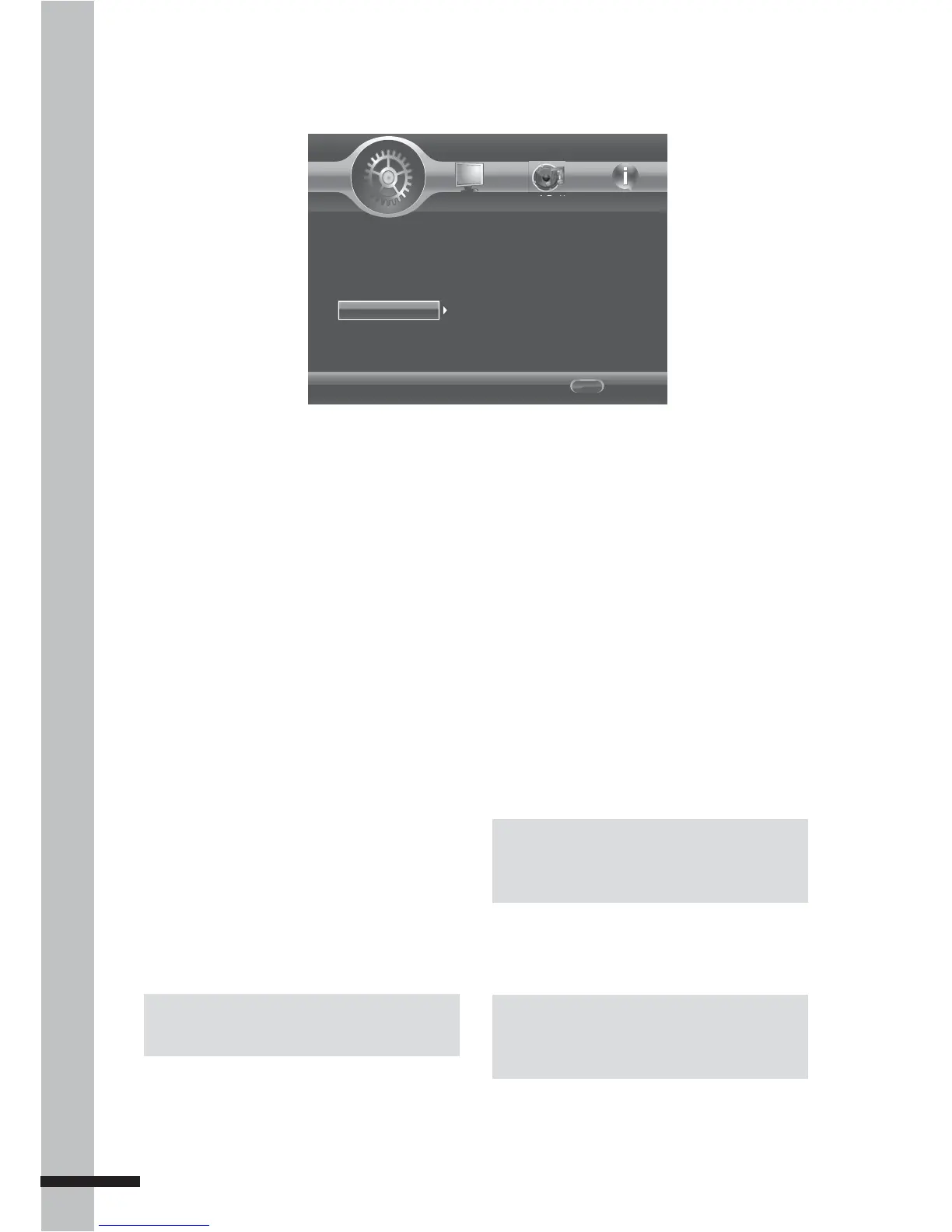
The Security menu allows you to control the
playback of inappropriate discs.
After parental control is set and a disc
with a higher rating level than the one set
is inserted into the disc tray, you will be
prompted to enter the password first before
playing the disc.
Change Password
Set the 4-digit security password.
1 Press the number buttons to enter the
current password.
2 Press OK.
3 Enter the new password, then press OK.
4 Re-enter the new password, then press
OK.
Once a password has been saved, it must be
entered first before you can change any item
in the security menu.
Note:
You will be prompted to enter the password
before being allowed to change this setting.
Parental Control
Use this option to the restrict playback of
discs encoded with a rating level equal to
or higher than the level you set. Available
settings are:
Off•
KID SAFE•
G•
PG•
PG-13•
PGR•
R•
NC-17•
ADULT•
Country Code
Set the country where you are in.
Note:
You will be prompted to enter the password
before being allowed to change this setting.
Note:
The default initial password is 0000.



 To Next Page