42
Settings and Further Adjustments
6 Press to select desired setting then
press OK to confirm.
7 Press to return to the previous screen
or menu.
8 Press HOME again to exit Home menu.
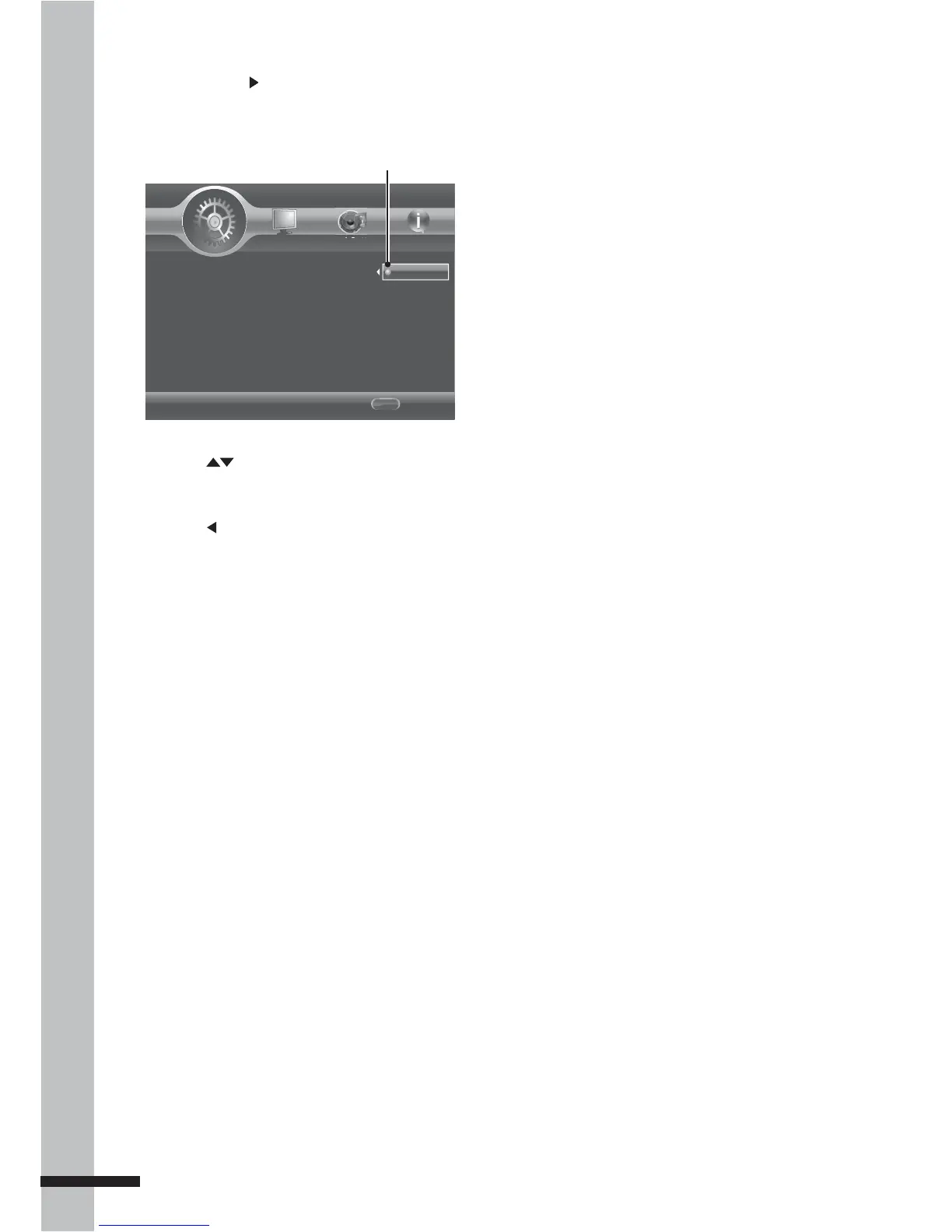
5 Press OK or to access the next level
submenu.
System
Language
Playback
Security
Network
Home Menu
--- General Setting ---
Screen Saver
Load Default
Upgrade
Easy Setup
BUDA
On
Off
Exit
Use cursor key to move focus, use
"OK" key to select.
HOME



 To Next Page