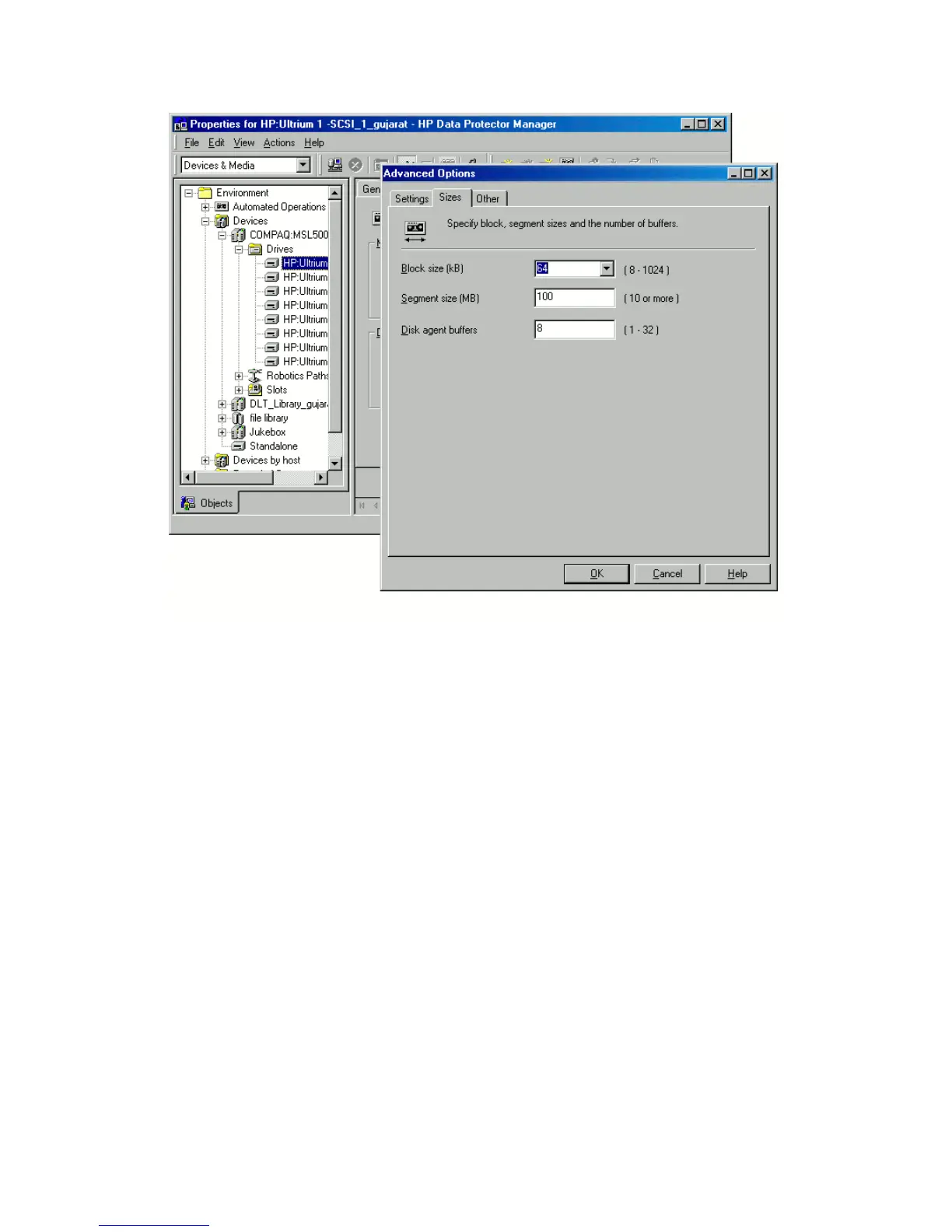
Figure 2 Verifying the default block size
• A backup of all necessary data for disaster recovery may require a significant
amount of free space. While normally 500 MB is enough, up to 1 GB may be
required depending on the operating system.
• In a cluster environment, a cluster node can be successfully backed up if the bus
address enumeration on each cluster node is the same. This means that you need:
• an equal cluster node motherboard hardware
• the same OS version on both nodes (service packs and updates)
• the same number and type of bus controllers
• bus controllers must be inserted in the same PCI motherboard slots.
• For Windows XP, if the operating system was not activated at the time of the
backup and the activation period expires, disaster recovery fails.
• To create an ISO CD image for a Windows Vista or Windows Server 2008
system, the system on which you will create the image must have the Windows
Disaster recovery for Windows58







 To Next Page