3
2 Monitor features
This chapter provides an overview of the monitor’s features.
Features
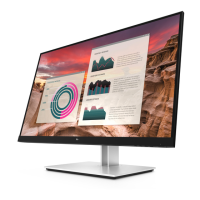
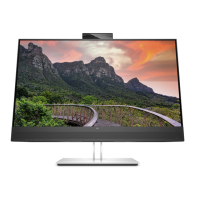
Depending on the model, your monitor might include the following features:
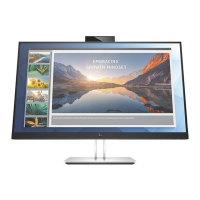
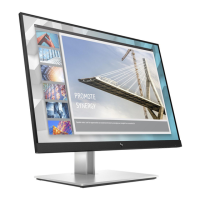
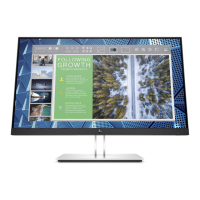
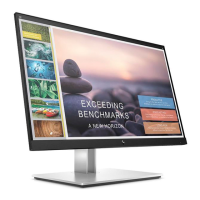
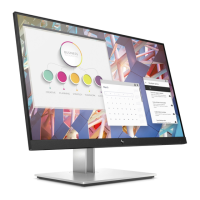
● 60.5 cm (23.8-inch) diagonal viewable screen area with 1920 x 1080 resolution, plus full-screen
support for lower resolutions; includes custom scaling for maximum image size while preserving
original aspect ratio
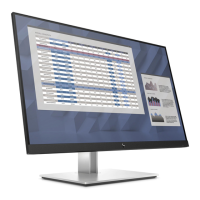
● 68.5 cm (27-inch) diagonal viewable screen area with 1920 x 1080 resolution, plus full-screen support
for lower resolutions; includes custom scaling for maximum image size while preserving original
aspect ratio
● The monitor features include the following:
● Nonglare panel with an LED backlight
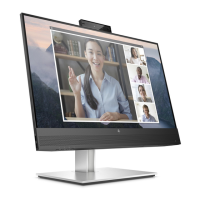
● Skype for Business–certified popup camera and microphone for online collaboration (select models)
● Wide viewing angle to allow viewing from a sitting or standing position, or when moving from side to
side
● Tilt capability
● Pivot capability to rotate the monitor panel from landscape to portrait mode
● Swivel and height adjustment capabilities
● Removable stand for flexible monitor panel mounting solutions
● DisplayPort and VGA video inputs (cables provided)
● One HDMI (High-Definition Multimedia Interface) video input (cable not provided)
● USB 3.0 hub with one upstream port (connects to the computer) and two downstream ports (connect
to USB devices)
● USB BM to AM cable provided to connect the monitor’s USB hub to the USB connector on the computer
(23.8–inch model only)
● USB CM to AM cable provided to connect the monitor’s USB hub to the USB connector on the computer
(27–inch model only)
● Plug and Play capability, if supported by your operating system
● Security cable slot provision on rear of monitor for optional security cable
● On-screen display (OSD) adjustments in several languages for easy setup and screen optimization
● HP Display Assistant software for adjusting monitor settings and enabling the theft deterrence
features
● Cyberlink YouCam software
● HDCP (High-bandwidth Digital Content Protection) copy protection on all digital inputs
● Software and documentation optical disc (provided with the monitor in select regions) that includes
monitor drivers and product documentation


 To Next Page