12
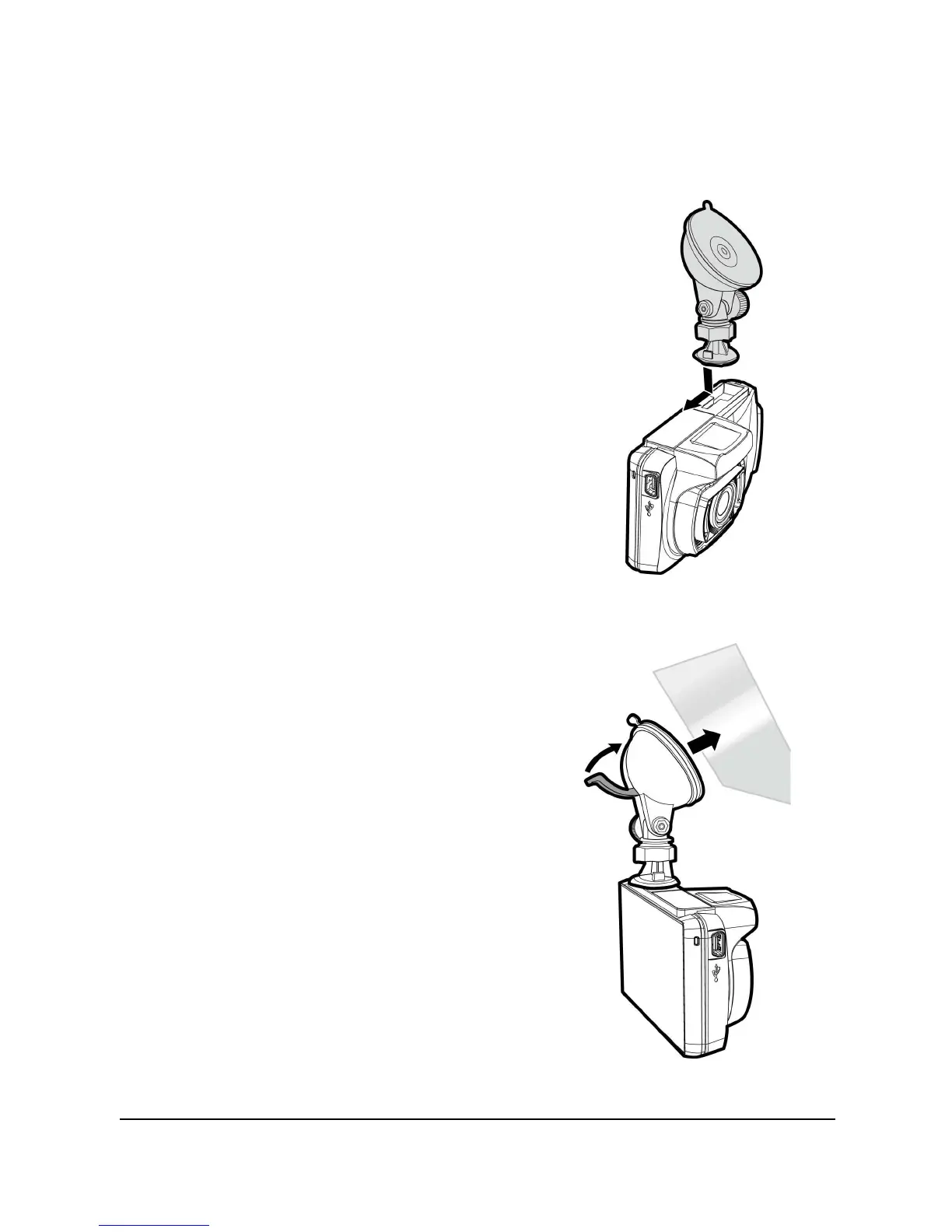
2.2 Installing in Vehicles
2.2.1 Mount to Windshield
1. Push the bracket into bracket slot on top of
camcorder, until a click sound is heard.
2. With the suction-cup laying flat,
position the suction-cup on the
windshield.
3. Hold the base firmly on the windshield
and press down the clamp to mount
the car holder to the windshield. Make
sure the base is securely locked in
place.



 To Next Page