2.7 Application
The camera allows you to connect to the mobile camcorders via the App.
When using for the first time, install the Pixi Cam App for your mobile
camcorder.
2.7.1 Application installation
1. Search from Google Play or App Store for Pixi Cam
application.
2. Install the App.
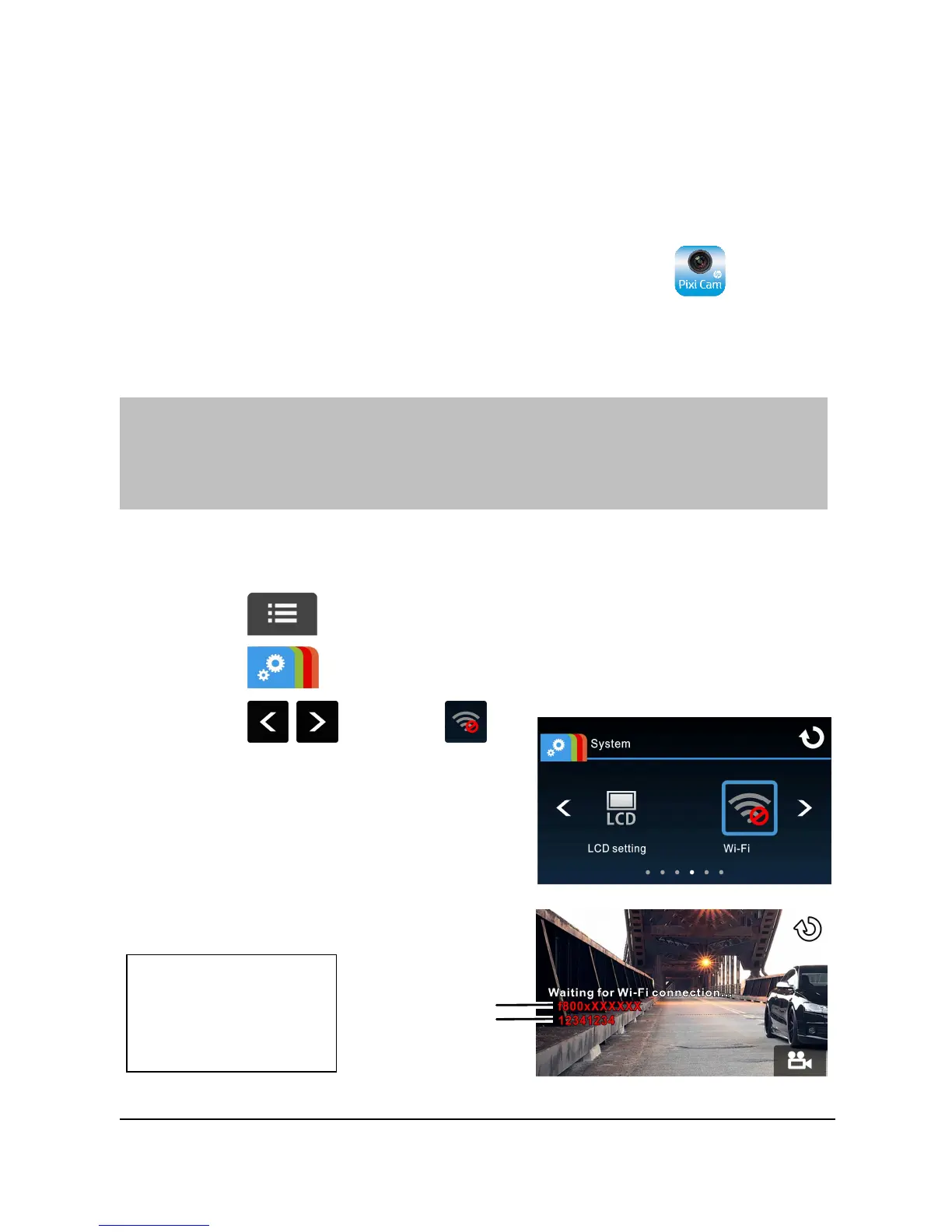
2.7.2 Wi-Fi connecting
1. Touch to enter Main Menu.
2. Touch to switch over to System Main Menu.
3. Touch / to select
for entering Wi-Fi function menu;
wait for screen to display
camcorder ID and Wi-Fi password.



 To Next Page