Note:
1. If the Collision Detection function is enabled and a collision is detected, the
camcorder will automatically trigger the emergency recording. Please refer to
Collision Detection
(4.2).
2. The emergency recording file is created as a new file, which will be protected to
avoid being overwritten by normal cycling recording. 8G (or above) memory card
can save up to 10 emergency video files. The alert message of “Emergency files
are full” will pop up on the screen when the emergency recording files are full, and
the oldest emergency file will be automatically deleted when a new emergency
recording file is created.
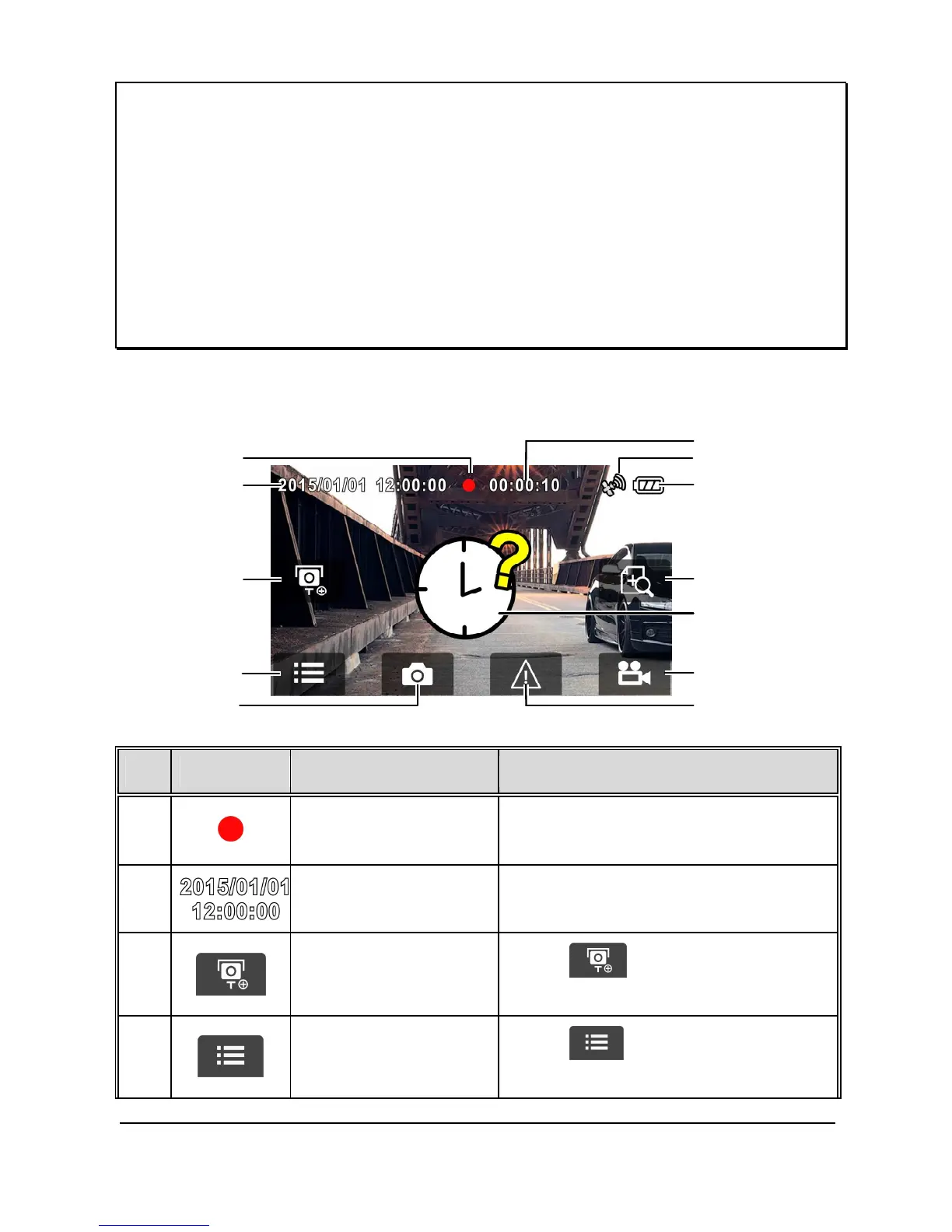
3.1.3 The Recording Screen
Icon Item Description
1
Recording
Icon
When visible, this is the indicator that
the camcorder is recording.
2



 To Next Page