5
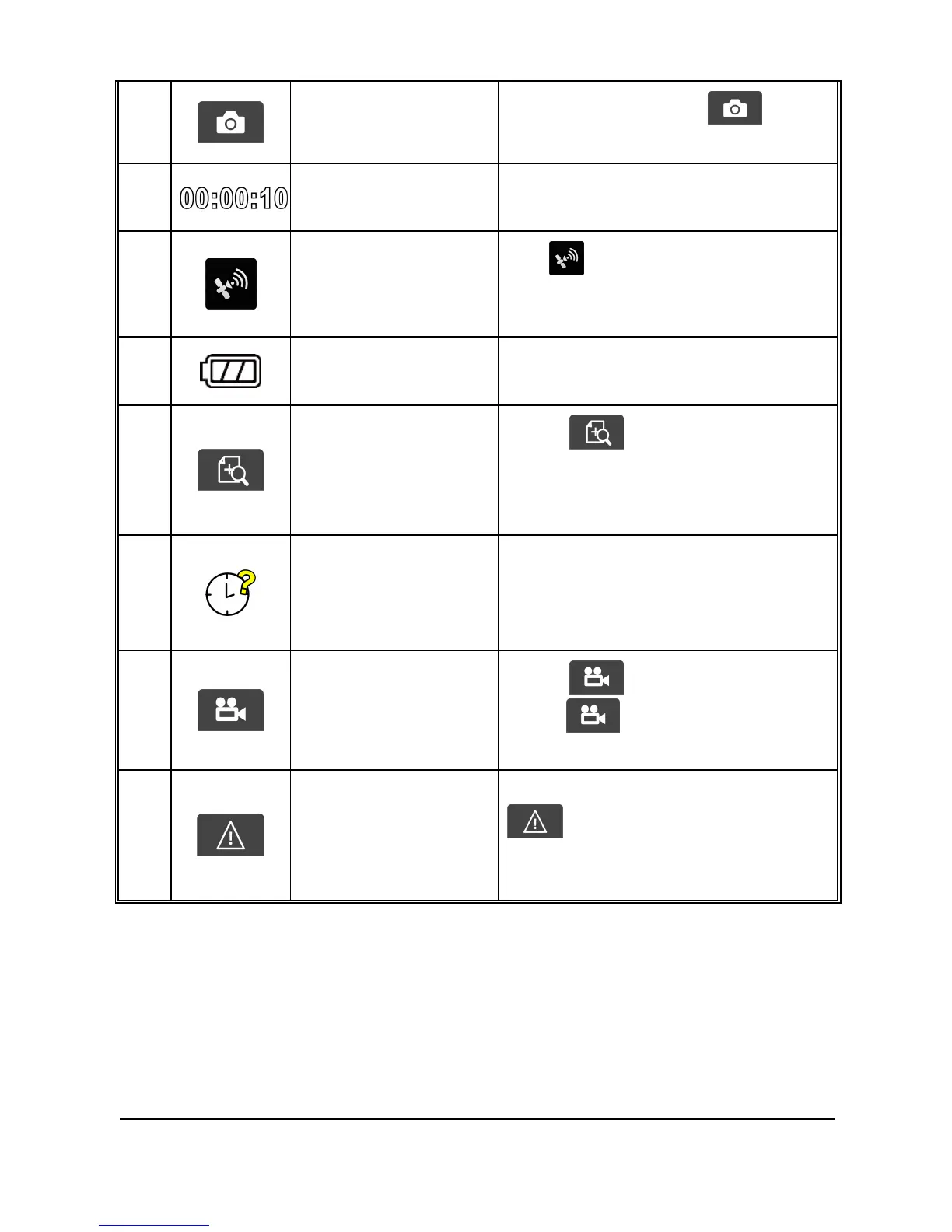
Taking Snapshot
While recording, touch to
take a photo.
6
Recording Duration
Indicates the video current
duration.
7
Satellite positioning
icon
The icon appears on the screen
when satellite positioning of the
camcorder is ready.
8
Battery
Indicates the remaining
battery power.
9
4 GRID FUNCTION
CHART in the LCD
screen
Touch to enter the 4 GRID
FUNCTION CHART in the LCD screen.
Please refer to 4 GRID FUNCTION
CHART on the LCD screen (3.1.6).
10
Reset of date / time
Prompt
Reminds the user to reset the Date /
Time before start to use the
camcorder. Please refer to Set the
Date / Time ( 2.6.2)
11
Recording
Touch to start recording,
touch again to halt the
recording.
12
Emergency
Recording
During video recording, touch
to enter emergency
recording mode. Please refer to
Emergency Recording (3.1.2).



 To Next Page