18
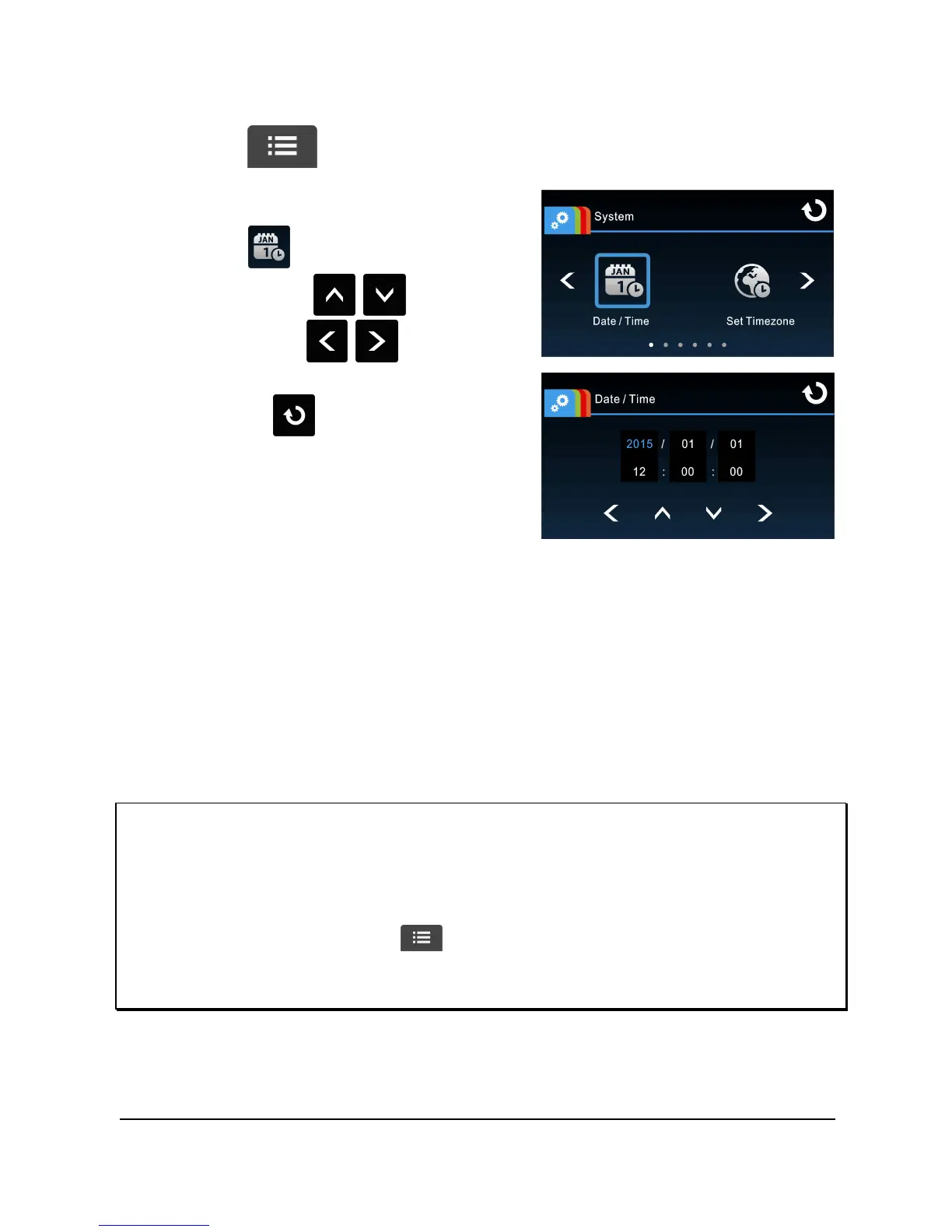
To set the correct date and time, do the following:
1. Touch to enter Main Menu.
2. Select to enter Date / Time
menu. Touch / to select
value; touch / to select
previous or next field; confirm by
touching to complete
setting.
Note:
1.
If Time Sync. is on, camcorder clock will be calibrated via satellite clock signal based
on Set Timezone. Please refer to
Time Sync.
(4.2)
2. If satellite positioning is not successful, camcorder clock will run based on user
defined time.
3. Please be aware that touching during the recording process will stop the
recording process and enter into main menu. Please make sure the recording can
be stopped before operating menu selections.
2.6.3 Setting the Universal Time Code (UTC)



 To Next Page