4 Adjusting the Settings
4.1 Using the Menu
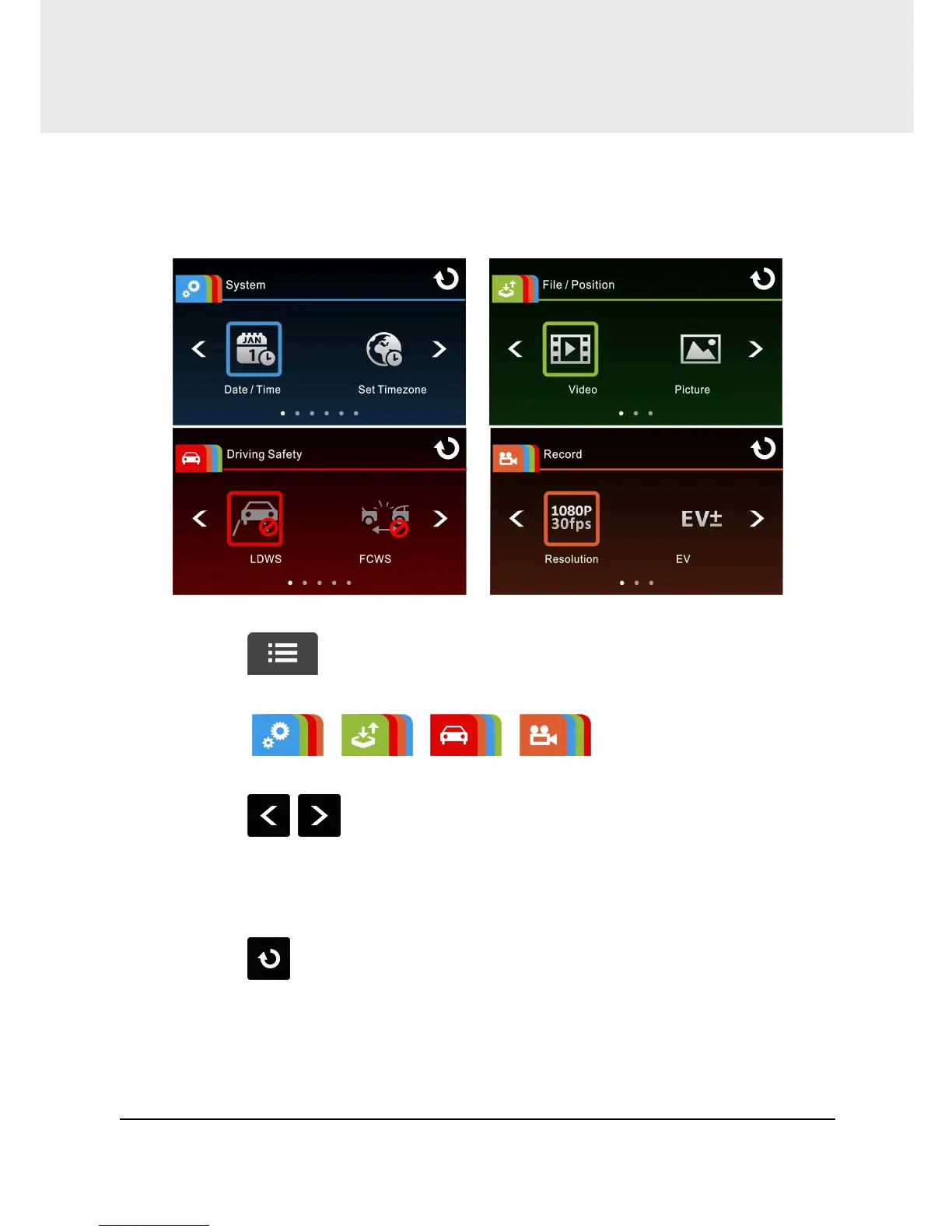
You can customize the general settings via the on-screen display (OSD)
menus.
1. Touch in the record mode will stop the record and enter
into Main Menu.
2. Touch / / / to switch over main
menus.
3. Touch / to browse for function items in the respective
main menu; touch a function icon to enter setting screen.
4. On completion of setting a required function item, camcorder will
return automatically to the main menu of the selected function.
5. Touch
to return to Record Screen.



 To Next Page