EasyManua.ls Logo

HP f800x - Menu Items

HP f800x
56 pages
Print Icon
To Next Page IconTo Next Page
To Previous Page IconTo Previous Page
Loading...
47
4.2 Menu Items
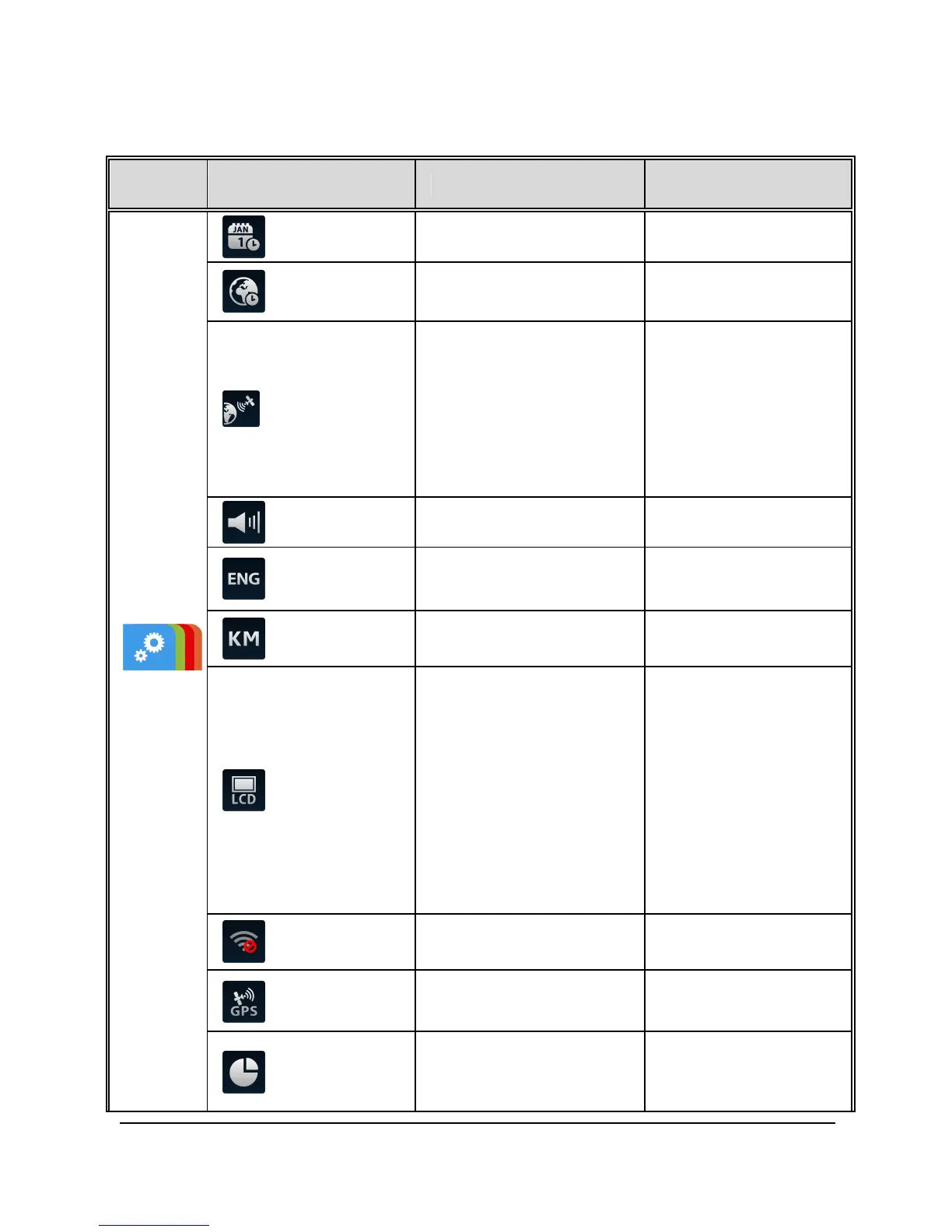
Refer to the below table for details of main menu and function list.
Main
Menu
Function List Description Available Option
System
Date / Time Set the date and time.
Set Timezone
Set the time zone you are
in.
UTC -12:00 ~
UTC +12:00
Time Sync.
When enabled,
camcorder clock will be
calibrated automatically
based on satellite clock
of the set time zone on
completion of satellite
positioning.
On / Off
Beep Enable/Disable the beep.
Off / Low / Medium /
High
Language
settings
Set the on-screen display
menu language.
According to the actual
shipping regions
Distance Unit
Select the unit for
distance display.
KM / MILE
LCD setting
Set LCD off time.
Camcorder screen will be
off after a set time if no
operation is detected
during the standby or
record mode. Touch any
point of the touch screen
will switch it on.
(Recording is not affected
when screen is off).
On / Off After 30 sec. /
Off After 3 min.
Wi-Fi
Set Wi-Fi linkage of a
mobile device.
Satellite
System
Select satellite system of
the locality.
GPS / GLONASS
Recorder
Format
Format the memory card
inserted in the
equipment. All the files in
Yes / No

Other manuals for HP f800x

Related product manuals