HP Intelligent PDU web interface 40
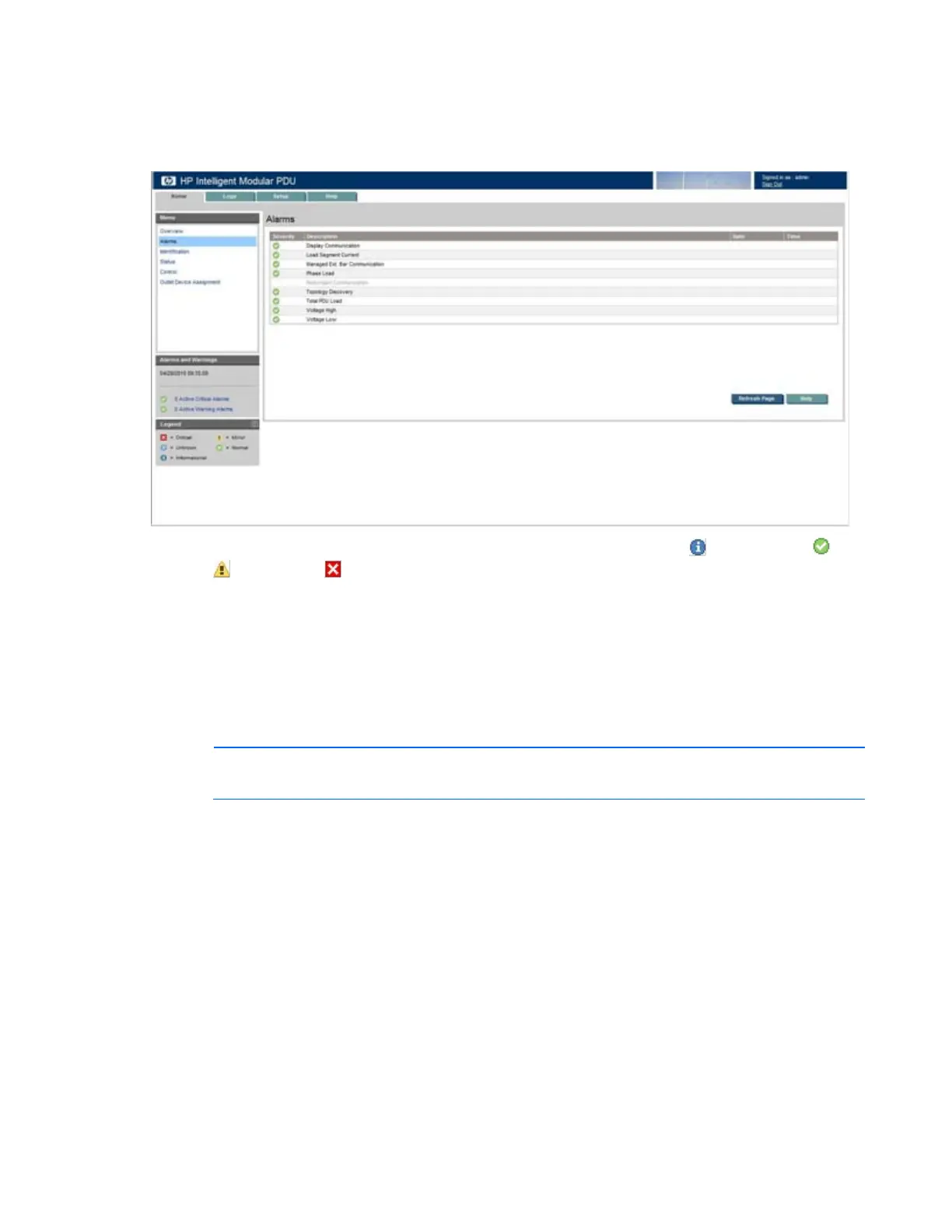
Alarms menu
Click Alarms in the left navigation frame to display the Alarms screen. This screen displays the alarms for
the iPDU.
The alarms are listed in alphabetical order. Each entry includes a severity icon (
Informational,
Normal,
Warning, or Critical), a description, and the date and time at which the alarm most
recently occurred.
Click Refresh Page to refresh the screen. Click Help to view online help.
Identification menu
Click Identification in the left navigation frame to display the Identification screen. This screen contains
contact information and device information for the iPDU and device information for each load segment.
NOTE: Load segment 1 always corresponds to the outlet closest to the Core Unit power cord.



 To Next Page