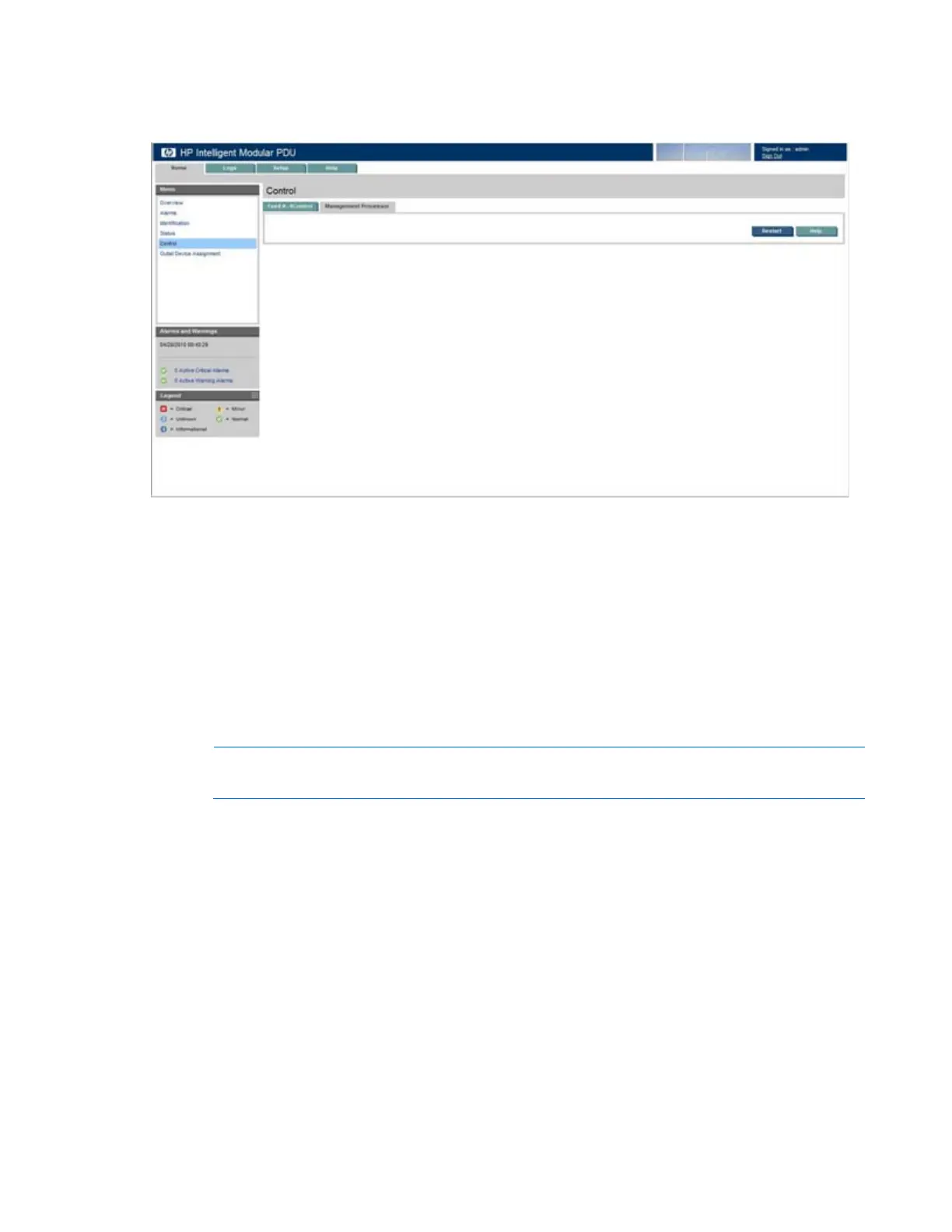
HP Intelligent PDU web interface 45
Management Processor tab
This screen contains controls that enable you to restart the management processor.
To restart the management processor:
1. Click Restart.
2. Confirm the restart on the popup window.
Click Help to view online help.
Outlet Device Assignment menu
Click Outlet Device Assignment in the left navigation frame to display the Outlet Device Assignment
screen. This screen contains controls that enable you to record information for devices attached to the
iPDU load segments and Intelligent Extension Bar outlets, if applicable.
NOTE: Load segment 1 always corresponds to the outlet closest to the Core Unit power cord.



 To Next Page