HP Intelligent PDU web interface 47
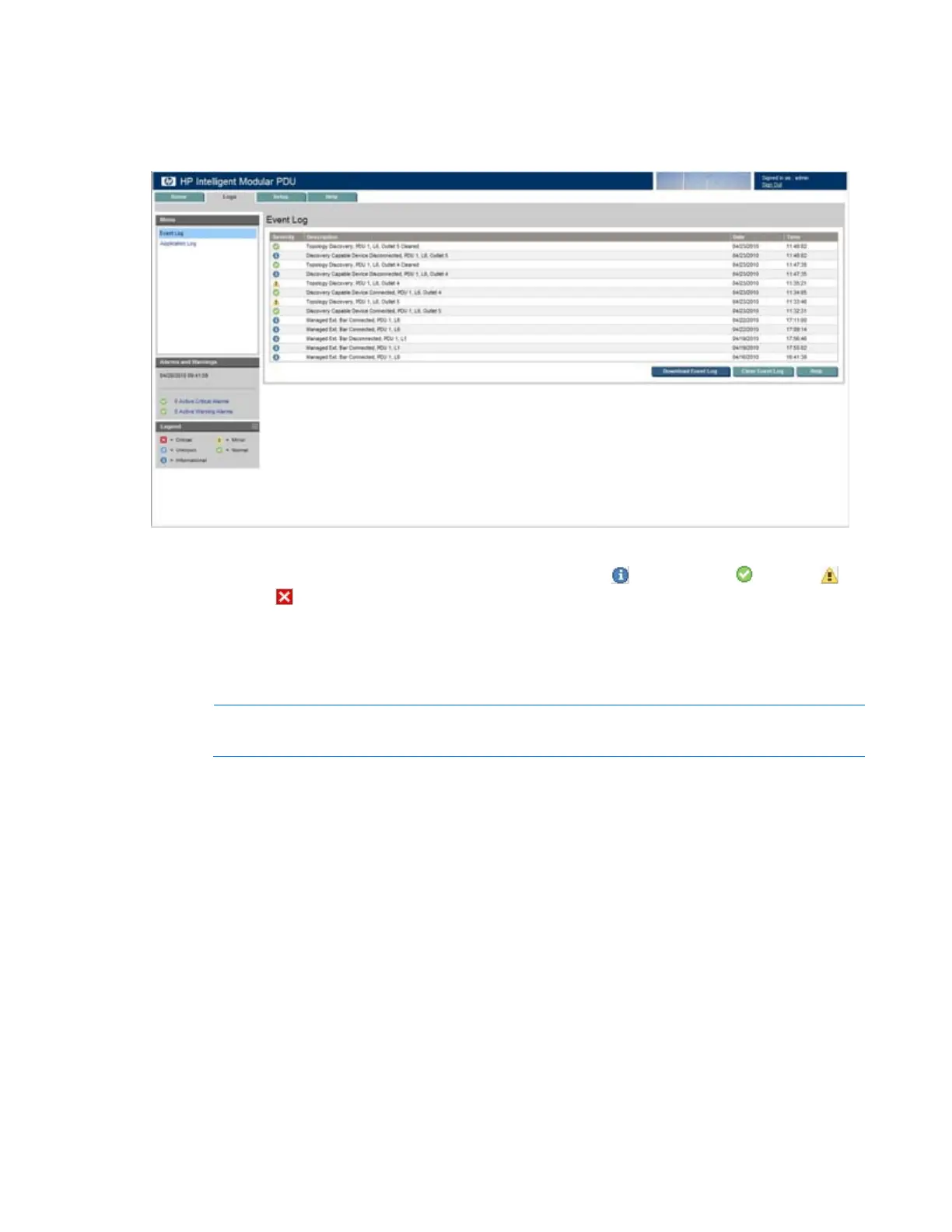
Event Log menu
Click Event Log in the left navigation frame to display the Event Log screen. This screen displays a log of
the events that have occurred on the iPDU, such as a new Intelligent Extension Bar being attached.
The following information is displayed for each event:
• Severity—An icon indicating the severity or status of the event ( Informational, Normal,
Warning, or
Critical).
• Description—The name of the event
• Date—The date at which the event occurred
• Time—The time at which the event occurred
NOTE: When the log reaches the maximum of 500 entries, new entries overwrite the oldest
entries in the log.
On the Event Log screen:
• Click Download Event Log to export the event log. The File Download screen appears.
o Click Open to view the log in a user-selected application.
o Click Save to save the log file (.csv) to your computer.
• Click Clear Event Log to clear the log files.
• Click Help to view online help.



 To Next Page