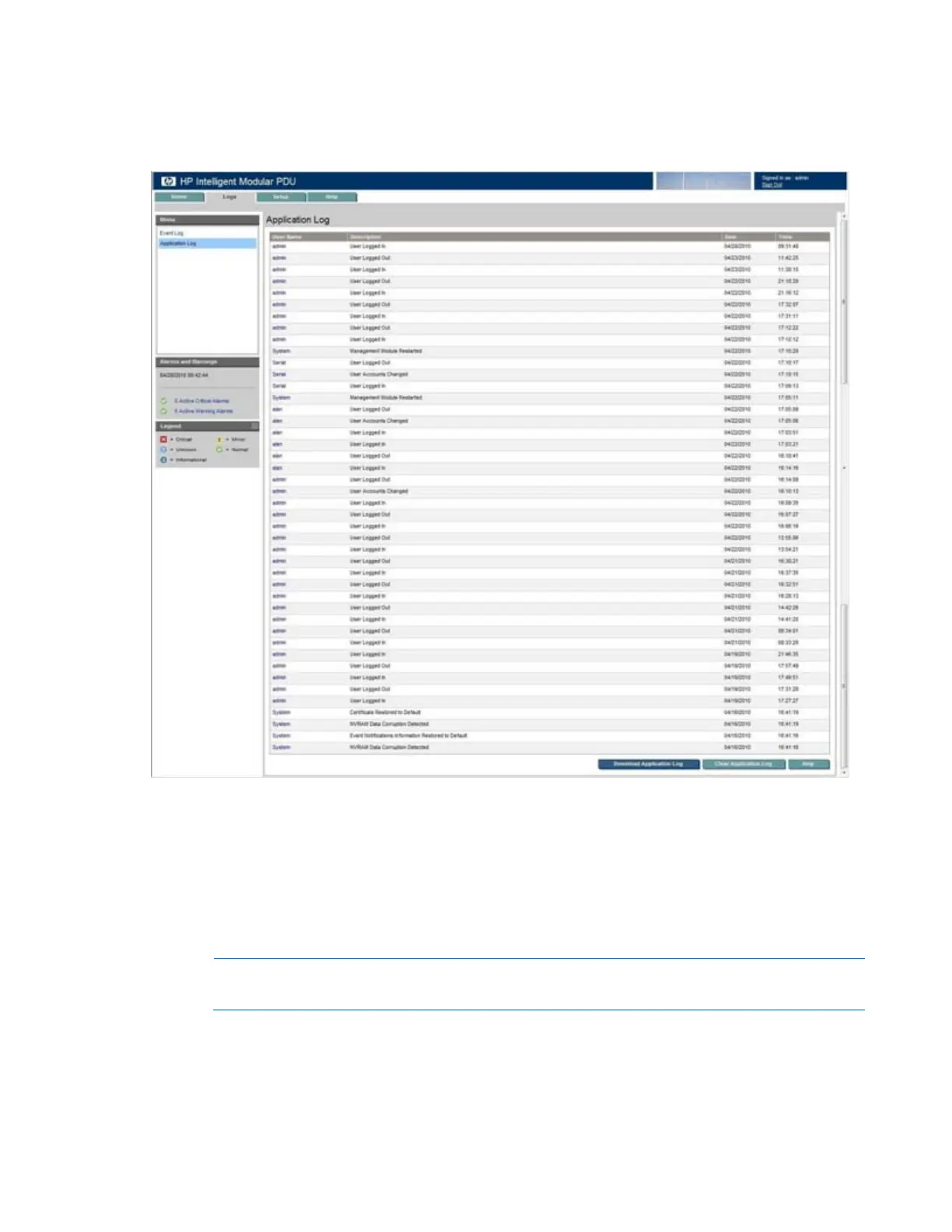
HP Intelligent PDU web interface 48
Application Log menu
Click Application Log in the left navigation frame to display the Application Log screen. This screen
displays a log of all application events that have occurred, such as a user logging in.
The following information is displayed for each application event:
• User Name—The login name of the user who performed the action
Hover over the User Name to display the IP address.
• Description—A description of the application event
• Date—The date at which the event occurred
• Time—The time at which the event occurred
NOTE: When the log reaches the maximum of 500 entries, new entries overwrite the oldest
entries in the log.
On the Application Log screen:
• Click Download Application Log to export the application log. The File Download screen appears.
o Click Open to view the log in a user-selected application.



 To Next Page