Using Your hp iPAQ h2200 Series
Reference Guide 1–15
DRAFT - Revised 10/16/02
hp CONFIDENTIAL 12/3/02
File: ch1-UsingtheH2200.fm PN: 293146-001
Managing the Battery
Installing the Battery
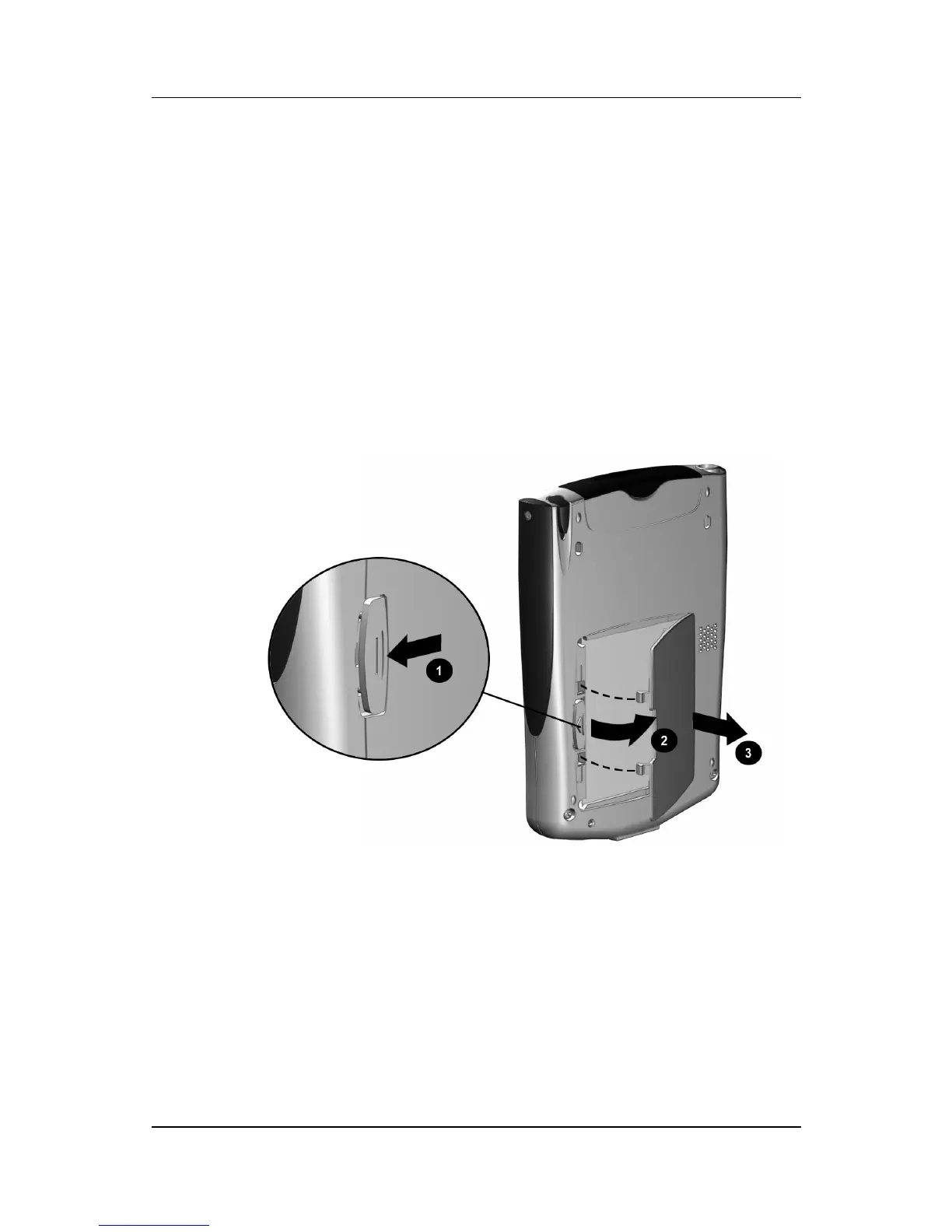
To install the removeable/rechargeable battery:
1. Locate the battery.
2. On the back of the h2200 Series, push down on the latch 1 to
open the battery door, then pull the door out 2 and away
from the unit.



 To Next Page
 Loading...








