1–38 Reference Guide
Using Your hp iPAQ h2200 Series
DRAFT - Revised 10/16/02
hp CONFIDENTIAL 12/3/02
File: ch1-UsingtheH2200.fm PN: 293146-001
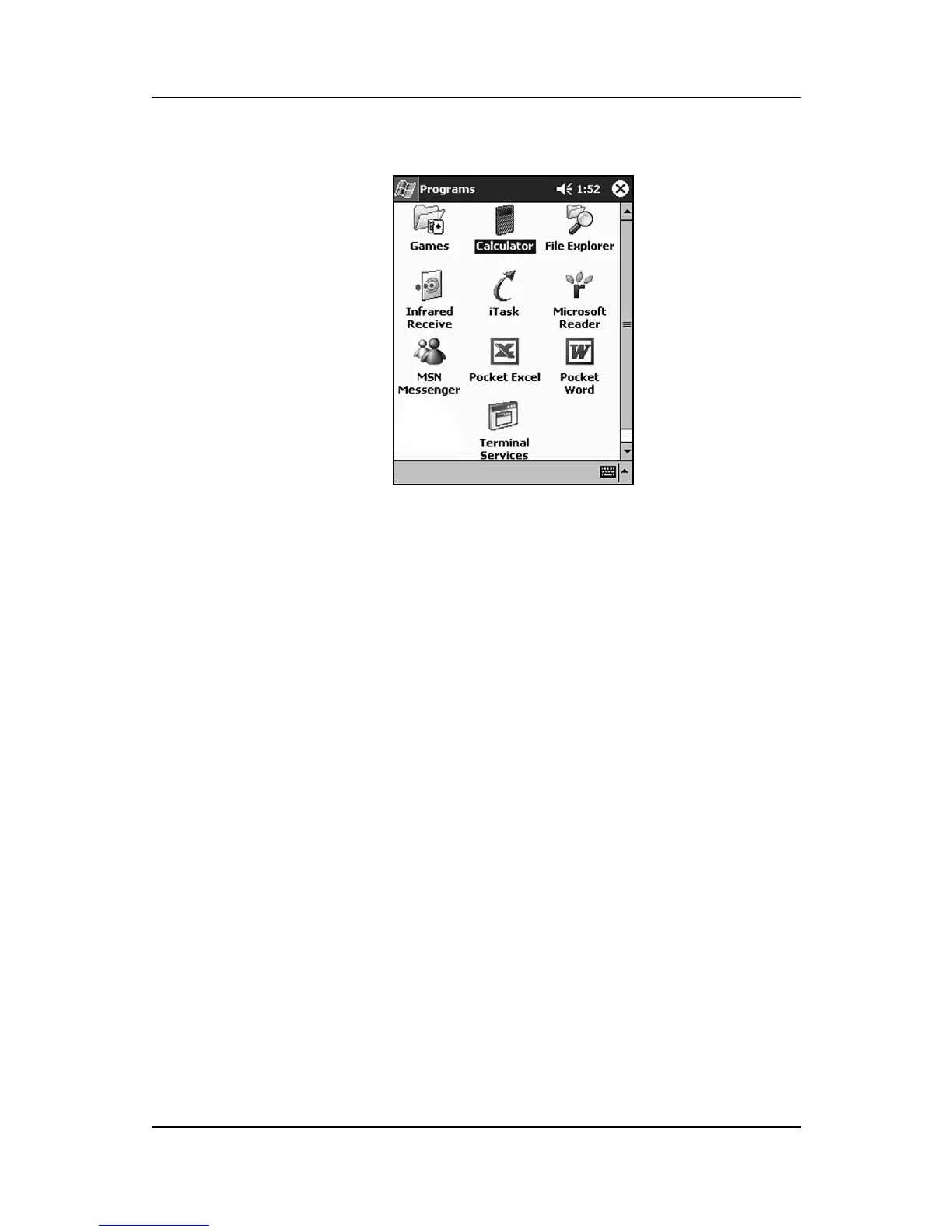
3. Tap the desired application title or icon.
Minimizing Applications
To minimize an open application, tap the x at the top right of the
screen.
Closing Applications
Applications automatically close based on available memory.
However, if your iPAQ h2200 Series is running slowly, you can
manually close applications by completing the following
instructions:
1. From the Start menu, tap Settings > System tab > Memory.



 To Next Page
 Loading...








