1–30 Reference Guide
Using Your hp iPAQ h2200 Series
DRAFT - Revised 10/16/02
hp CONFIDENTIAL 12/3/02
File: ch1-UsingtheH2200.fm PN: 293146-001
Writing with the Stylus and the Letter
Recognizer
Use the stylus and Letter Recognizer to write letters, numbers,
and symbols on the screen. Create words and sentences by
writing in upper case (ABC), lower case (abc), and symbols (123)
in specific areas.
To write with the stylus and letter recognizer:
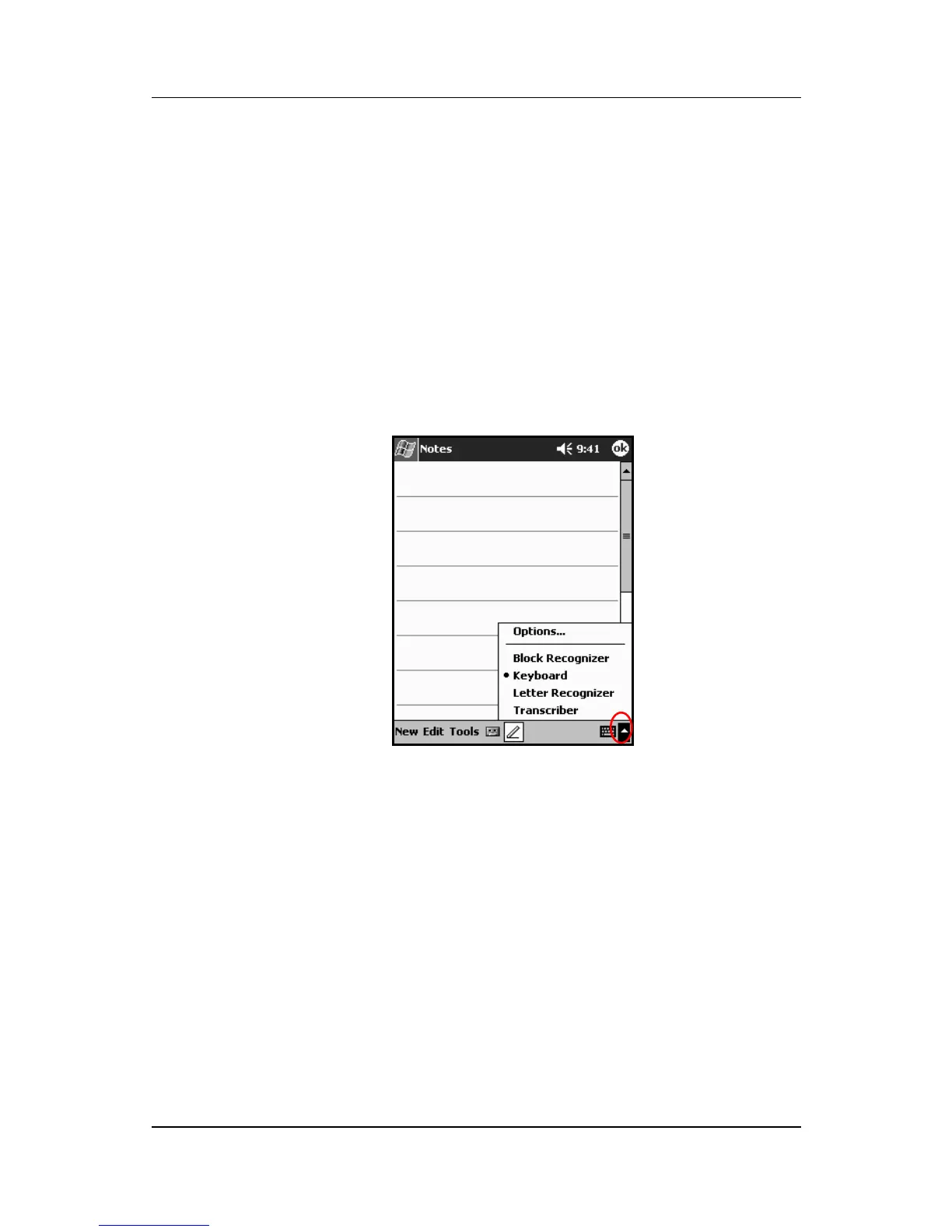
1. From any application, tap the up arrow next to the Input
Panel button.
2. Tap Letter Recognizer.
3. Write a letter or symbol between the dashed line and
baseline.
a. Write a letter between the hatch marks labeled ABC to
display in upper case.
b. Write a letter between the hatch marks labeled abc to
display in lower case.



 To Next Page
 Loading...








