1–34 Reference Guide
Using Your hp iPAQ h2200 Series
DRAFT - Revised 10/16/02
hp CONFIDENTIAL 12/3/02
File: ch1-UsingtheH2200.fm PN: 293146-001
Drawing and Writing on the Screen
Use the stylus as a pen to draw and write on the screen in the
Notes application or from the Notes tab in Calendar, Contacts, or
Tasks.
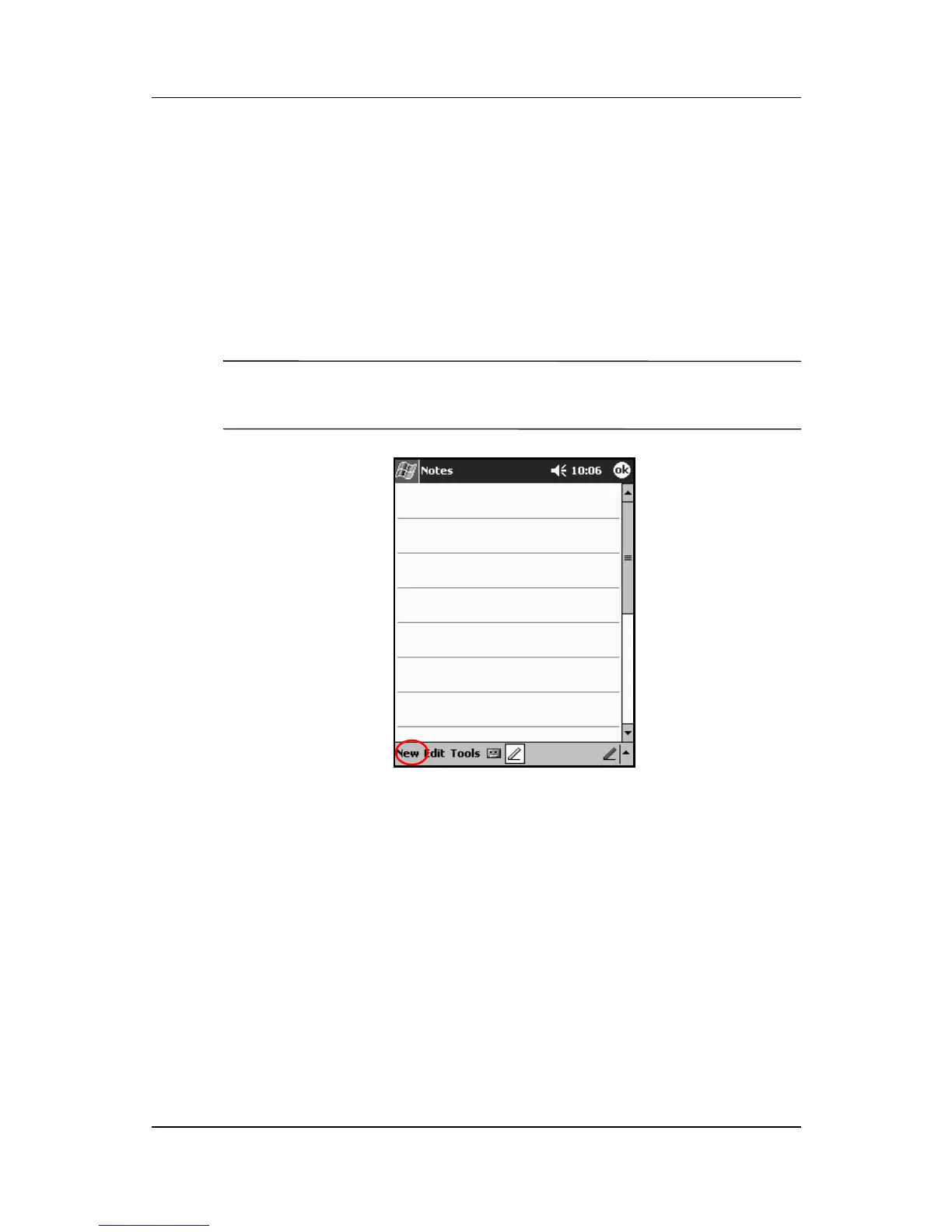
1. From the Start menu, tap Notes.
2. Tap New.
✎
Otherwise, tap the Notes tab in Calendar, Contacts, or Tasks, then
tap the Pen icon.



 To Next Page
 Loading...








