1–44 Reference Guide
Using Your hp iPAQ h2200 Series
DRAFT - Revised 10/16/02
hp CONFIDENTIAL 12/3/02
File: ch1-UsingtheH2200.fm PN: 293146-001
Viewing Images (This section may be
removed)
Use the Image Viewer to view BMP, JPEG, and PNG images.
Using the Image Viewer, you can:
■ Create a slide show of images
■ Sort and rotate images
■ Adjust the timing between images in a show
■ Set a variety of transition effects
Locating an image (This program does not
exist)
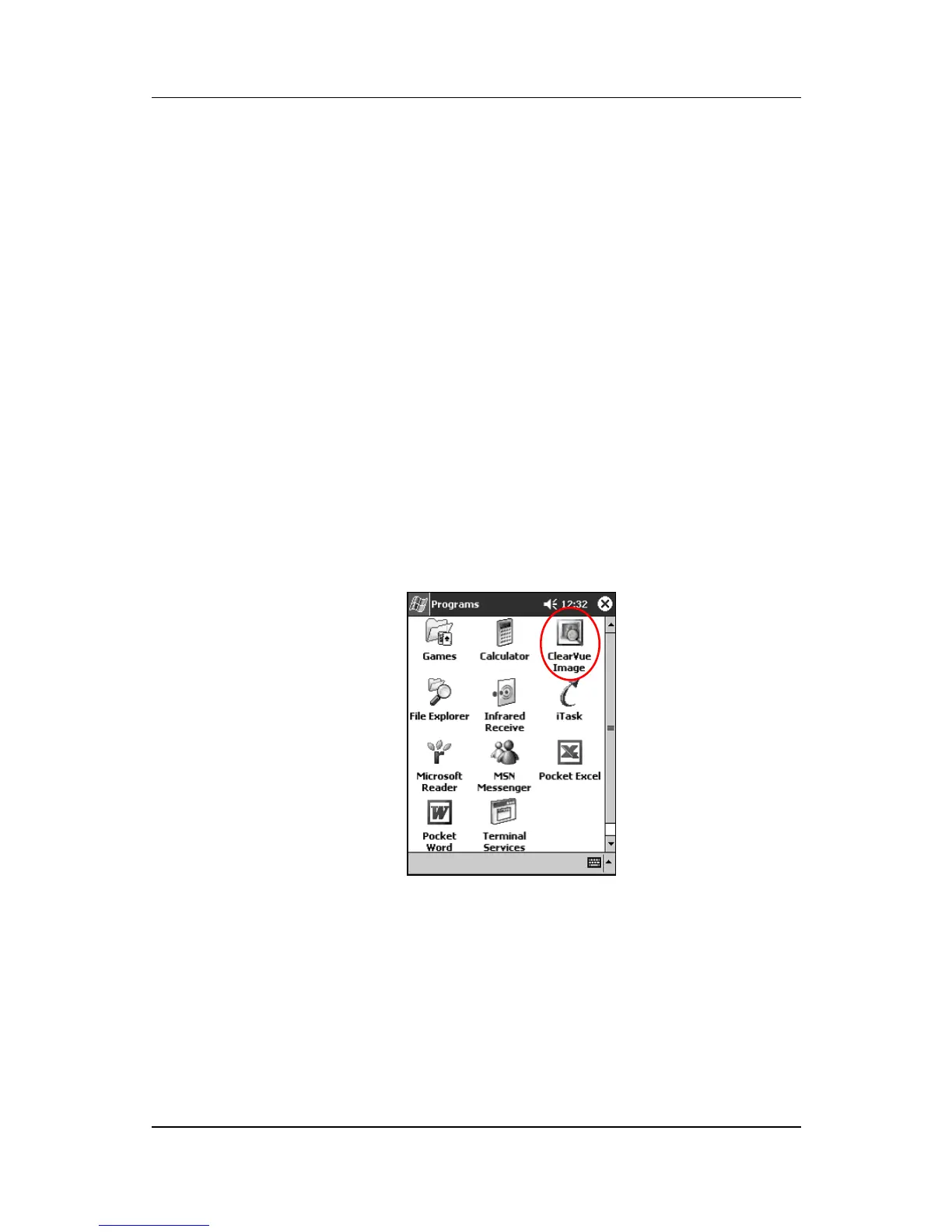
1. From the Start menu, tap Programs > ClearVue Image.



 To Next Page
 Loading...








