1–24 Reference Guide
Using Your hp iPAQ h2200 Series
DRAFT - Revised 10/16/02
hp CONFIDENTIAL 12/3/02
File: ch1-UsingtheH2200.fm PN: 293146-001
✎
A lower Standby Period setting increases the usable battery time.
A higher Standby Period setting decreases the usable battery time
and increases the Standby power to help preserve programs and
data in RAM.
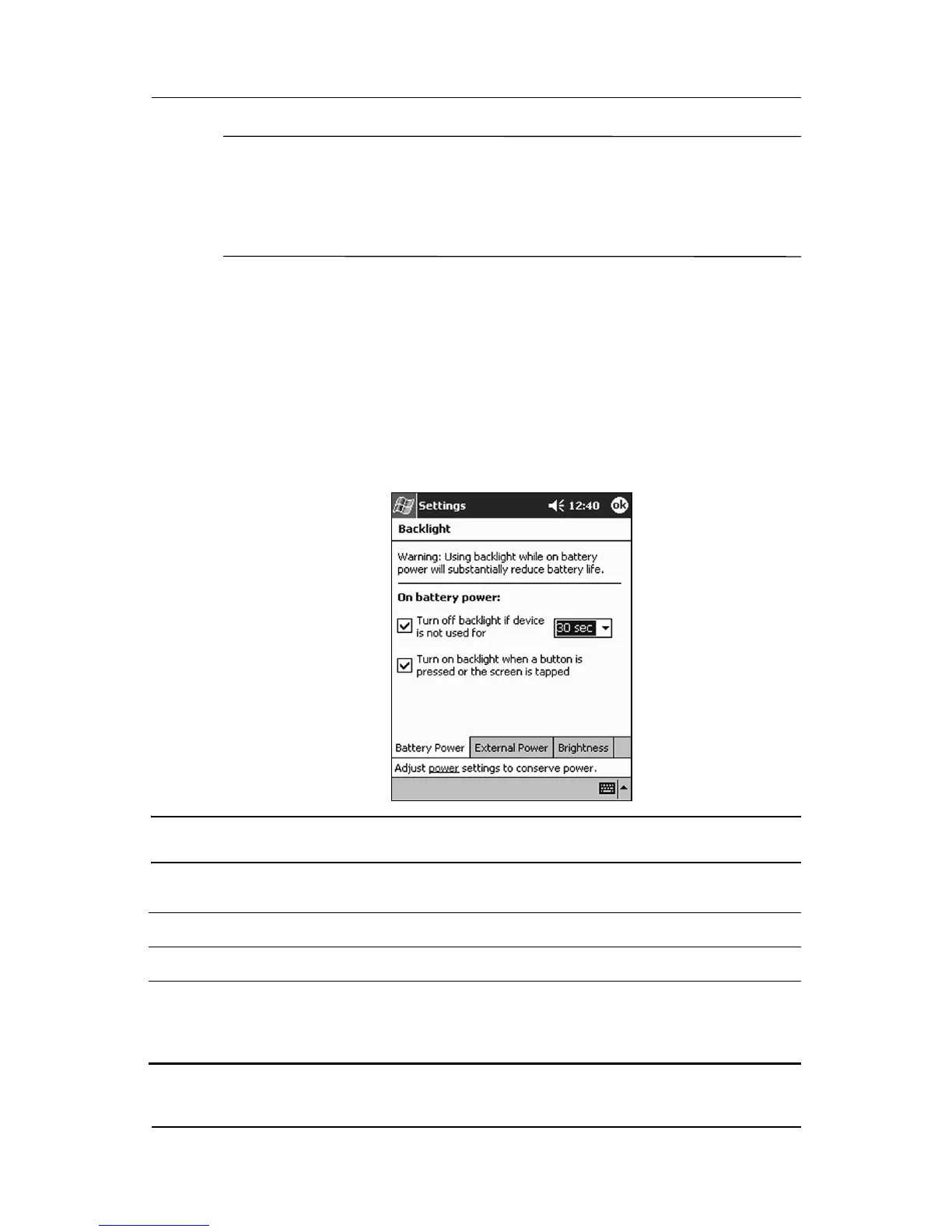
Changing the Backlight Settings
To conserve more battery power, change the backlight settings by
completing the following instructions:
1. From the Start menu, tap Settings > System tab >
Backlight.
2. Select the backlight settings.
Changing the Backlight Settings
On the... Select when to use the...
Battery Power tab Backlight on battery power.
External Power tab Backlight on external power.
Brightness tab Appropriate level of backlight.
Slide the bar to the lowest level to conserve the
most power.



 To Next Page
 Loading...








