2–8 Reference Guide
Connecting
DRAFT - Revised 10/16/02
hp CONFIDENTIAL 11/27/02
File: ch2-Connecting.fm PN: 293146-001
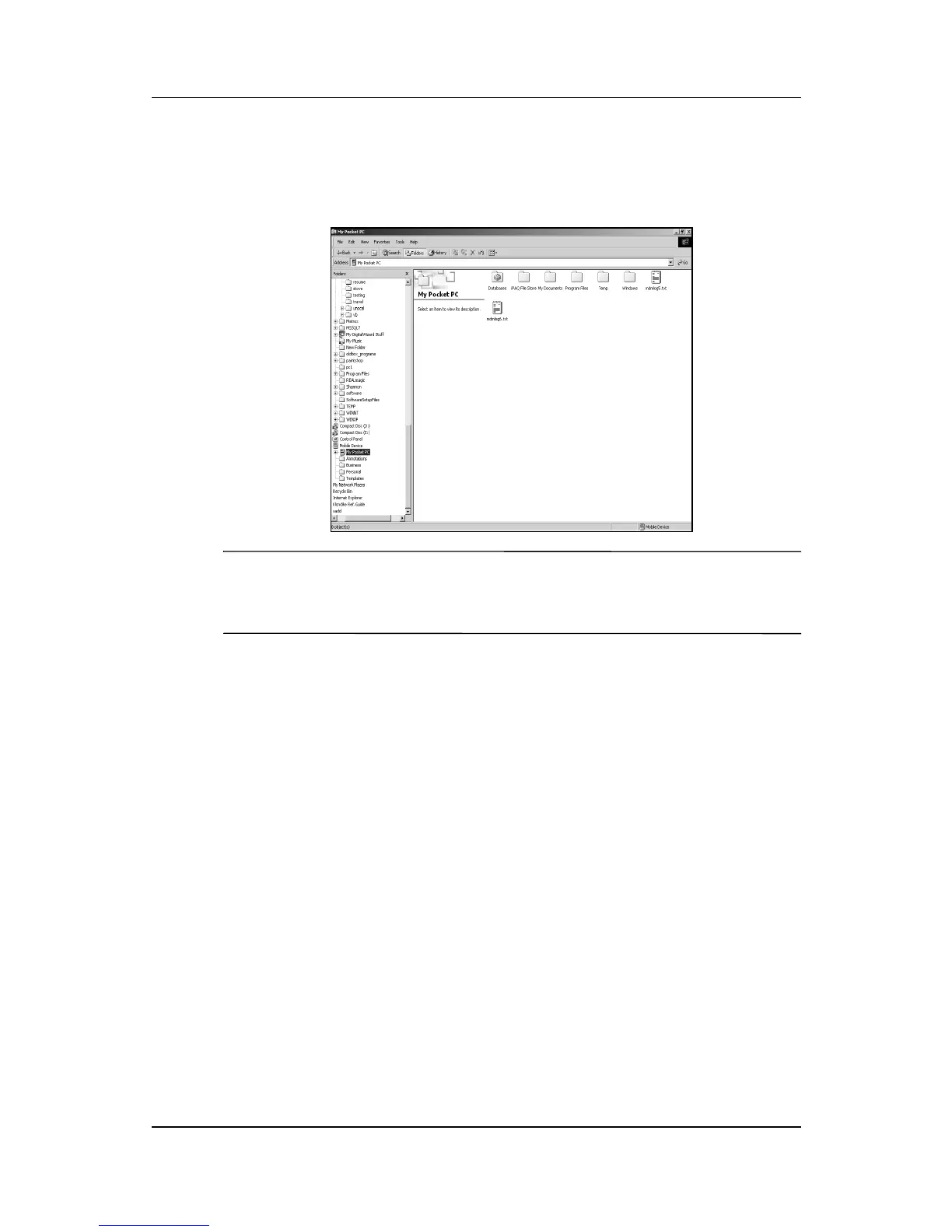
6. Drag and drop your files between your h2200 Series and your
computer. ActiveSync converts the files, so that they can be
used by the Pocket Office applications if necessary.
Ä
CAUTION: Move your files directly into My Documents or into a
folder inside your My Documents folder, so the applications on your
iPAQ h2200 can locate them.
Connecting to the Internet or your
Network
To send and receive e-mail with Inbox and to view Web sites with
Pocket Internet Explorer, you must set up a remote connection
using a modem card, ethernet card (IS THERE A CF
ETHERNET CARD?), 802.11X card or a Bluetooth enabled
device.
Using a Modem Card
To connect to the Internet with a modem card, you need a phone
line, a dial-up Internet Service Provider (ISP), and a
CompactFlash (CF) Expansion Slot.



 To Next Page
 Loading...








